

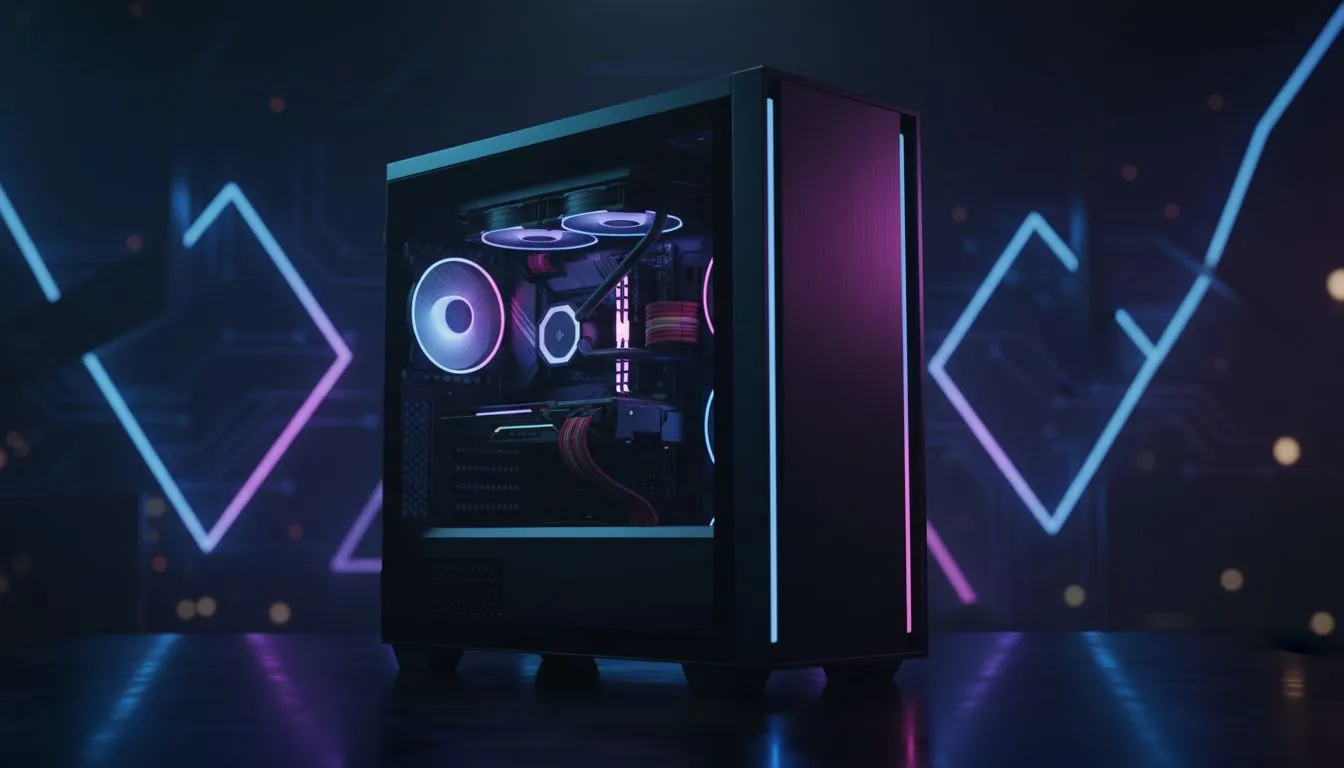
Building a PC in South Africa is a significant investment in your passion. Nothing sours the experience like unboxing a high-end GPU only to find it doesn't fit. A proper PC case compatibility checklist is your best friend during the planning phase. It saves you from the frustration of returns. It ensures your hardware runs cool. Let's look at how to plan your build effectively. 🔧
Motherboard Form Factor and Mounting
Your choice starts with the motherboard size. Most mid-towers support ATX and smaller boards. Smaller cases might limit you to ITX layouts. When browsing computer cases, always verify the standoff positions. It is the foundation of your entire system... get this wrong and nothing else fits. Ensure the case includes the correct mounting hardware for your specific board size.
GPU Length and PCIe Slot Clearance
Modern graphics cards are massive. They often take up three or even four slots. Check the "Max GPU Length" specification in your case manual. If you are looking for great value, many Gamdias gaming cases under R1500 provide enough room for most mid-range cards. Always leave a few millimetres of breathing room for front-mounted fans or radiators. A tight fit can restrict airflow and lead to thermal throttling.
The String Trick ⚡
Not sure if your GPU will fit? Cut a piece of string to the exact length of the card you want to buy. Hold it inside your current or new case. It is a simple way to visualise clearance before you spend a single Rand.
CPU Cooler Height and Radiator Support
Tower air coolers can be surprisingly tall. They might hit the side panel if the case is too narrow. If you prefer liquid cooling, check for radiator thickness and mounting points. Some Fractal Design PC cases offer offset mounting. This prevents radiators from hitting your RAM modules. This attention to detail prevents common assembly headaches... especially with high-profile memory.
Power Supply Length and Cable Management
High-wattage PSUs are often longer than standard units. Modular cables need extra space for the connectors. Don't forget about airflow for your storage drives. Gamdias gaming cases often include shroud covers to hide cable clutter. This keeps your build looking clean. It also helps with the overall organisation of your internal components. 🚀
Final Compatibility Pass
Before you check out, verify the front I/O ports. Does your case have a USB-C port? Does your motherboard have the header to support it? Checking these small details ensures a seamless building experience. A solid PC case compatibility checklist ensures that your hardware doesn't just fit... it thrives. ✨
Ready to Find Your Perfect Match? Choosing the right chassis is the first step toward a cool, quiet, and powerful PC. Explore our massive range of computer cases and find the perfect home for your high-end components today.











