

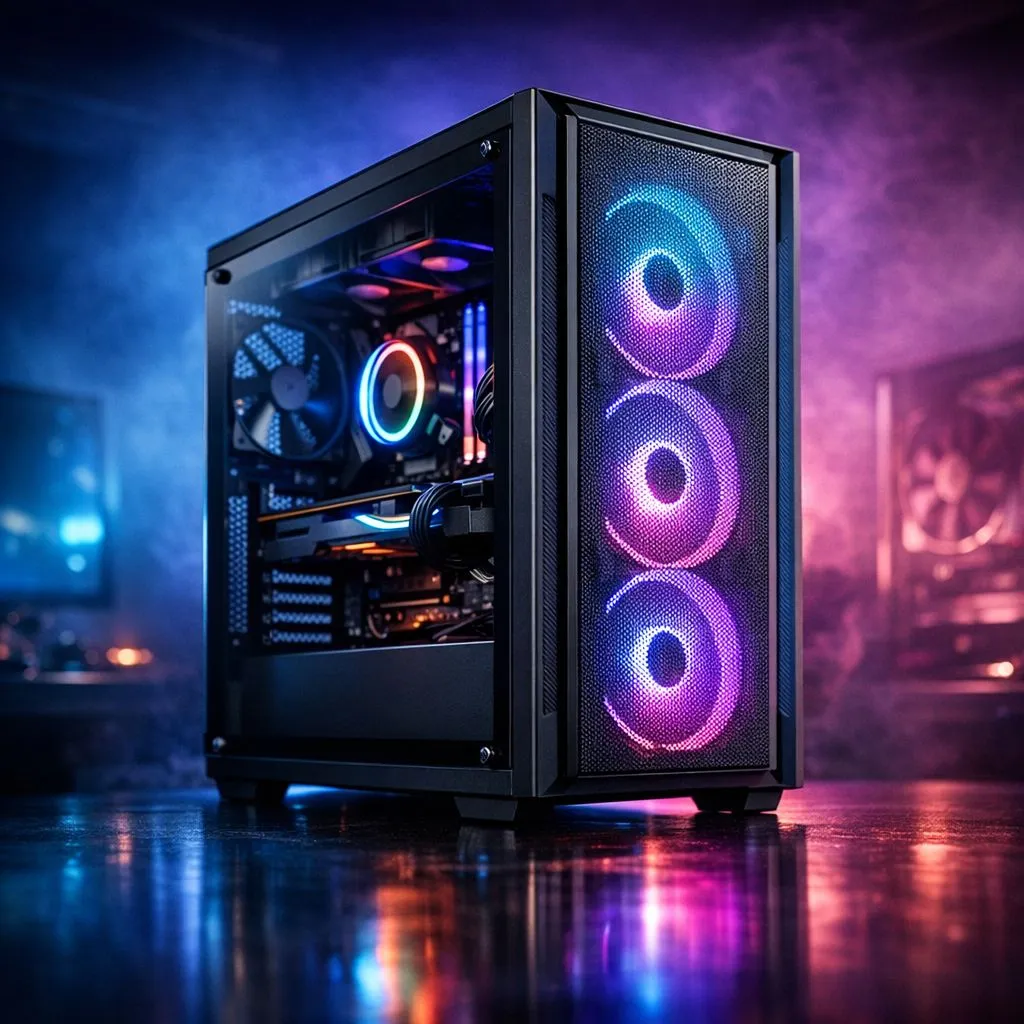
There is nothing worse than unboxing your shiny new RTX 40-series GPU in Johannesburg only to find it is three centimetres too long for your chassis. Planning is everything when building a custom rig. Our PC Case Compatibility Guide helps you avoid the heartbreak of parts that just do not fit. Whether you are building a budget beast or a high-end workstation, matching your case to your components is vital. 🔧
Matching Motherboards and Case Form Factors
The first step in any build is ensuring your motherboard actually fits the mounting points of your chassis. Motherboards come in four standard sizes: E-ATX, ATX, Micro-ATX, and Mini-ITX. Most mid-tower computer cases will comfortably house a standard ATX board. However, if you are planning a compact "sleeper" build or a small-form-factor rig, you must check that the case supports your specific layout. Larger cases are usually backwards compatible with smaller boards... but a tiny case will never fit a full-sized ATX board.
GPU Length and CPU Cooler Clearance
Modern graphics cards have grown significantly over the last few years. Some triple-fan models can reach lengths of 340mm or more. Before you buy, check the "Max GPU Length" specification of the chassis. If you want a premium look with plenty of room for cable routing and massive cards, Fractal Design PC cases are world-renowned for their intelligent interior layouts.
Do not forget about your CPU cooler. If you prefer air cooling, the height of the heatsink is critical. A cooler that is too tall will prevent your side panel from closing properly. If you prefer liquid cooling, ensure the case has enough radiator support at the top or front to house your AIO. ⚡
Measure Twice, Buy Once ⚡
Always check the 'clearance' section of your case manual before buying a liquid cooler. A 360mm radiator might fit in the front but could clash with your RAM modules if you try to mount it at the top of a compact mid-tower.
Airflow and Thermal Management
In South Africa, our summer temperatures can be a real challenge for high-performance hardware. Good airflow is not a luxury... it is a necessity. You want a case that supports multiple fan mounts to keep fresh air moving over your components. Many Gamdias gaming cases come pre-installed with multiple fans, which helps save on your total build cost while keeping things cool. Look for mesh front panels if you prioritse performance over a solid glass aesthetic. 🚀
Finding Value in Your Build
You do not need to spend your entire budget on the "box" to get a great result. There are plenty of high-quality, feature-rich gaming cases under R1500 that still offer tempered glass side panels and integrated RGB lighting. The key is to check the specifications list for "clearance" and "compatibility" before you hit the checkout button. Balancing your budget between aesthetics and internal space will ensure your building experience is smooth and stress-free. ✨
Ready to Find Your Perfect Match? Choosing the right chassis is the foundation of every great build. Whether you need a silent workstation or a high-airflow gaming beast, we have the stock to get you started. Explore our massive range of computer cases and find the perfect machine to conquer your world.











