


Best RTX 5090 Under R5000 in South Africa 2026
Top RTX 5090 Under R5000 picks evaluated on performance, value & SA availability with current Rand pricing from Evetech.
Read moreDoes your PC case fit a 360mm radiator GPU? Avoid costly mistakes by checking clearance, mounting points, and airflow requirements before you buy. 🛠️ Ensure your liquid-cooled build runs cool and fits perfectly! 💻
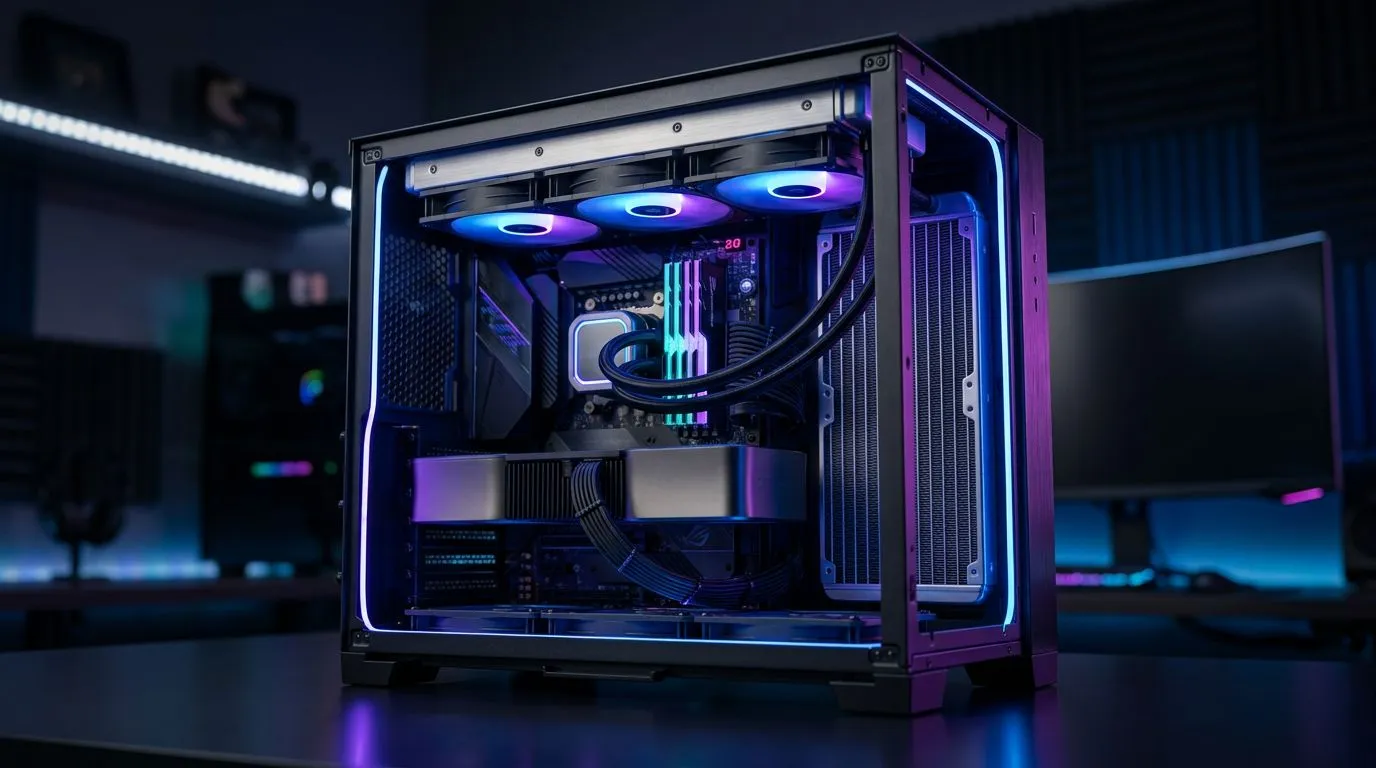
Building a PC in South Africa is a juggling act... budget, space, and airflow. One wrong measurement and your shiny cooler won’t fit, or your radiator blocks your GPU. 😅 If you’ve been staring at your case specs, wondering whether a 360mm radiator can coexist with a “long” graphics card, you’re not alone. Let’s make this easy... and help you land a build that actually works on the first try. 🔧
A 360mm AIO typically mounts to the front or top of a case. Meanwhile, modern GPUs are longer than ever, and many also have chunky heatsinks. The conflict usually comes down to clearances in millimetres (mm) and where the radiator sits.
Common failure points include:
If you’re chasing high FPS for Warzone, Valorant, or your local CS2 league nights, this isn’t just nerd trivia. It’s the difference between “ready to play” and “waiting for parts.”
Think in layers from the GPU forward:
Your goal is to ensure the GPU has enough room in the same “depth volume” that the radiator uses.
Before you commit to a case or AIO, measure what you can verify. This is the safest approach, and it saves money in SA where shipping delays can be brutal.
Check whether your case supports:
Most cases clearly list maximum GPU length depending on radiator placement. If your case manual mentions it, trust that first.
GPU vendors list length in mm. Case manufacturers often publish maximum GPU length “with radiators” or “with front fans.” Those are the numbers that matter.
When the case only gives one max GPU length, use a conservative approach:
Not all 360mm radiators are the same thickness. Some AIO radiators are thicker, and some fan frames sit differently depending on the brand. If you want the cleanest fitment, match:
AIB cards (MSI, Gigabyte, ASUS, etc.) come in different sizes. If you’re shopping GPU models, verify the exact length per SKU, not the generic “RTX 4070” category size.
On builds with tight clearances, take 10 minutes to compare radiator mounting depth in your case manual, then do a quick cardboard mock-up of the radiator and fans. Mark the GPU slot outline on the cardboard, and test it against your planned motherboard and PCIe bracket position before you buy.
Let’s make it practical... how you decide fast, and what you look for.
Front radiators usually sit directly in the same depth space where the GPU wants to be. So the compatibility check should be strict.
What to do:
Top mounts move the radiator upward, usually leaving more front-to-back room for the GPU. This often improves fitment, especially in mid-towers.
Still check:
Even when “it fits on paper,” fans can touch the GPU shroud depending on mounting position. This is why case manuals and “supported configurations” are so valuable.
For official and typical GPU dimensions, always verify the exact card model from the product listing before checkout. That’s where you avoid the classic “same GPU name, different size” trap.
If you’re buying locally from Evetech, start by filtering by:
This prevents you from overpaying for a card that won’t physically mount with your 360mm AIO plan.
If you’re leaning NVIDIA, browse specific GeForce options and confirm the card length per listing: Explore GeForce graphics cards at Evetech
If you’re building an AMD-focused rig, do the same for Radeon cards: Explore Radeon graphics cards at Evetech
MSI often has multiple cooler variants with different lengths. Use the MSI category view to compare sizes: Shop MSI graphics cards at Evetech
If you’re still narrowing down, start broad, then lock the exact model that fits your measurements: Browse all NVIDIA and ATI graphics cards at Evetech
Use this quick run-through so you don’t end up with an expensive misfit:
If you’re unsure, consider a shorter GPU model first. It’s easier to upgrade later than it is to troubleshoot a build that never properly fits.
Ready to Find Your Perfect Match? The Mac vs Windows debate is complex, but for maximum power, choice, and value in South Africa, Windows is hard to beat. Explore our massive range of laptop specials and find the perfect machine to conquer your world.
Check the manufacturer's spec sheet under 'Radiator Support' to see if the front or top panels support a 360mm radiator size and account for total thickness.
Not always, but a mid-tower case must specifically list 360mm radiator support. Always verify clearance for the GPU length and radiator thickness combined.
The primary challenge is radiator clearance, specifically ensuring the hose length is sufficient and that the radiator doesn't collide with RAM or motherboard VRMs.
Yes, front mounting is common, but ensure your case has adequate intake airflow and that the GPU tubing can reach the mounting bracket without tension.
Yes, total thickness (radiator plus fans) can interfere with other components. Always check the 'Radiator + Fan Clearance' specs for your specific PC case.
A 360mm radiator GPU provides superior thermal performance, but it requires a case with high airflow intake to maximize the cooling efficiency of the liquid loop.
Top RTX 5090 Under R5000 picks evaluated on performance, value & SA availability with current Rand pricing from Evetech.
Read more
Top Value RX 9070 XT Under R10,000 picks evaluated on performance, value & SA availability with current Rand pricing from Evetech.
Read more
Top RTX 5090 Under R4000 picks evaluated on performance, value & SA availability with current Rand pricing from Evetech.
Read more
Top RTX 5080 Under R15000 picks evaluated on performance, value & SA availability with current Rand pricing from Evetech.
Read more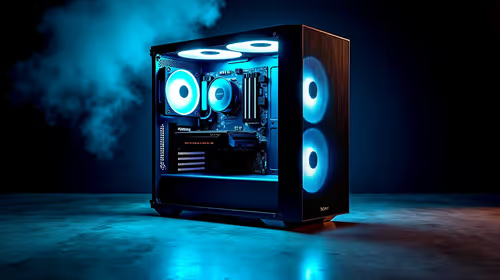
Core i5-14400F + B760 + RX 7800 XT Build Under. Full parts list, Rand pricing & expected performance. Build confidently with SA-available components.
Read more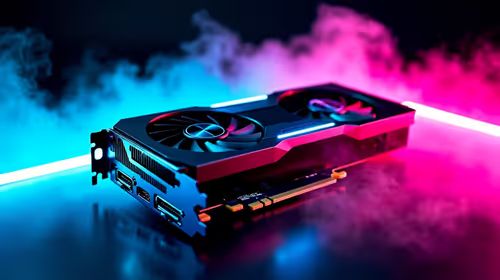
Top Budget RTX 5070 Ti Under R20,000 Gamers picks evaluated on performance, value & SA availability with current Rand pricing from Evetech.
Read more
AMD RX 9050 XT: Rumoured Specs, Price & Release. SA-focused analysis with local pricing data, real-world insights & actionable buying advice.

Can RTX 4080 Super Run AI Workloads for SA Developers Detailed answer with SA data, expert analysis & practical recommendations for local buyers.

Can RTX 4090 Run AI Workloads for SA Developers Detailed answer with SA data, expert analysis & practical recommendations for local buyers.

Top Settings for Intel Arc B580 at Ultrawide 1440p picks evaluated on performance, value & SA availability with current Rand pricing from Evetech.

RTX 4060 CS2 Low Settings at 1080p: FPS Results. Real-world benchmark data, FPS numbers & performance analysis. What SA gamers can actually expect.

Visual Artifacts: Possible GPU Issue Issue #1. Diagnosis steps, proven fixes & when to seek professional help. SA-specific support info included.

Can the RTX 4090 Handle 1440p 144Hz Gaming. Performance testing verdict with real data & practical recommendations for SA buyers.

Top ASUS GPU Under R15000 picks evaluated on performance, value & SA availability with current Rand pricing from Evetech.

GTA 6 Max Settings on RTX 5070. Tested & verified settings for best FPS and visual quality on SA hardware budgets.

Cyberpunk 2077 Max Settings on RTX 5080. Tested & verified settings for best FPS and visual quality on SA hardware budgets.

Starfield Max Settings on RTX 5070 Ti. Tested & verified settings for best FPS and visual quality on SA hardware budgets.
Top RTX 5090 Under R5000 picks evaluated on performance, value & SA availability with current Rand pricing from Evetech.