


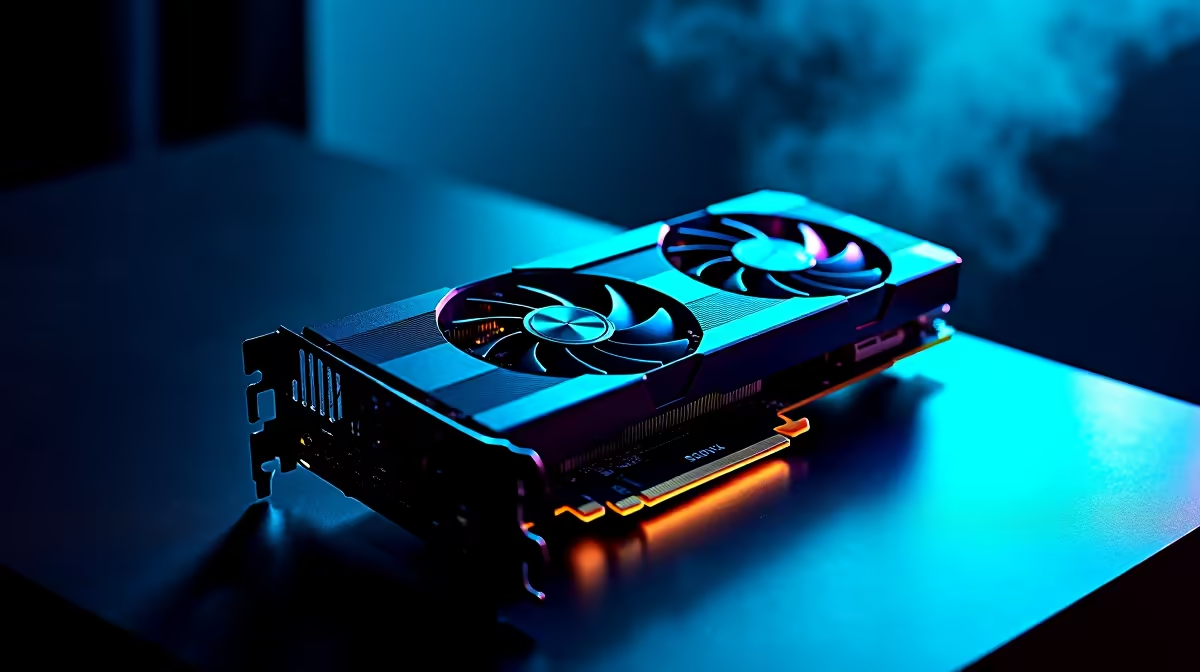
So, you’re ready to build your dream PC. You’ve spent weeks watching reviews, comparing benchmarks, and filling your cart with shiny new components. The excitement is real! But then a nagging thought creeps in… will this stuff actually work together? For South African builders, there's nothing worse than waiting for a courier, only to find your CPU doesn't fit your motherboard. That's why a reliable PC component compatibility checker isn't just a tool; it's your first line of defence.
Why a Build Compatibility Check is Non-Negotiable
Before you spend a single Rand, understanding compatibility is key. It goes way beyond just making sure parts physically fit. Modern components have complex digital handshakes that must align perfectly for your system to even POST (Power-On Self-Test), let alone run smoothly. Think of it as a team... if the players can't communicate, you can't win the game.
The most common mistake we see is a CPU and motherboard mismatch. An AMD Ryzen CPU needs a motherboard with an AM4 or AM5 socket, while an Intel Core processor needs an LGA socket. They are not interchangeable. This single error can stop a build dead in its tracks. For those just starting out, avoiding these headaches is why a professionally configured budget gaming PC can be a fantastic, stress-free entry into the world of PC gaming. 🚀
Your Go-To PC Parts Checker Checklist
Using an online PC component compatibility checker is a great start, but a manual check gives you peace of mind. Here’s a quick rundown of the critical points to verify.
CPU and Motherboard: The Foundation
This is the most crucial pairing.
- Socket: As mentioned, ensure the CPU's socket type (e.g., LGA 1700, AM5) matches the motherboard's socket exactly.
- Chipset: The motherboard's chipset (e.g., B650, Z790) determines feature support. A high-end CPU on a low-end chipset might work, but you could lose out on features like overclocking or PCIe 5.0 speeds.
RAM and Motherboard: Memory Matters
Don't let your memory let you down.
- DDR Generation: You cannot put DDR4 RAM into a DDR5 motherboard slot, or vice versa. The notches are physically different to prevent this.
- Speed & QVL: Check your motherboard's specifications for the maximum supported RAM speed (e.g., 5200MHz). For guaranteed stability, cross-reference your chosen RAM kit with the motherboard’s Qualified Vendor List (QVL) on the manufacturer's website. Even for powerful rigs under R20,000, this step ensures rock-solid performance.
GPU, Case, and PSU: The Power Trio ⚡
This is where physical dimensions and power requirements become critical.
- GPU Clearance: Check the graphics card's length against the maximum GPU length supported by your chosen PC case.
- PSU Wattage: Add up the power draw of your CPU and GPU, then add about 100-150W for other components and headroom. A good quality Power Supply Unit is the lifeblood of your PC.
- Connectors: Does your PSU have the correct power connectors for your GPU? A modern, high-end GPU might need three 8-pin PCIe power connectors.
PSU Pro Tip 🔧
Always check your Power Supply Unit's available connectors. A high-end graphics card might require a 12VHPWR connector or multiple 8-pin PCIe connectors. Your PSU box or manual will list exactly what cables are included. Don't rely on adapters unless absolutely necessary; a native connection is always more reliable and safer for expensive components.
Common Pitfalls for SA Builders to Avoid
We’ve seen it all. From coolers that are too tall for a case to M.2 SSDs that don't match the motherboard's slot type (NVMe vs. SATA). These small oversights can cause major frustration. With high-performance machines over R20k, a compatibility mistake isn't just annoying; it can be incredibly costly.
Another classic issue is forgetting about BIOS updates. A brand-new CPU might require a newer BIOS version than the one your motherboard ships with. Without an updated BIOS, the system won't boot. This often requires an older, compatible CPU just to perform the update... a real catch-22 for a first-time builder. It’s these hidden "gotchas" that make browsing the best gaming PC deals so appealing; the experts have already handled these details.
The Ultimate Compatibility Solution ✨
While a DIY PC component compatibility checker and careful research are essential for any builder, they can't replace hands-on experience. The ultimate check is knowing how these parts interact in the real world, under load, day in and day out.
That's where the value of a pre-built system shines. You're not just buying a box of parts; you're buying the peace of mind that comes from expert validation. Every component in our professionally assembled pre-built PCs has been selected, tested, and guaranteed to work in perfect harmony. No BIOS flashing, no clearance issues, no stress. Just plug it in and play.
Ready to Skip the Stress & Start Gaming? Building a PC is rewarding, but ensuring every part works together can be a mission. Let our experts handle the hard work. With guaranteed compatibility and professional cable management, you can jump straight into the action. Use our Custom PC Builder to design your perfect rig, stress-free!










