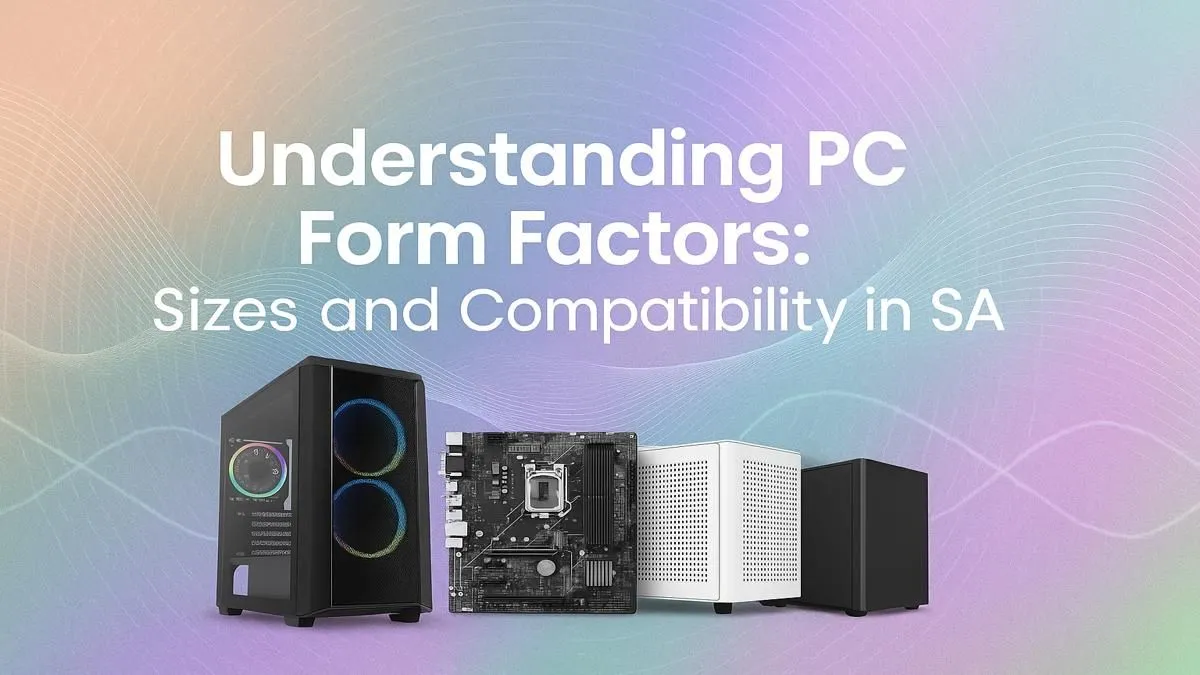
Building a new PC in South Africa? Awesome! But before you splash your hard-earned Rands on a killer GPU, there's a crucial choice to make: the form factor. Get this wrong, and you're in for a world of frustration with parts that don't fit. Get it right, and you've got a rig that perfectly suits your space, style, and power needs. This guide explains PC form factors in plain English, so you can build with confidence. 🚀
Understanding the Core PC Form Factors
At its heart, a PC's form factor is all about size. It starts with the motherboard, which comes in three main flavours: ATX, Micro-ATX (mATX), and Mini-ITX (mITX). This choice dictates the size of your case, how many components you can install, and even how easy your PC is to build and keep cool. Let's break down what these PC case sizes mean for your next build.
The Big Boss: ATX (Advanced Technology eXtended) 🔧
ATX is the long-standing industry standard. It's the largest of the three, offering the most space for components and features. If you're planning a beast of a machine with multiple graphics cards, extensive water-cooling, and tons of storage drives, an ATX motherboard and a corresponding full-tower or mid-tower case are your best bet.
This form factor provides maximum airflow and makes building a breeze thanks to all the extra room. It's the go-to for enthusiasts who want zero compromises, often found in premium PCs topping R20,000 that are built for top-tier performance.
The Sweet Spot: Micro-ATX (mATX)
Think of Micro-ATX as the perfect middle ground. It's shorter than a standard ATX board, meaning it can fit into more compact and desk-friendly cases. While you sacrifice a few expansion slots (PCIe slots), you still get more than enough for a powerful single-GPU gaming rig, which is what most South African gamers are running.
For many builders, mATX hits the sweet spot between performance, size, and price. It’s a versatile choice that supports a huge range of builds, from office workhorses to excellent builds under the R20k mark that can handle the latest AAA titles with ease.
Component Clearance Check ⚡
buying parts for a smaller mATX or Mini-ITX build, always check three key measurements: GPU length, CPU cooler height, and PSU length. Case manufacturers list these clearance specs on their product pages. A quick check can save you the headache of returning a component that's a few millimetres too big!
The Compact Powerhouse: Mini-ITX (mITX) ✨
Mini-ITX is the smallest of the mainstream PC form factors. These tiny boards are designed for incredibly compact builds that can fit on a bookshelf or be easily carried to a LAN party. Don't let the size fool you... a well-planned mITX system can pack some serious power.
The trade-off? You're limited to one PCIe slot (for your graphics card) and building inside a tiny case requires patience and careful cable management. Thermals can also be a challenge. Still, for a minimalist setup or a portable gaming rig, mITX is an amazing option, often forming the base for many stylish and compact and budget gaming PCs.
How Your Form Factor Choice Impacts Your Build
Choosing between ATX, mATX, and mITX isn't just about size; it affects your entire PC experience.
- Cooling: Larger ATX cases have superior airflow and more room for big radiators and fans, making them ideal for overclocking.
- Upgradability: More slots on an ATX board means more potential for adding sound cards, capture cards, or extra storage down the line.
- Aesthetics: From massive, RGB-lit towers to sleek, console-like mITX boxes, the form factor defines the look and feel of your setup.
- Budget: Generally, mATX motherboards and cases offer the best value for money, making them a popular feature in South Africa's best gaming PC deals.
Making the Right Choice for Your Rig
So, which PC form factor is right for you? It all comes down to your needs.
- For the ultimate power user or creator: ATX offers unmatched expansion and cooling.
- For the typical SA gamer: Micro-ATX delivers the perfect balance of features, size, and value.
- For the minimalist or LAN enthusiast: Mini-ITX enables powerful builds in tiny packages.
If you'd rather skip the component-matching puzzle, you can always explore our wide range of pre-built PC deals, where our experts have already optimised the form factor for peak performance and value.
Ready to Build Your Perfect Rig?
Understanding PC form factors is the first step to creating a machine that's truly yours. Now that you know the difference, you can build with confidence. Start configuring your dream PC now and bring your perfect setup to life.