

So, you’re ready to build your dream PC. You’ve watched the tutorials, picked your colour scheme, and can almost feel the thrill of that first boot-up. But hold on a second… before you add that shiny new GPU to your cart, there’s a crucial hurdle every builder faces: PC part compatibility. Getting this wrong can turn your dream into a very expensive paperweight. This guide will help you navigate the puzzle of PC component compatibility. 🧩
The Core Trio: CPU, Motherboard, and RAM
Think of the motherboard as the central nervous system of your rig. It connects everything, and its compatibility with your CPU and RAM is non-negotiable. Getting this combination right is the foundation of a successful build.
CPU & Motherboard: The Socket Handshake
The most critical check for PC part compatibility is the CPU socket. A CPU physically fits into a specific socket type on the motherboard. You can't fit an AMD processor into an Intel motherboard, and even within the same brand, sockets change between generations.
- Intel: Uses LGA (Land Grid Array) sockets, like LGA 1700 for 12th, 13th, and 14th Gen CPUs.
- AMD: Uses PGA (Pin Grid Array) sockets, like AM5 for their Ryzen 7000 series and newer.
Always match the CPU's listed socket type with the motherboard's socket type. It's the first and most important step. Ensuring you have a solid foundation is key, even when looking at powerful gaming rigs under R20k.
RAM Generation: DDR4 vs. DDR5
Your motherboard also dictates what type of RAM (Random Access Memory) you can use. You cannot mix and match. Motherboards are built for either DDR4 or DDR5... not both. While DDR5 is the newer, faster standard, DDR4 still offers incredible performance and value, making it a cornerstone of many excellent budget gaming PCs. Check the motherboard's specifications page to confirm which generation it supports.
Graphics Card (GPU) & Power Supply (PSU) Synergy
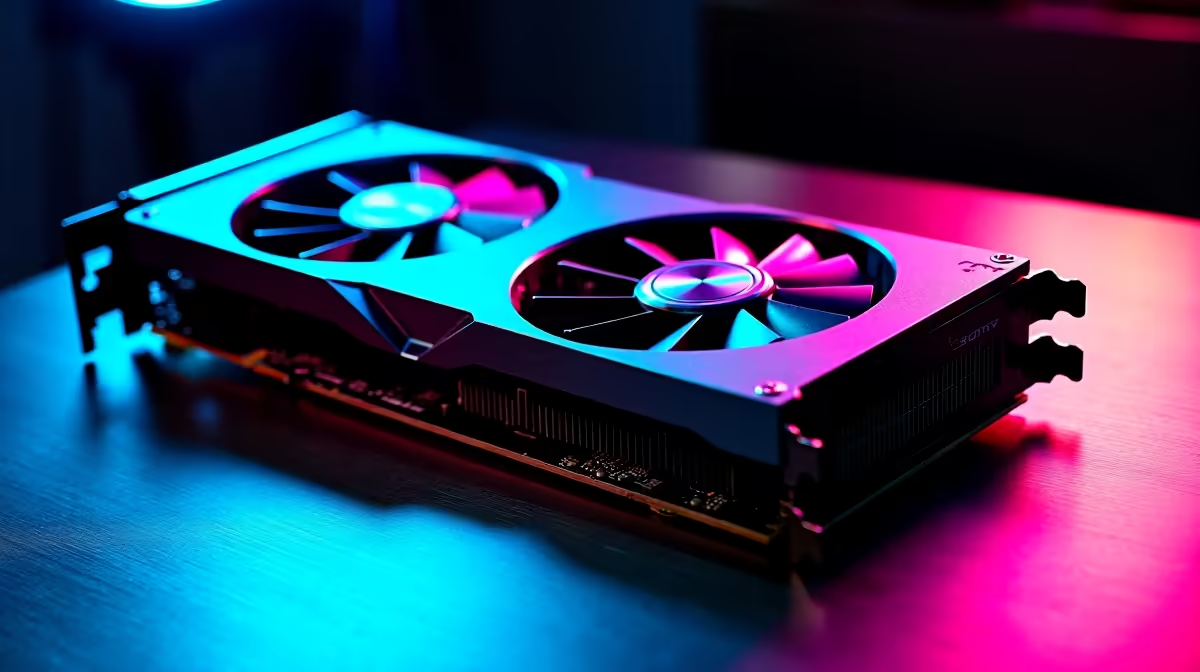
Your GPU is the heart of your gaming experience, but it needs the right environment to thrive. This involves both physical space and electrical power. This step is especially vital for ensuring the component compatibility of high-end rigs.
A beastly graphics card requires a powerful and reliable Power Supply Unit (PSU). Check the GPU's recommended PSU wattage (e.g., 750W, 850W) and ensure your chosen PSU meets or exceeds it. Underpowering your components can lead to crashes or even damage. This is a critical check for those building high-performance PCs over R20k with top-tier cards. Also, make sure the PSU has the correct power connectors (like 8-pin or the newer 12VHPWR) for your GPU.
Don't Forget Physical Fit! 🔧
Beyond sockets and wattage, physical size is a common compatibility tripwire. Check your case specifications for maximum GPU length and CPU cooler height. A triple-fan RTX 4090 won't fit in a compact Mini-ITX case. Similarly, a massive air cooler might prevent your side panel from closing. Measure twice, buy once!
Putting It All Together: Final Checks ✅
You're almost there! A few final checks will ensure a smooth building process. Understanding the full picture of PC part compatibility means looking at every component, no matter how small.
- Storage: Modern motherboards have slots for ultra-fast M.2 NVMe SSDs and traditional SATA ports for 2.5" SSDs and hard drives. Check how many of each your motherboard has to ensure you can install all your desired drives.
- Case Form Factor: Motherboards come in different sizes (ATX, Micro-ATX, Mini-ITX). Your case must be designed to accommodate your motherboard's form factor. You can fit a smaller motherboard in a larger case, but not the other way around.
If this all sounds a bit much, don't worry. You can always check out our best gaming PC deals to see how balanced systems are put together.
Feeling Overwhelmed? There's a Simpler Way
We get it. Juggling sockets, chipsets, wattages, and form factors can be a headache. The process of confirming PC part compatibility is detailed, and a small mistake can be frustrating.
For gamers in South Africa who want to jump straight into the action without the stress, a pre-built PC is a brilliant solution. Every component is selected by experts for guaranteed compatibility and optimised performance right out of the box. You get a professionally built and tested rig, complete with a full warranty. Why not skip the hassle and browse our expertly assembled pre-built PC deals?
Ready to Build... or Just Play? Whether you're assembling your first rig or want a stress-free, high-performance machine, understanding compatibility is key. If you'd rather leave the building to the pros, explore our massive range of gaming PCs and find the perfect, fully-compatible rig to conquer your world.











