

Eskom just announced Stage 4… again. For South African gamers and PC builders, that familiar sigh isn't just about interrupted raids. It's about the electricity bill that follows. Understanding your PC power consumption in South Africa is no longer a niche hobby; it's a crucial part of building a smart, sustainable rig. How much juice is your machine really chugging, and how can you optimise it without sacrificing those sweet, sweet frames? ⚡
Breaking Down PC Power Consumption in South Africa
Before you can manage your PC's electricity usage, you need to know where it's going. The two main culprits? Your Graphics Card (GPU) and your Processor (CPU). These components do the heavy lifting for gaming and demanding tasks, and they get thirsty for watts.
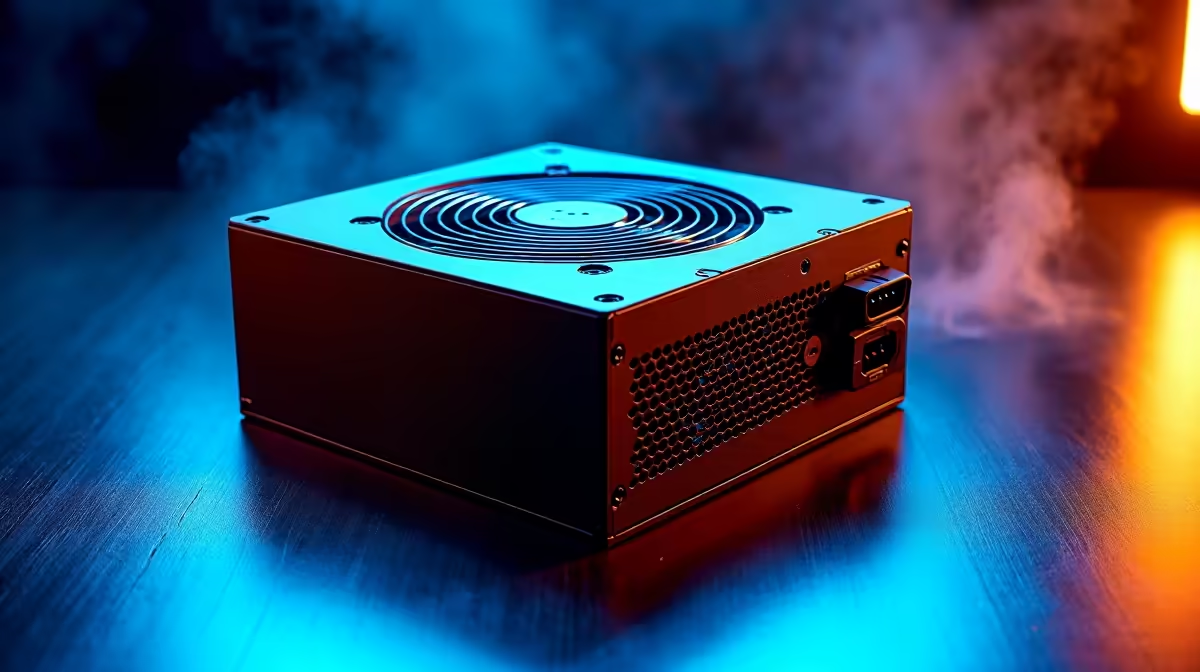
But the heart of your system's power delivery is the Power Supply Unit (PSU). A common mistake is thinking a 850W PSU constantly draws 850 watts. It doesn't. That number represents its maximum output capacity. Your PC only draws what it needs. This is why PSU efficiency ratings (like 80 Plus Bronze, Gold, or Platinum) are so important. A Gold-rated PSU wastes less energy as heat, saving you money in the long run. Even our most affordable budget gaming PCs are built with reliable, efficient power supplies in mind.
Choosing Components for a Power-Efficient PC Build
When you're speccing out a new build, performance-per-watt is a metric worth watching. While a top-tier GPU like an NVIDIA GeForce RTX 4090 offers incredible power, its thirst for electricity is equally massive. In contrast, a mid-range card like the RTX 4060 delivers fantastic 1080p and 1440p gaming performance at a fraction of the power draw.
This balance is key, especially when building a rig for a specific budget. You can find an incredible sweet spot in performance and efficiency with well-chosen components. Many of the best PCs under R20,000 leverage these efficient parts to deliver a premium experience without a premium electricity bill. Of course, if you're chasing the ultimate 4K ray-tracing dream, the power draw of high-end PCs over R20,000 is a necessary part of the equation, but it can still be managed with smart choices.
Measure, Don't Guess! 🔧
Want to know your PC's exact power draw? Plug it into a simple watt meter, available at most hardware stores. Run a game or a benchmark like FurMark and watch the numbers. You might be surprised how little power your PC uses while idling versus how much it draws under full load. This is the best way to understand your real-world gaming PC power consumption.
How to Reduce Your PC's Energy Costs
Got your dream rig already? Lekker. You can still take steps to reduce its energy footprint. A few simple tweaks can make a noticeable difference to your monthly bill.
Simple Software & Habit Tweaks
- Windows Power Plan: Switch your power plan to 'Balanced' instead of 'High Performance'. Your PC will intelligently ramp down power when it's not needed.
- Undervolting: For the more advanced user, slightly reducing the voltage to your CPU or GPU can significantly cut power usage and heat with minimal (or no) performance loss.
- Shut It Down: Don't just let your PC sleep for days on end. A full shutdown uses virtually zero power.
- Monitor Off: Your high-refresh-rate gaming monitor can also be a power hog. Remember to turn it off when you step away.
Choosing one of our expertly configured pre-built PC deals is another great way to ensure all your components are perfectly matched for balanced performance and efficiency from day one. ✨
Calculating Your Gaming PC's Power Consumption Cost
So, what does all this mean for your wallet? Let's do some quick back-of-the-napkin maths.
The average Eskom tariff is around R2.50 per kilowatt-hour (kWh), but it varies. Let's say your gaming PC draws an average of 400W while gaming for three hours a day.
0.400 kW * 3 hours = 1.2 kWh per day1.2 kWh * R2.50/kWh = R3.00 per dayR3.00 * 30 days = R90 per month
While R90 might not seem like a fortune, it adds up. And that's just for three hours of gaming. Factor in work, browsing, and idling, and an inefficient PC can easily cost you hundreds of Rands a year. Finding the best gaming PC deals isn't just about the upfront price; it's about the total cost of ownership. 🚀
Ready to Build a Power-Smart Rig? Balancing performance and power consumption is key in South Africa. Whether you're after a beastly rig or an efficient workhorse, choosing the right components makes all the difference. Explore our massive range of PC deals and find the perfect machine for your needs and budget.











