

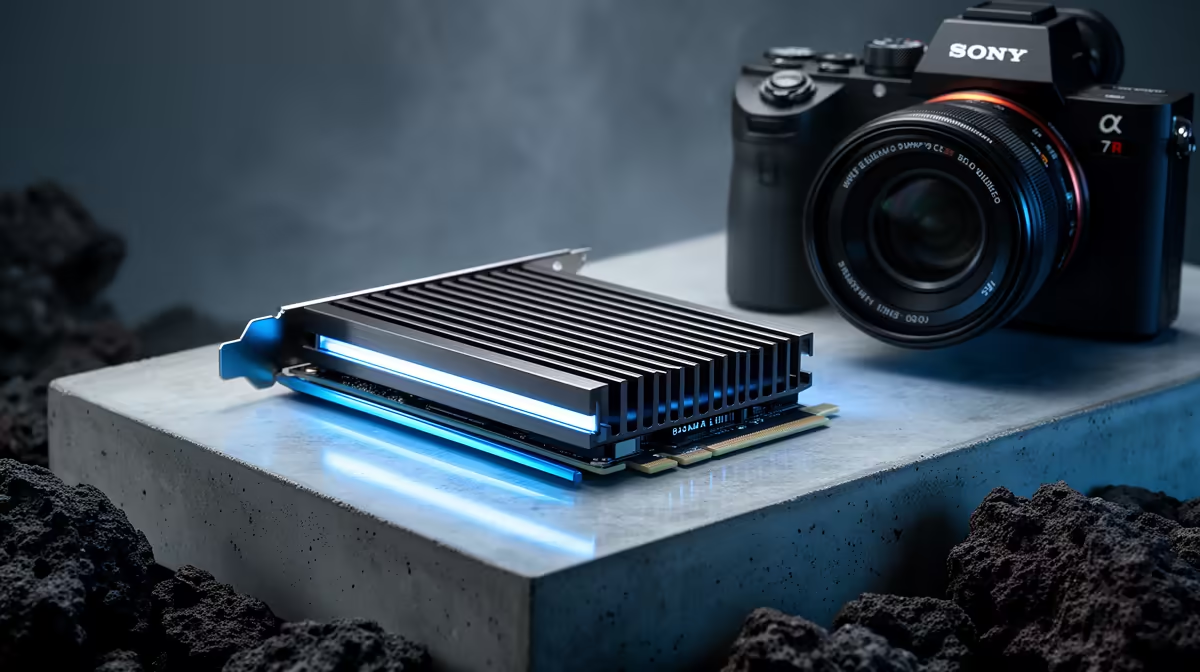
So, you’ve splurged on a brand-new PCIe 5.0 SSD, dreaming of those insane 12,000MB/s speeds. Load screens vanishing, files transferring in a blink… pure bliss. But hold on. Without the right cooling, that powerhouse drive can quickly overheat and slow to a crawl, leaving you with a very expensive, very warm paperweight. Effective PCIe 5.0 SSD cooling isn't a luxury; it's essential to unlocking the performance you paid for.
Why Is PCIe 5.0 SSD Cooling So Crucial?
Think of it this way: to achieve those next-gen speeds, the controller on your Gen5 SSD has to work incredibly hard. More work means more electricity, and more electricity means more heat. When the drive gets too hot, a safety feature called "thermal throttling" kicks in. It deliberately slows the drive down to prevent damage.
Suddenly, your lightning-fast SSD is performing like an older, slower model. It’s the ultimate performance bottleneck, and it’s entirely preventable with the right PCIe 5.0 SSD cooling strategy. You wouldn't run a high-performance engine without a radiator, right? Same principle applies here. 🚀
Your Guide to Gen5 SSD Thermal Solutions
Taming the heat of a Gen5 drive involves a multi-pronged approach. You can't just rely on one thing; you need a system that works together to keep temperatures in check.
Motherboard Heatsinks: The First Line of Defence
Most modern motherboards come equipped with built-in M.2 heatsinks. For many users, these are more than enough. When you're browsing for a new board, pay close attention to the M.2 cooling solution. A chunky, well-designed heatsink with a quality thermal pad can make a massive difference. Many of the best Intel and AMD based motherboards now feature substantial, integrated heatsinks specifically for the primary M.2 slot.
Aftermarket Coolers: Stepping Up Your Game
If your motherboard's heatsink isn't cutting it, or if you're an enthusiast pushing your system to the absolute limit, an aftermarket cooler is your next step. These range from larger passive heatsinks (metal blocks with fins) to active solutions that include a small fan. An active cooler provides the most effective PCIe 5.0 SSD cooling, but make sure you have space for it in your case.
Builder's Pro Tip 🔧
Before buying a tall, active M.2 cooler, double-check the clearance under your graphics card! A massive GPU can easily block the M.2 slot, preventing you from installing a bulky SSD heatsink. Always measure the space between your motherboard and your GPU to avoid a frustrating surprise during your build.
Choosing the Right Motherboard for Optimal Cooling
Your motherboard is the foundation of your PC, and its design plays a huge role in component cooling. High-end boards don't just offer more features; they often provide far superior thermal solutions.
For instance, premium Intel motherboards on the Z790 chipset often come with thick, multi-layered M.2 heatsinks and even heat pipes that connect to the main chipset cooler for enhanced heat dissipation. ✨
Similarly, top-tier AMD motherboards like the X670E models are built with Gen5 speeds in mind from the ground up. They typically feature robust cooling for every M.2 slot, ensuring that even secondary drives run cool and fast. Investing in a good motherboard is investing in the stability and longevity of your entire system.
Ultimately, keeping your next-gen drive cool is the key to consistent performance. Don't let thermal throttling steal your speed.
Ready to Build a Throttling-Free Rig? Taming the heat from a PCIe 5.0 SSD is the secret to unlocking its true power. A quality motherboard and the right SSD are your first lines of defence. Explore our massive range of Solid State Drives and find the perfect components for your next-gen build.











