

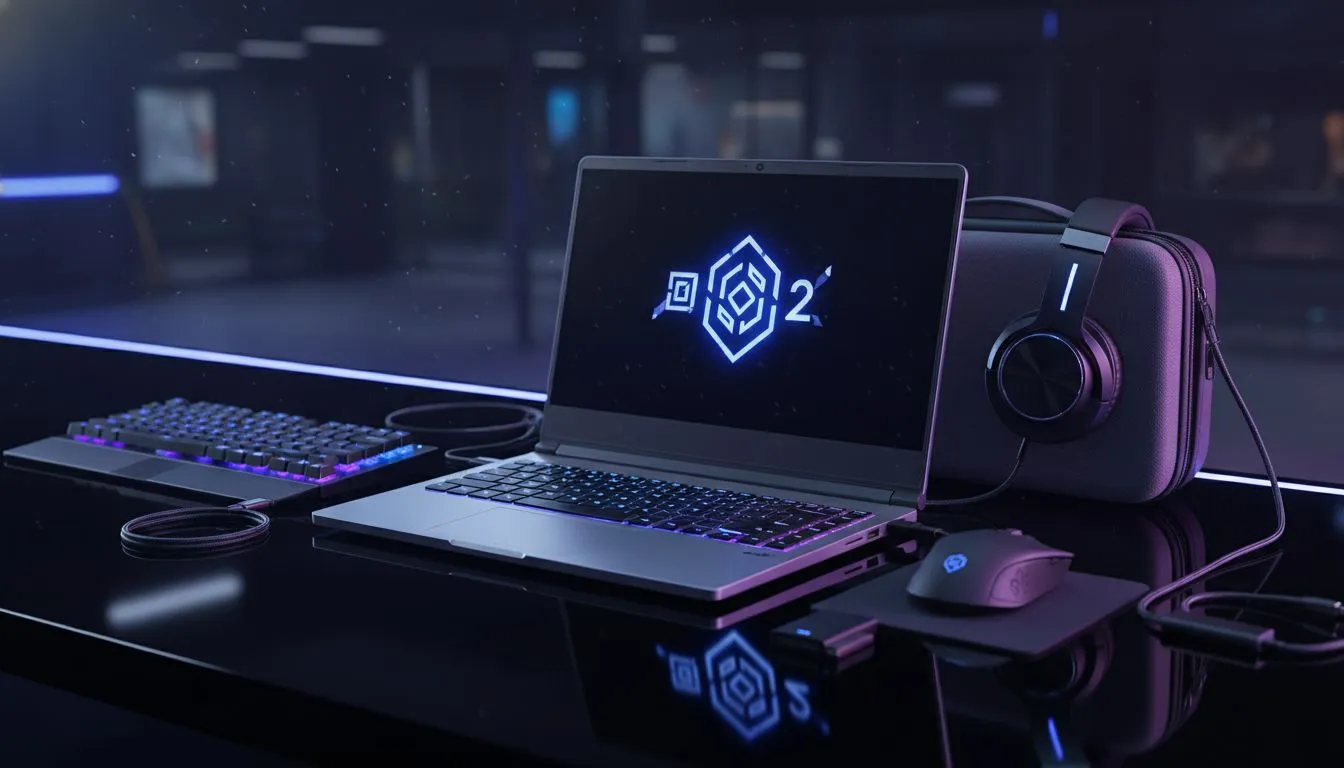
Portable Dota 2 Setup: Travel-Ready Guide
Heading to a LAN at a mate’s house or stuck in a hotel during a work trip? If you are a South African Dota 2 player, you know that missing a Battle Cup or a ranked session is not an option. Building a Portable Dota 2 Setup: Travel-Ready Guide style means balancing weight, performance, and that all-important stable connection to the local servers. 🚀
Choosing the Right Foundation for Your Setup
Dota 2 is not the most demanding title in the world, but frame drops during a chaotic team fight near the Roshan pit can cost you the match. When you are scouting the best gaming laptop deals, you should prioritise a high refresh rate screen. A 144Hz or 165Hz display makes landing those precise Pudge hooks or Invoker combos significantly easier compared to a standard office panel.
Portability does not have to mean a compromise in build quality. Look for chassis designs that offer robust hinges and efficient thermal management... because the last thing you want is thermal throttling while you are defending your high ground.
Budget-Friendly Mobility for Local Gamers
You do not need to spend a fortune to stay competitive while on the move. Many South African students and frequent travellers look to buy gaming laptops under R20k to get the job done. These machines are surprisingly capable, often featuring mid-range GPUs that can maintain a steady 100+ FPS on medium-to-high settings. 🔧
Optimise Your Network ⚡
When playing away from home, always carry a long Cat6 Ethernet cable. Wi-Fi in hotels or public spaces is notoriously unstable. If you must use wireless, try to use the 5GHz band to avoid interference from other devices, ensuring your ping stays low and your last hits stay sharp.
GPU Power and Visual Clarity
If you want to see every particle effect of a Crystal Maiden ultimate without a stutter, investing in modern hardware is key. The current range of geforce rtx gaming laptops on special provides access to DLSS technology. This is a massive advantage for portable setups, as it allows you to run the game at higher resolutions while keeping the hardware cool and the power consumption manageable.
Intel vs Ryzen: Finding Your Engine
The heart of your Portable Dota 2 Setup: Travel-Ready Guide is the processor. For those who prefer the reliability of Team Blue, browsing intel laptops on special will reveal chips with high single-core clock speeds... which the Source 2 engine absolutely loves.
On the other hand, if you are looking for a machine that handles multi-tasking like a pro, the latest ryzen laptop deals offer incredible value. Ryzen processors are known for their power efficiency, which is a blessing when you are gaming in a spot where power outlets are hard to find. ✨
Essential Peripherals for the Road
No setup is complete without the right tools. A compact mechanical keyboard and a lightweight gaming mouse are non-negotiable. Since Dota 2 relies heavily on hotkeys and precision clicks, trying to play on a trackpad is a recipe for a low priority queue. Pack a decent pair of noise-cancelling headphones to block out the distractions of a busy airport or a noisy coffee shop.
Ready to Find Your Perfect Match? Finding the right balance between weight and performance is essential for any travelling gamer. Explore our massive range of laptop specials and find the perfect machine to conquer your world.











