

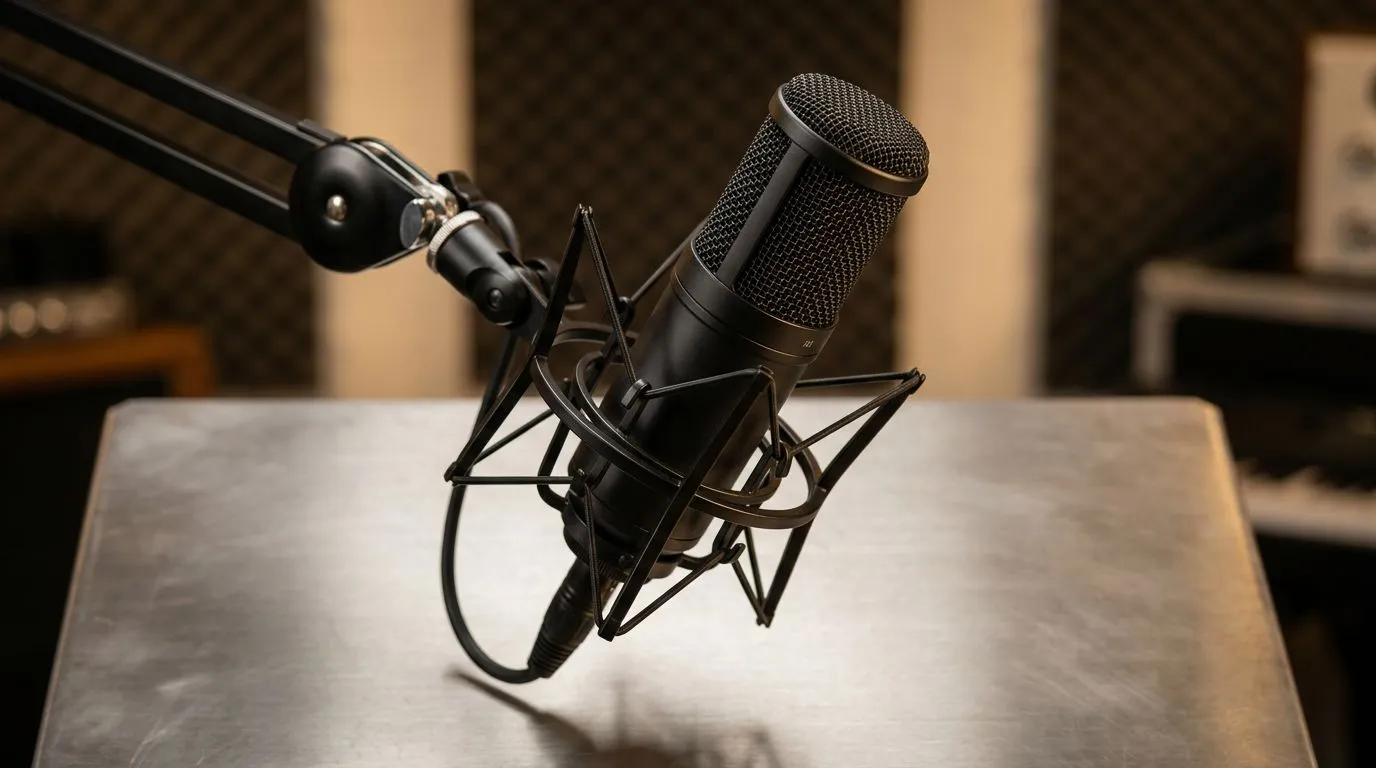
Position microphone for sound isolation — why placement matters 🔧✨
Position microphone for sound isolation fast, and you’ll cut room noise without spending a fortune. South African streamers and podcasters in small flats know the pain: fans, road noise, and roommates. This short guide gives practical placement tips you can test in minutes, whether you game in Jozi or live-stream from Cape Town.
Positioning basics for sound isolation
Good placement reduces unwanted room reflections and captures more direct voice. Aim to position microphone so the primary sound source (your mouth) is closest, and reflective surfaces are behind the mic. If you’re using a desktop mic, place it slightly off-axis — a few centimetres to the side and tilted — to avoid plosives and track breathing noise.
Position microphone for sound isolation: three quick setups
- Close-proximity spoken word: 5–15 cm from the capsule, slightly below mouth height, angled up. This boosts presence and blocks room tone.
- Streaming with headphones: 10–20 cm, cardioid pattern facing you; point away from monitors and PC fans.
- Interview or co-op gaming: use two mics with mirrored placements and a small gap between speakers to avoid bleed.
Desk vs boom arm vs stand — choosing the right position
A boom arm makes consistent placement easier and reduces desk vibration. If you’re on a budget, a small desktop stand can work — but add a foam pad under the base to dampen thumps. For mobile setups, a lapel can isolate well when clipped under clothing and paired with wind protection.
Accessories that help isolation and where to place them 🚀
Acoustic panels or a reflection filter behind the mic tame room reflections. Affordable foam panels behind your chair and on the wall behind the mic are effective. For a compact streamer kit, see Evetech’s streaming essentials range for mics, mounts and isolation tools: streaming essentials at Evetech. If you like brand-specific gear, browse Corsair options for suspension arms and pop filters here: Corsair streaming gear. Ambient LED backlights can also reduce perceived room noise on camera; Cololight panels are a popular choice: Cololight ambient lighting.
Productivity Pro Tip ⚡
On Windows, use the PowerToys FancyZones utility to create custom snap layouts for your windows. It's a lifesaver for managing multiple apps on an ultrawide monitor, letting you organise your timeline, preview window, and asset folders perfectly for video editing.
Final mic placement checklist for isolation
- Mic 5–20 cm from mouth depending on style.
- Angle slightly off-axis to reduce pops.
- Place reflective surfaces behind mic, not in front.
- Use foam or a pop filter and secure the mount to cut vibrations.
Need a camera or webcam to pair with your new audio? Check Evetech’s webcams to match your setup: webcams at Evetech 🎥
Ready to Find Your Perfect Match? The Mac vs Windows debate is complex, but for maximum power, choice, and value in South Africa, Windows is hard to beat. Explore our massive range of laptop specials and find the perfect machine to conquer your world.











