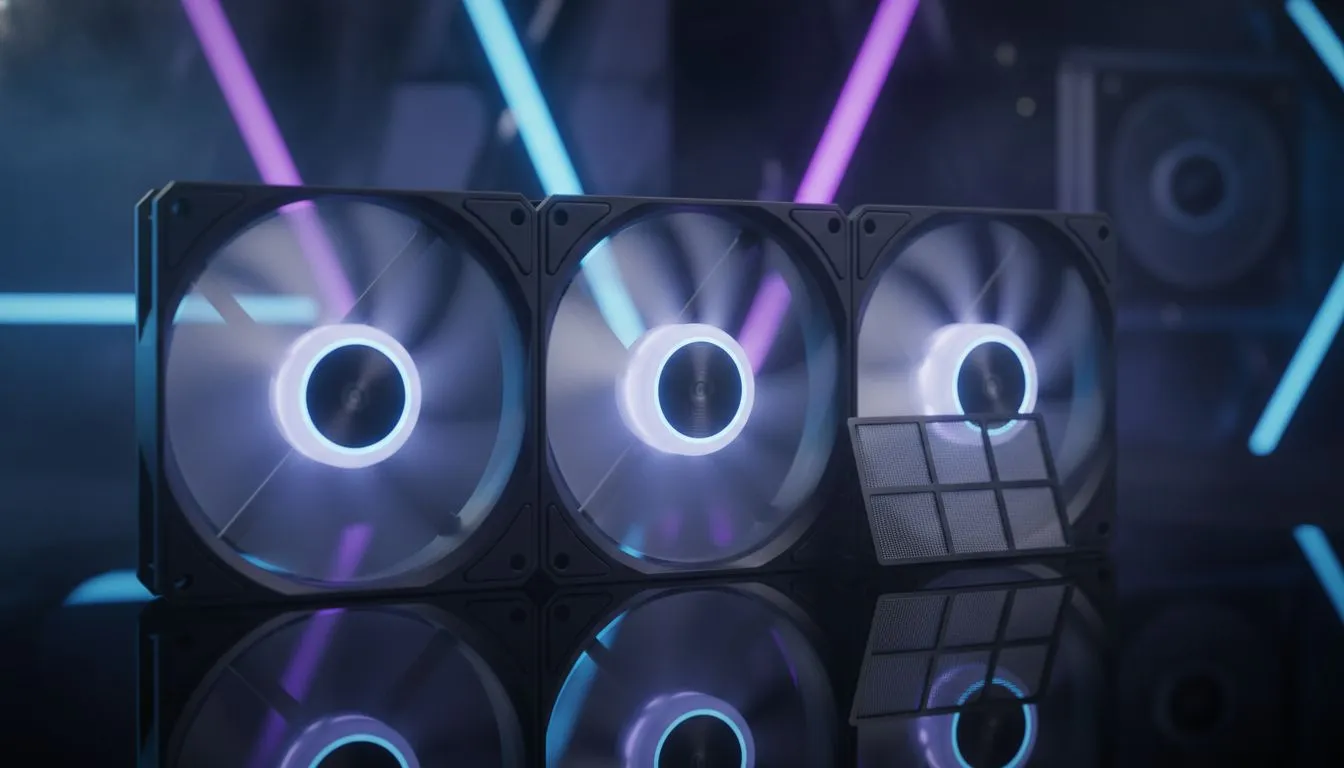
Understanding Positive vs Negative Pressure PC Setups
Living in South Africa means your gaming PC faces a constant battle against the heat. Whether it is a sweltering December afternoon in Pretoria or a humid night in Durban... your fan configuration matters. Choosing between positive vs negative pressure PC setups can be the difference between a silent rig and a thermal throttling nightmare. Let us break down the physics of cooling. 🔧
Positive pressure occurs when your intake fans move more air into the chassis than your exhaust fans pull out. This creates a slightly higher internal air pressure... forcing air out of every small gap and mesh opening in the frame. Selecting the right foundation starts with browsing our massive range of computer cases to see what layout suits your desk and local environment.
Why Fan Placement Matters in South African Summers
In our dusty climate... positive pressure is generally the winner. Because air is being pushed out of the cracks... dust cannot easily settle inside your components. However... you need high-quality mesh to make this work. For those who prioritise premium build quality and filtered intakes... Fractal Design PC cases provide incredible modularity for fan mounting and superior dust filtration.
Negative pressure happens when your exhaust fans are more powerful than your intakes. This setup is excellent at removing hot air quickly... but it creates a vacuum. This vacuum sucks in dust through every unfiltered hole in your case. If you live in a particularly hot but clean environment... this might lower your GPU temps by a degree or two. ⚡
If you are looking for high performance without breaking the bank... Gamdias gaming cases often come with multiple pre-installed fans to help you achieve the perfect balance. Even budget conscious builders can find Gamdias cases under R1500 that still offer great ventilation for mid-range gaming builds.
The Incense Stick Trick ⚡
Want to verify your airflow? Light an incense stick or a small piece of paper (carefully!) and hold it near the gaps in your case panels. If the smoke is blown away from the case... you have positive pressure. If the smoke is sucked into the cracks... you have negative pressure and might need to clean your PC more often.
The Verdict for Local Gamers
For most South Africans... we recommend a slight positive pressure setup. Aim for three intake fans at the front and one or two exhaust fans at the rear and top. This keeps the heat moving while ensuring your expensive components stay clean. 🚀
Remember to optimise your fan curves in the BIOS. During a heatwave... you want those fans ramping up early to prevent heat soak. A well-ventilated case ensures your hardware lasts longer and performs better when the match gets intense. ✨
Ready to Chill Your Build?
Mastering your airflow is the best way to protect your investment from the South African heat. Whether you need a high-airflow mesh chassis or extra fans to balance your pressure... we have the gear for you. Explore our massive range of computer cases and keep your frame rates high and your temps low.