

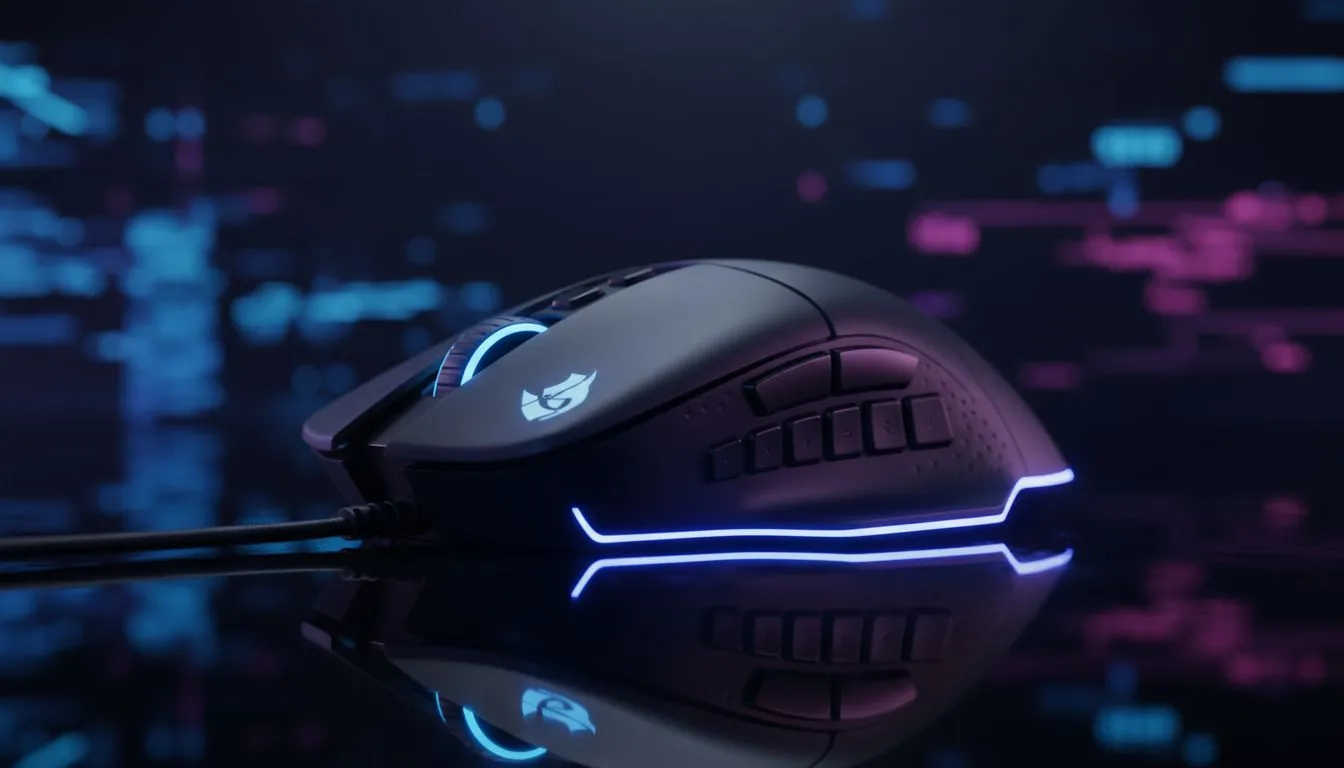
Quick hook: why Program Side Buttons on Gaming Mouse for MMO, MOBA & Shooter matters
South African players: ever lose a clutch because your bind was two clicks away? Program Side Buttons on Gaming Mouse for MMO, MOBA & Shooter is the fastest way to shave reaction time and play smarter. In the next few minutes you'll get practical mappings, simple software tricks, and local buying links so you can test setups in under an hour. 🎮✨
Program Side Buttons on Gaming Mouse — choose the right number of buttons
Start by matching button count to your role. Hybrids and MMO mains benefit from 7+ side buttons; MOBAs usually need 2–4 for abilities and quick items; shooters often prefer 2 for melee and utility. Browse our range of gaming mice to see form factors and button layouts you can test in-store or order online.
Program Side Buttons on Gaming Mouse for MMO, MOBA & Shooter — mapping strategies that win
Think in layers: a default layer for movement and firing, a combat layer for cooldowns and macros, and a utility layer for mounts, mounts swaps or consumables. Keep the most-used actions within thumb reach. For quick price checks and seasonal deals that make upgrades affordable in ZAR, check the current best gaming mouse deals. 🔧
Thumb Mapping Tip ⚡
Map emergency keys (escape, medkit, sprint) to long-reach side buttons and standard actions (attack, ability 1) to the two easiest thumb buttons. Keep one button as a modifier to double-bind without confusion.
Program Side Buttons on Gaming Mouse — software and latency basics
Use the mouse vendor software to create profiles per game; bind profiles to executables so they switch automatically. If you prefer wireless, modern designs close the latency gap—test wireless options before committing by comparing models in our wireless mouse collection. For shooters, check polling rate and sensor specs in the product pages before you buy.
Program Side Buttons on Gaming Mouse — wired vs wired accessories and final setup
Wired mice still deliver predictable latency and are favoured in competitive play. That said, the best wireless models are now viable for most South African gamers. If you need a simple wired or accessory refresh—mouse bungees, skates or replacement side grips—see our wired options and accessories: wired mice and mouse accessories. 🚀
Ready to Find Your Perfect Match? The Mac vs Windows debate is complex, but for maximum power, choice, and value in South Africa, Windows is hard to beat. Explore our massive range of laptop specials and find the perfect machine to conquer your world.











