

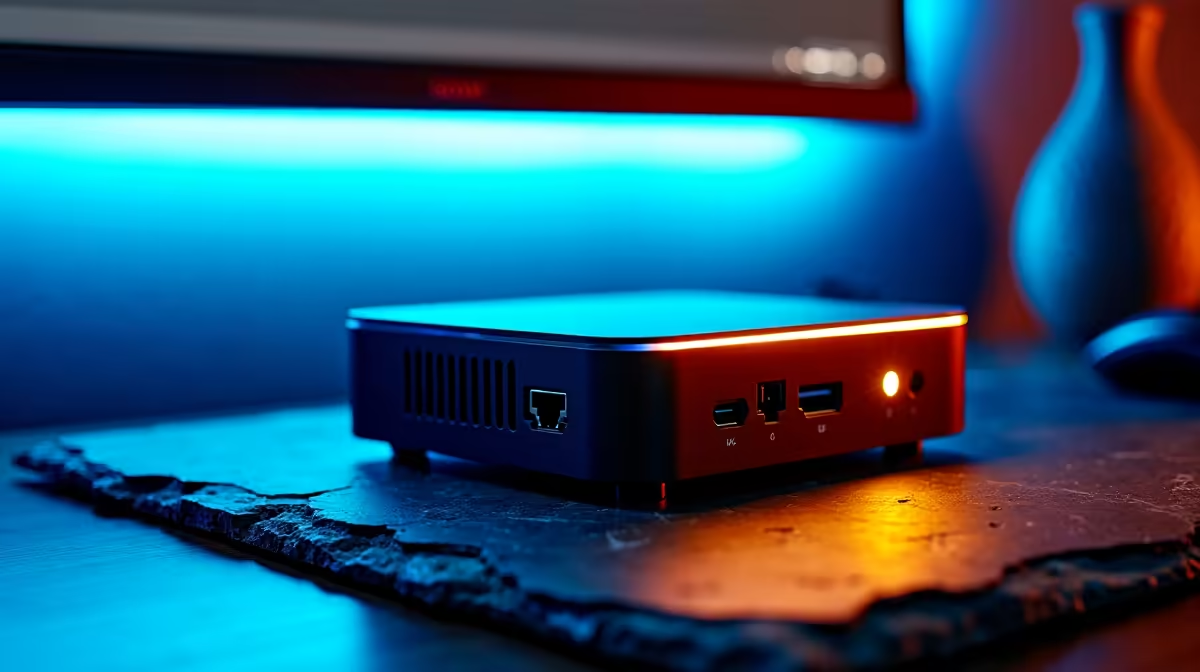
Tired of your rack-mount server screaming when the power goes out? Building a Proxmox home lab on a mini PC that survives loadshedding is the smartest move for any South African tech enthusiast. These compact powerhouses sip electricity... making them perfect for running on a small UPS or inverter. You get enterprise-grade virtualisation without the massive electricity bill or the noise of a jet engine in your spare room. ⚡
Why efficiency is king for your Proxmox home lab
In South Africa... efficiency isn't just about saving a few Rands. It is about runtime. When Stage 6 hits... every watt matters. A traditional tower server might pull 150W at idle. In contrast... a modern mini PC often idles under 15W. This means your backup battery lasts ten times longer.
You can find a versatile range of mini PCs that offer multi-core processors and plenty of RAM slots. These units are ideal for running Home Assistant... Plex... or even a local dev environment. Proxmox makes it easy to manage these services as lightweight containers or virtual machines.
Choosing the right hardware for a resilient lab
When selecting hardware... look for high core counts and low TDP ratings. You want enough overhead to run multiple VMs without hitting thermal throttling. Most Mini PC deals today feature mobile-class chips that offer incredible performance-per-watt.
Power Management Tip ⚡
To extend your uptime during blackouts, use the Proxmox command line to set your CPU scaling governor to 'powersave'. This reduces the clock speed of your processor when demand is low, significantly lowering the power draw on your UPS or power station.
High-performance options for serious labbers
If you need more grunt for heavy workloads... certain brands stand out. Many local enthusiasts prefer Minisforum units because they often include dual 2.5GbE ports. This is a massive win for networking labs or high-speed storage transfers. 🚀
Having dual LAN ports allows you to dedicated one port to your management traffic. You can use the second port for your virtual bridge. This setup mimics a professional data centre environment right on your desk.
Surviving the dark with smart automation
A Proxmox home lab on a mini PC that survives loadshedding needs a plan. Connect your mini PC to a smart UPS. You can use the NUT (Network UPS Tools) package in Proxmox to monitor the battery level. 🔧
When the battery hits 20%... Proxmox can automatically shut down your non-essential VMs. This keeps your core services like your firewall or security cameras running for as long as possible. It is a sophisticated way to handle the South African energy reality while keeping your data safe. ✨
Ready to Build Your Loadshedding-Proof Lab? Don't let the power grid hold back your technical growth. Whether you are hosting a media server or a professional testing environment... we have the hardware to keep you online. Explore our massive range of mini PCs and start building your ultimate home lab today.











