


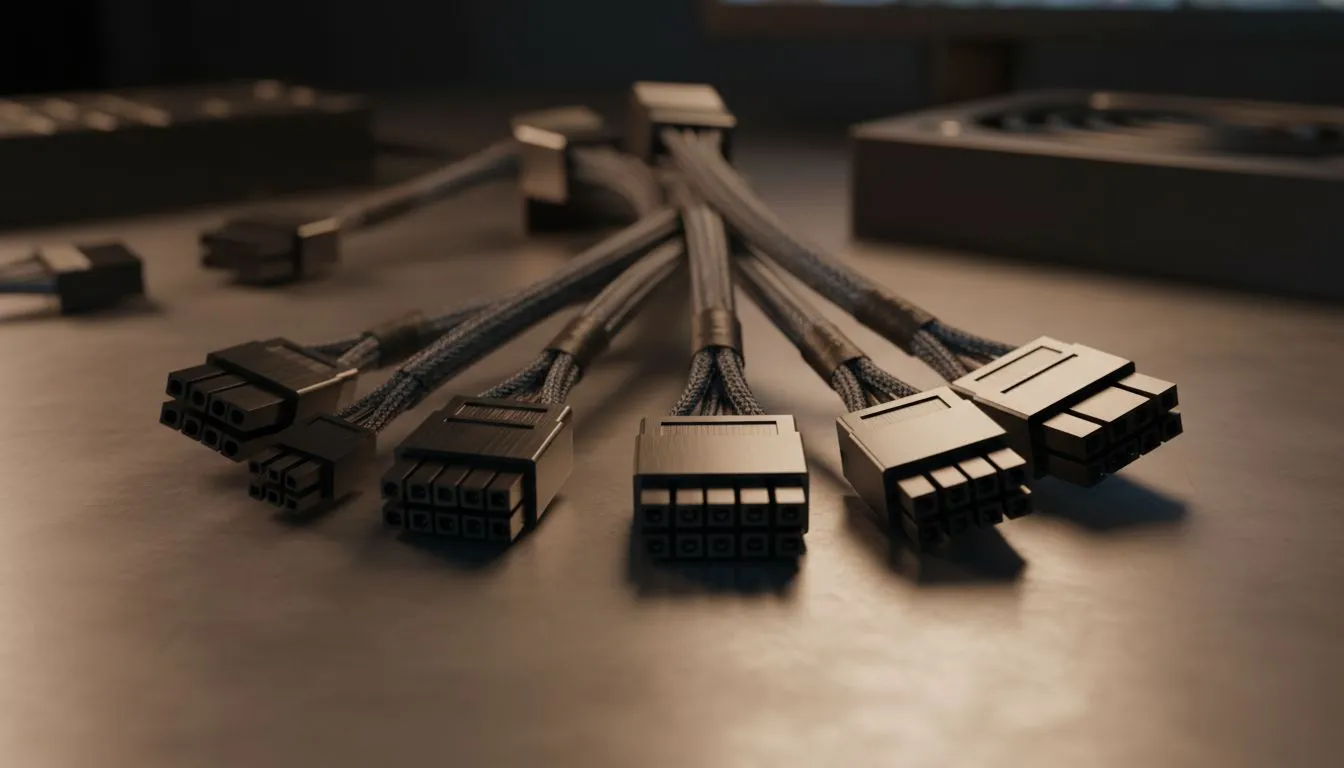
Essential Motherboard and CPU Connectors
Building a PC in South Africa is a rite of passage. But when you unbox that power supply, the "spaghetti monster" of wires can be intimidating. Understanding your PSU cables is the difference between a clean, efficient build and a cable management nightmare that blocks airflow during a hot Gauteng summer. Let’s break down every connector you need to know to master your next PC build.
The most prominent connector is the 24-pin ATX cable. This large connector provides the primary power to your motherboard and its various integrated components. Alongside it, you will almost always find the 4+4 pin EPS cable. This dedicated line feeds your CPU directly. If you are aiming for a tidy build with premium sleeved cables, choosing high-quality Corsair power supplies makes routing these thick cables much easier... especially in compact cases.
Powering Your Graphics Card
Modern graphics cards are hungry for power. To keep your frame rates high in titles like Apex Legends or Cyberpunk 2077, you will typically use 6+2 pin PCIe cables. These are modular so they can fit both 6-pin and 8-pin sockets on your GPU.
For those looking for budget-friendly reliability without sacrificing performance, the range of Gamdias power supply units offers great options for entry-level and mid-range gaming rigs. Always ensure the pins are clipped in securely. A loose connection can cause system crashes or even heat damage during intense gaming sessions ⚡.
Storage and Peripheral Connections
While NVMe drives are taking over, many South African gamers still use SATA cables for bulk storage or RGB hubs. These flat, L-shaped connectors are simple to plug in and provide power to SSDs and HDDs.
If you are worried about your electricity bill or heat output in your room, look for 80 Plus energy-efficient models to keep things running cool and stable. Even old-school Molex cables still pop up occasionally for fans or older liquid cooling pumps... though they are becoming much rarer in modern enthusiast setups.
The Golden Rule of PSU Cables ⚡
Never mix cables from different power supply models, even if they are from the same brand. The pinouts on the PSU side are not standardised across the industry. Using a cable from a different unit can result in a dead motherboard or a fried GPU instantly. Always stick to the cables that came in the original box.
Mastering Cable Management 🔧
A clean build is not just about looks for your Instagram feed. It is about maintaining optimal airflow. Use cable ties or Velcro straps to keep everything tucked behind the motherboard tray. This prevents dust buildup and ensures your components stay cool when the South African sun is at its peak. Taking an extra twenty minutes to route your PSU cables properly will save you hours of troubleshooting later 🚀.
Ready to Power Your Next Build? Choosing the right PSU is the foundation of a reliable gaming PC. Whether you need raw wattage for a flagship GPU or silent efficiency for a home office, we have the stock to get you running. Explore our full range of power supplies and find the perfect match for your rig today.











