

Should You Buy a 240Hz monitor or Build a PC in South Africa?
Should You Buy a 240Hz monitor or Build a PC. Full parts list, Rand pricing & expected performance. Build confidently with SA-available components.
Read moreOur guide to PSU testing in South Africa helps you ensure your gaming rig has stable power. Learn how to check for voltage ripple, run load tests, and spot signs of a failing power supply to prevent crashes and protect your components. ⚡️ Build with confidence! 💪
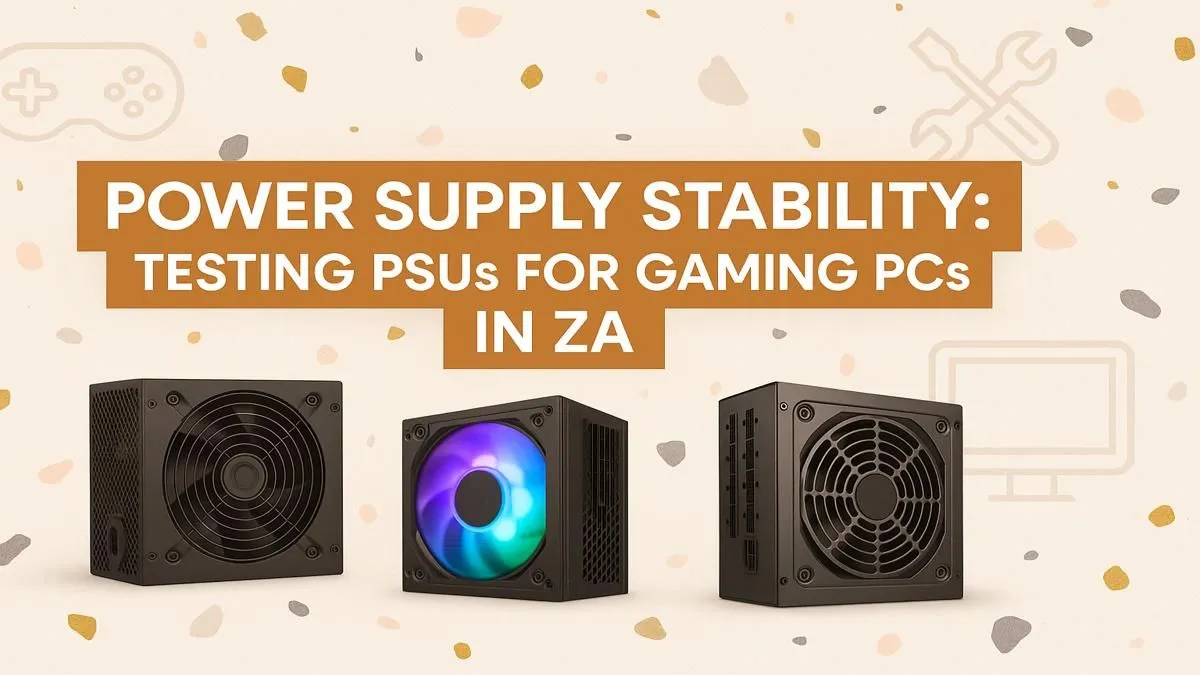
Your screen goes black mid-boss fight. The PC is dead. Is it the motherboard? The expensive new GPU? In South Africa, the answer often lies with the most overlooked component: the Power Supply Unit (PSU). With our temperamental grid, ensuring your rig’s heart is healthy is non-negotiable. This guide covers PSU testing in South Africa, helping you diagnose issues and protect your precious hardware from sudden failure. Don't let a faulty power supply turn your gaming beast into a paperweight.
Think of your PSU as the heart of your gaming PC. It takes unstable power from the wall—especially during loadshedding switch-overs—and converts it into the stable, precise voltages your components need. A cheap or failing PSU doesn't just die; it can take your motherboard, CPU, and graphics card with it. That's a catastrophic failure that could cost you thousands.
Proper PSU testing isn't just for diagnosing a dead PC. It's a crucial preventative step, especially when you're upgrading. A new GPU might draw more power than your old unit can safely provide, leading to crashes, instability, or worse. Even in reliable budget gaming PCs, the power supply is chosen with care to guarantee stability and protect your investment.
Before you reach for complex tools, a few simple checks can reveal a lot about your PSU's health. These methods won't give you a definitive performance report, but they can quickly identify an obviously faulty unit.
First, unplug your PC completely. Open the case and take a close look at the PSU. Shine a torch into the vents. Are there any bulging or leaking capacitors? Do you see any black soot or obvious burn marks on the circuit board? A burnt electronics smell is another major red flag. Any of these signs mean the PSU is toast and needs immediate replacement.
The "paperclip test" is a classic builder's trick to see if a PSU will power on at all. It involves using a paperclip to short the green wire (PS_ON) to any black wire (Ground) on the 24-pin motherboard connector.
Disclaimer: This only proves the PSU can start up. It does not confirm if the voltage outputs are stable or correct under load. For most modern builds, especially across our range of PCs under the R20k mark, stable power delivery is the most important factor, which this test cannot measure.
Not sure what wattage you need? Use an online PSU calculator and add 20-30% headroom. This ensures your PSU runs at its peak efficiency (usually around 50% load) and gives you room for future upgrades without needing a new power supply. A little extra capacity goes a long way.
When a simple check isn't enough, it's time to use more advanced methods. This is where you can get a clearer picture of your power supply's performance.
For the more technically inclined, a digital multimeter can provide precise voltage readings. By probing the PSU's connectors (like Molex or SATA power), you can check the +12V, +5V, and +3.3V rails. These should be within a 5% tolerance of their rated values. A +12V rail reading 11.2V, for example, indicates a serious problem. This level of detailed PSU testing is essential for high-performance systems.
At Evetech, we don't guess. Our build lab uses specialised load testers. These machines simulate the intense and fluctuating power demands of a high-end gaming session, pushing the PSU to its limits to measure voltage stability, ripple, and efficiency under real-world stress. This rigorous testing is the only way to guarantee that a power supply is fit for duty, especially in power-hungry rigs over R20k that feature top-tier components.
If your testing reveals a problem, or you're building a new PC, choosing the right PSU is vital. Look for an 80 PLUS certification (Bronze at a minimum, Gold for better efficiency and quality) from a reputable brand.
Ultimately, the best way to avoid power supply headaches is to start with a solid foundation. Our wide selection of pre-built PC deals features carefully selected, quality-tested power supplies. We've done the hard work so you can focus on gaming, confident that your system is built on a rock-solid power platform. This commitment to quality is why gamers trust our range of the best gaming PC deals in South Africa.
Ready to Power Up with Confidence? Don't let PSU problems put your expensive components at risk. Take the guesswork out of your next build. Our expertly crafted gaming PCs feature high-quality, fully tested power supplies built to handle anything you throw at them. Explore our best gaming PC deals and find a rig that's ready for battle, right out of the box.
Use software like OCCT or AIDA64 for a PSU load testing guide. These tools stress your system, allowing you to monitor voltage rails (3.3V, 5V, 12V) for drops or fluctuations.
Common signs include random shutdowns under load, blue screens of death (BSODs), system instability, and unusual noises like whining or buzzing from the PSU unit.
Yes. An unstable PSU can deliver incorrect voltages (over or under), causing irreversible damage to your motherboard, CPU, GPU, and storage drives. Proper testing is crucial.
Ripple is the residual AC voltage on a DC output. High ripple indicates poor power quality and can cause instability and long-term damage to sensitive PC components.
Test your PSU when you first build a PC, after installing a major new component like a GPU, or if you begin experiencing unexplained system crashes or instability.
Yes, the 80 Plus certification explained for ZA users indicates higher power efficiency. A more efficient PSU wastes less energy as heat, leading to cooler, quieter operation.
Should You Buy a 240Hz monitor or Build a PC. Full parts list, Rand pricing & expected performance. Build confidently with SA-available components.
Read more
Should You Buy a VA monitor or Build a PC. Full parts list, Rand pricing & expected performance. Build confidently with SA-available components.
Read more
Every spec on PCIe 5.0 explained in plain English. What matters for gaming and creator work in 2026, what's marketing fluff, and how each number translates to real-world performance.

A head-to-head look at WiFi 7: real-world performance, ZAR pricing and which option delivers better value for SA builders. The clear answer — no fluff.

Everything you need to set up and tune PCIe 5.0 properly: the prep work, the settings that actually matter, and the mistakes to skip. Written for SA builders in 2026.

Everything you need to set up and tune X870E Motherboard properly: the prep work, the settings that actually matter, and the mistakes to skip. Written for SA builders in 2026.

Wondering what a 512GB SSD capacity really holds? This guide breaks down how many games, photos, and documents fit on 512GB, with real-world ranges 📦💾

Every spec on vrm explained in plain English. What matters for gaming and creator work in 2026, what's marketing fluff, and how each number translates to real-world performance.

Every spec on motherboard explained in plain English. What matters for gaming and creator work in 2026, what's marketing fluff, and how each number translates to real-world performance.

Premium vs Midrange Motherboards in South Africa: real-world performance, SA pricing, power draw and which one delivers better value for your build for SA buyers. The clear answer — without the fluff.
Wondering what a 512GB SSD capacity really holds? This guide breaks down how many games, photos, and documents fit on 512GB, with real-world ranges 📦💾
Every spec on PCIe 5.0 explained in plain English. What matters for gaming and creator work in 2026, what's marketing fluff, and how each number translates to real-world performance.
A head-to-head look at WiFi 7: real-world performance, ZAR pricing and which option delivers better value for SA builders. The clear answer — no fluff.

Every spec on USB4 explained in plain English. What matters for gaming and creator work in 2026, what's marketing fluff, and how each number translates to real-world performance.