

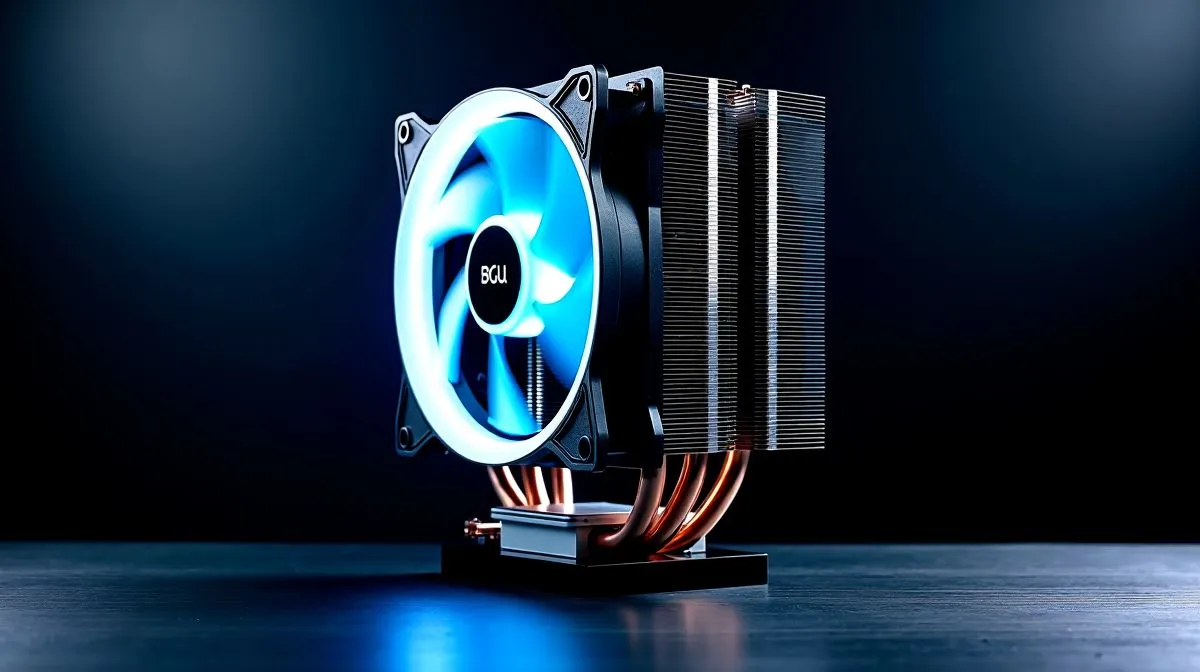
R2,000 to R4,000 CPU Cooling in South Africa: What to Prioritise
If you’re building a rig in South Africa, R2,000 to R4,000 CPU cooling is usually the sweet spot between “it’ll do” and “this thing stays quiet under load.” 🔧 Whether you’re chasing smoother 1440p frames in Warzone or rendering content after gaming, cooling affects boost clocks, fan noise, and longevity.
But what should you actually prioritise… a big air cooler, or a liquid AIO? And what will bite you later when the summer heat hits?
Start with the CPU and the real-world heat it creates
Before you compare coolers, note your CPU model and its cooling demands. In general, Intel and AMD flag different power limits (like “boost” behaviour) which means two CPUs with the same headline wattage can feel totally different under load.
Instead of shopping by price alone, use these checks:
- Socket compatibility: verify the cooler supports your motherboard socket.
- Clearance constraints: GPU thickness and case airflow matter more than people expect.
- Item
In the EVGA/stock cooler situation, you might feel “fine”… until you run long gaming sessions or benchmarks and the system starts chasing lower temperatures with louder fan curves.
Choose air vs liquid AIO without regretting it later
At R2,000 to R4,000, you’ll typically see two strong options:
Air cooling: reliable and straightforward
Air is a great choice if you want:
- low maintenance
- predictable performance
- easy compatibility across case sizes
But you still need to match tower height to your case and consider RAM clearance. A tall cooler that blocks your first RAM slot is a common build-day headache.
Liquid AIO: better for cases with limited space
AIOs can shine when:
- your case has tight CPU clearance
- you want top or front mounting flexibility
- you care about sound during sustained loads
However, AIOs are still fans and pumps, so quality and radiator sizing matter.
Where R2,000 to R4,000 tends to work best
Most builders in this range land on one of these patterns:
- Single-tower air (mid-to-high-end at the price)
- 240mm AIO for typical gaming builds
- 360mm AIO when your case supports it and your CPU runs hot
If you’re unsure what radiator size your case can take, measure the mounting positions first. Your future self will thank you. ✨
Prioritise radiator size and airflow (this is where buyers win) ⚙️
If you go liquid, radiator size is one of the most practical levers you can pull. Bigger radiators generally allow lower fan speeds for the same heat output, which often means less noise.
Here’s how to think about it:
- 240mm radiator: a solid choice for many mainstream gaming CPUs
- 360mm radiator: ideal when your case supports it and you want cooler, quieter behaviour under long sessions
If your case can support it, a 360mm AIO can be a calmer experience. If your case supports only 240mm, don’t force it. You’ll just waste performance.
For a good starting point, browse Evetech’s CPU cooler options here:
And if you’re leaning Corsair, it helps to narrow by brand:
Or for Deepcool-specific options:
When choosing radiator sizes, use the case-mount reality:
Productivity Pro Tip 🔧
On Windows, stress-test your CPU and monitor temps with HWiNFO64 while you test in-game benchmark loops. Use the sensor data to compare before after cooler changes, then adjust fan curves in your motherboard BIOS or fan software so your fans stay quieter during everyday play but ramp during heavy loads.
Build Lab guidance: fitment, fan curves, and “summer-proofing” 🌞
In South Africa, cooling isn’t just about peak temperatures during a benchmark. It’s about what happens after 60 to 90 minutes on a hot day.
A few practical tips that actually help:
- Item
- Item
- Item
- Item
Common “buyer regret” mistakes (and how to avoid them)
- Buying purely by price… then discovering the cooler can’t fit your case.
- Choosing 360mm AIO without verifying your radiator mount location.
- Overlooking noise expectations. A cooler can be “cool” but still sound aggressive if fan curves are set badly.
- Assuming stock paste is always ideal. It’s often fine, but technique matters.
If you want the easiest route, shop by cooling type first, then radiator size (for AIO) or cooler height (for air). That’s usually the fastest path to a compatible purchase.
Ready to Find Your Perfect Match?
Ready to Find Your Perfect Match? Cooling choice is personal, and the right move depends on your CPU, case, and noise tolerance. If you want maximum confidence for your budget, explore Evetech’s CPU cooling options and match the right air or AIO cooler for your build. Shop CPU coolers at Evetech











