

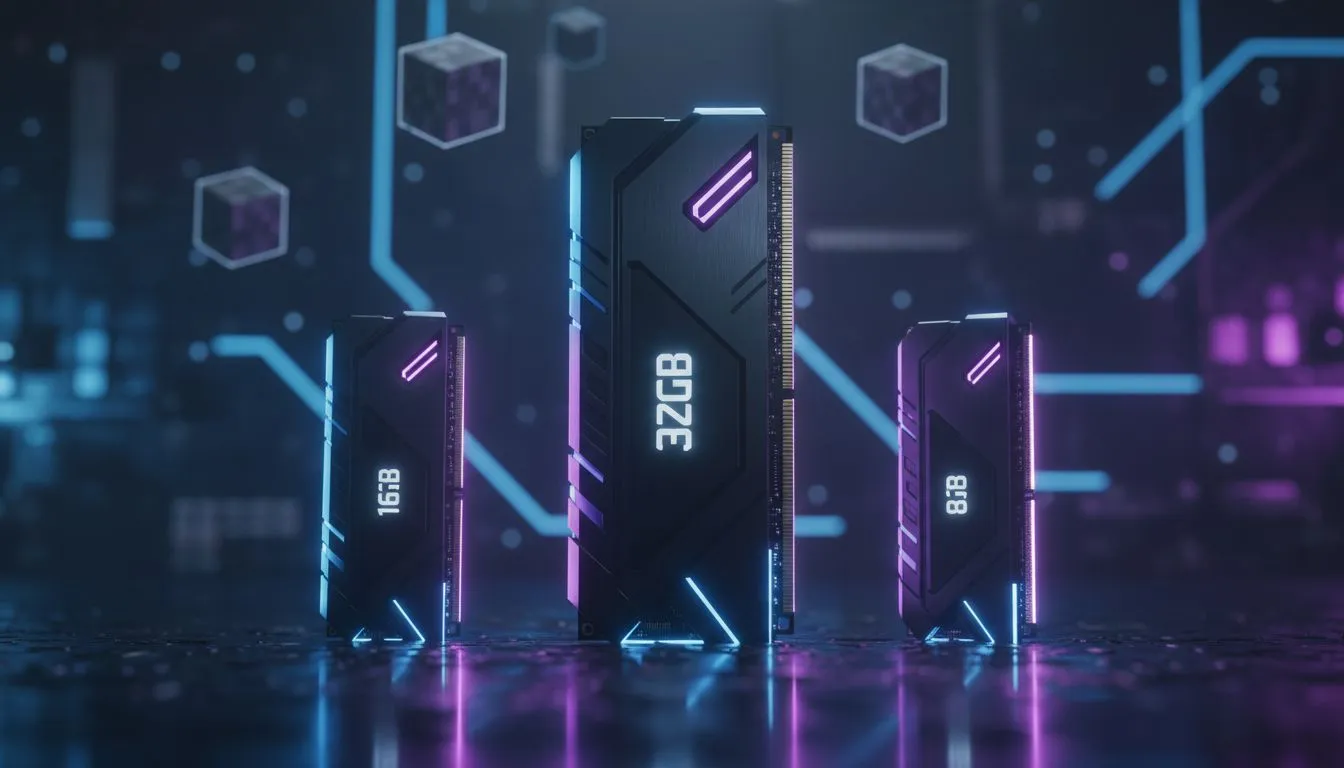
Finding the Sweet Spot for RAM for Modded Minecraft: 8GB vs 16GB vs 32GB
Ever tried loading a heavy Minecraft modpack on a rainy afternoon in Joburg, only to have your PC sound like a jet taking off? We have all been there. Choosing the right RAM for Modded Minecraft: 8GB vs 16GB vs 32GB is the difference between a smooth 60 FPS experience and a stuttering mess that crashes every time a Creeper explodes near your base. 🔧
The Baseline: Is 8GB Enough for Mods?
For a vanilla experience, 8GB is plenty. However, once you start adding technical mods or massive world-generation overhauls, the cracks begin to show. Minecraft is built on Java, which is notorious for "eating" memory. If you are running an older system or a budget-friendly build, you might still be searching for DDR3 gaming RAM modules to keep your blocky adventures alive.
While 8GB can run light packs like SkyFactory, you will likely experience "lag spikes" during garbage collection cycles. In South Africa, where we want the best value for every Rand spent, 8GB is becoming the absolute minimum rather than the standard. It leaves almost no room for background apps like Discord or a web browser tab with a crafting wiki open.
The Gold Standard: Why 16GB is the Fan Favourite
For the vast majority of players, 16GB is the magic number. It allows you to allocate a healthy 6GB to 8GB to Minecraft itself, leaving the rest for Windows and your background tasks. When you upgrade to high-performance DDR4 memory, you notice that chunk loading becomes faster and frame rates stay more consistent.
Most popular modpacks on the CurseForge or FTB launchers recommend at least 6GB of dedicated RAM. With a 16GB kit, you can comfortably run packs like All the Mods 9 or RLCraft without worrying about your system locking up. It is the most cost-effective way to stabilise your game... especially if you are multitasking between gaming and streaming. ⚡
Minecraft Memory Pro Tip ⚡
Never allocate all your system RAM to Minecraft. If you have 16GB, allocate a maximum of 8GB in your launcher settings. Java needs "breathing room" for the operating system and background processes. Allocating too much can actually cause more stuttering than allocating too little!
The Powerhouse: When 32GB Becomes Necessary
You might wonder if 32GB is overkill. For most games, it is... but modded Minecraft is a different beast. If you are a fan of "kitchen sink" modpacks with over 300 mods, or if you enjoy high-resolution resource packs and heavy shaders, the extra headroom is vital. Investing in 32GB RAM modules ensures that your memory usage never hits that 100% ceiling.
32GB is also the go-to choice for players who host a local "LAN" server on their own machine for friends. It allows the server and the client to run simultaneously without fighting for resources. If you are building a future-proof rig today, jumping straight to cutting-edge DDR5 memory is a smart move to ensure your PC handles the next generation of intensive modpacks.
Reliability and Performance Choices
Not all memory is created equal. Stability is key when you are hours deep into a hardcore survival run. We often suggest looking at Teamgroup memory for their excellent balance of speed and reliability. Whether you are chasing the lowest latency or just want a kit that works out of the box, choosing a reputable brand prevents those frustrating "Blue Screen of Death" moments during a heavy session. 🚀
Ultimately, the choice of RAM for Modded Minecraft: 8GB vs 16GB vs 32GB depends on your budget and how many mods you plan to stack. For a smooth, modern experience in South Africa's growing gaming scene, 16GB remains the sweet spot, while 32GB is the ultimate luxury for the hardcore enthusiast. ✨
Ready to Upgrade Your Minecraft Experience? Don't let memory bottlenecks ruin your builds. Whether you need a budget boost or a high-end overhaul, we have the hardware to keep your frames high and your temps low. Explore our massive range of RAM specials and find the perfect kit to conquer your favorite modpacks today.











