

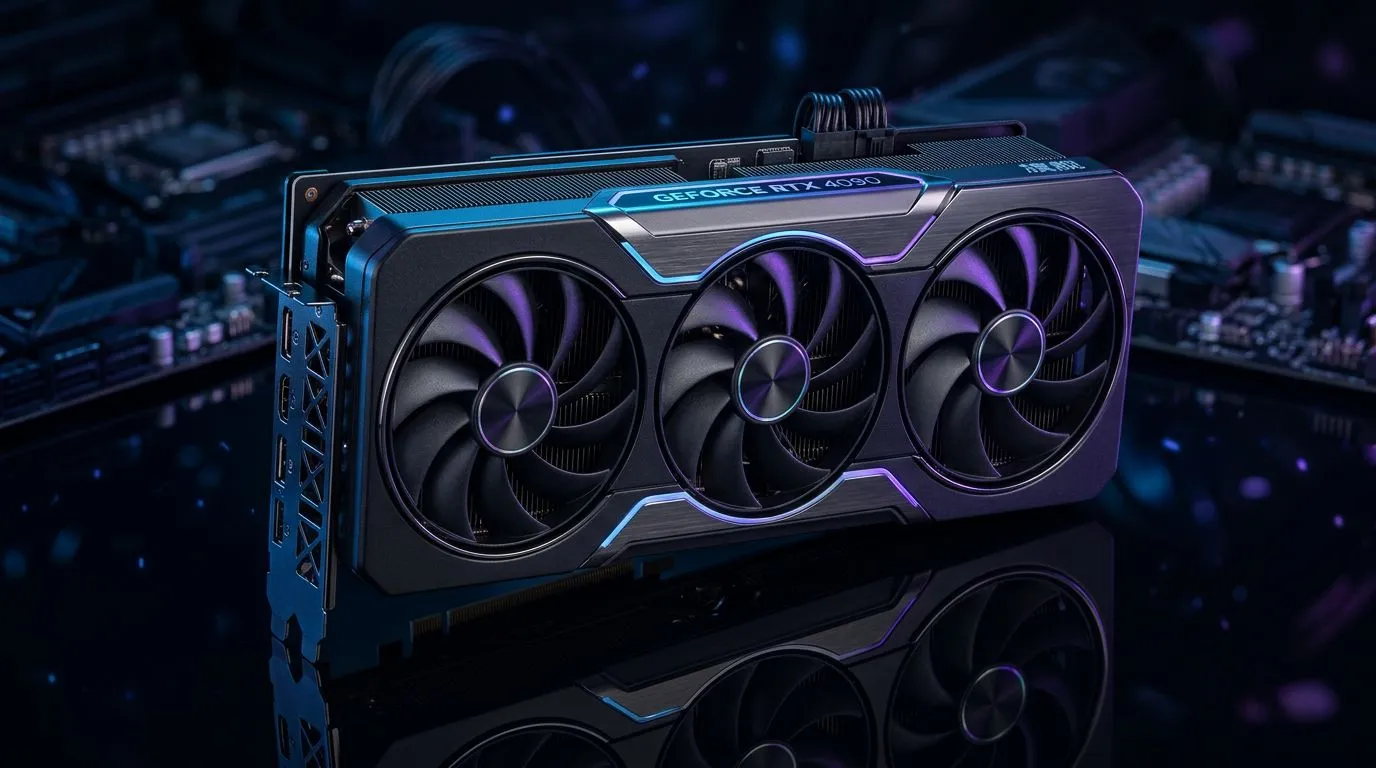
Quiet Your High-End Graphics Card: Why Coil Whine and Fan Noise Happen
If your gaming rig sounds more like a jet engine than a powerhouse, coil whine and fan noise are probably the culprits. South African gamers using high-end graphics cards often face this challenge, especially when pushing frame rates or crunching ray tracing. Reducing coil whine and fan noise isn’t just about comfort—it can improve focus and immersion during your longest sessions. Let’s explore how you can tame your card’s noise without sacrificing performance 🎮⚡.
Understanding Coil Whine and Fan Noise on Graphics Cards
Coil whine is an annoying high-pitched sound caused by electromagnetic vibrations in the GPU’s coils when under load. Fan noise, on the other hand, comes from the cooling system spinning faster to manage heat. Both issues can be more noticeable in premium graphics cards like MSI GeForce or Radeon series, which often run hotter due to their powerful specs.
Why Does This Happen?
Many South African tech enthusiasts order top-tier cards from Evetech’s MSI GeForce Graphics Cards collection, known for raw power but also some coil whine. The intensity depends on how the card handles power delivery and how aggressively fans ramp up in response to temperature spikes.
Typically, coil whine is more perceptible during intense gaming or benchmarking. Fan noise increases as your card heats up, especially in warm South African climates or cases with limited airflow. Managing these two factors can significantly improve your gaming experience.
How to Reduce Coil Whine on Your Graphics Card 🔧
Coil whine can be frustrating but isn’t usually a sign of hardware failure. Here’s what you can do:
- Limit your frame rate: Using V-Sync or an FPS cap in your game settings reduces the load on your GPU and often quiets coil whine.
- Enable power-saving modes: Utilities like MSI Afterburner or Radeon Software allow you to tweak voltages or power limits. Slightly lowering voltage can reduce coil vibration without major performance loss.
- Test different power supplies: Sometimes the PSU quality impacts coil whine. A stable, high-quality unit with clean power output, like those recommended by PC builders at Evetech, can help.
If you’re interested in Radeon options that balance power and quiet efficiency, browse Evetech’s Radeon Graphics Cards selection. Dealers often stock cards designed with improved coil whine tolerance.
Pro Tip for Coil Whine
Fans rarely fix coil whine—but tweaking your GPU’s power limit slightly downwards can drop coil noise dramatically.
Strategies for Fan Noise Reduction on High-End GPUs
Fan noise is an easier fix, and it starts with your PC’s airflow setup:
- Adjust your fan curve: Use GPU software to lower fan speed thresholds. Even a 5 to 10% decrease can reduce noise without overheating.
- Improve case ventilation: South African gamers often rely on fibre internet for downloads—don’t let poor airflow slow you down. Add intake fans or reposition components for better cooling.
- Consider aftermarket coolers: Some models in the full range of graphics cards at Evetech come with advanced cooling solutions that reduce noise noticeably.
Look at high-performance MSI cards with premium cooling designs for a quieter gaming rig overall. They also provide sturdy builds that suit South African weather well.
When to Consider Hardware Swaps or Upgrades 🚀
If coil whine or fan noise still interfere, it may be time to evaluate a different card or aftermarket fan options. Nvidia’s GeForce Graphics Cards, available at Evetech, often feature newer tech for quieter performance under intense loads, ideal for competitive multiplayer or 4K setups.
Switching to a card with a more robust cooling system can prevent noise from disrupting your focus. Remember to check Evetech’s full GeForce Graphics Cards selection to compare specs, cooling designs, and user reviews.
Upgrade Your GPU with Confidence Say goodbye to distracting noise and reclaim your gaming focus. Shop now at Evetech for top-notch graphics cards and expert support.











