

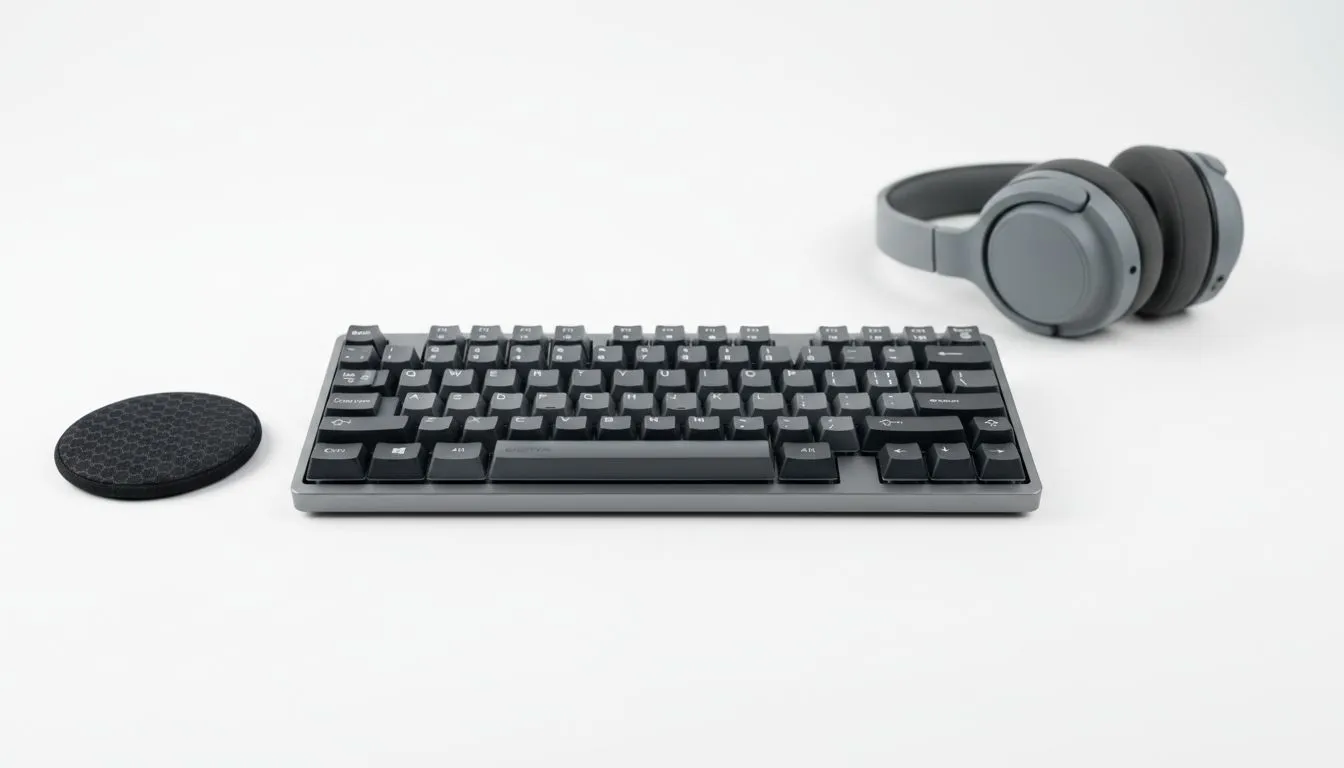
Why You Should Reduce Keyboard Noise Today
Living in a shared apartment or a cramped dorm in Joburg or Cape Town? Your late-night gaming sessions do not have to end in an argument with your roommate. Mechanical keyboards are fantastic... but they can be incredibly loud. Learning how to reduce keyboard noise is essential for maintaining peace while keeping your performance high. Here is how to build a quiet typing setup without breaking the bank. 🔧
Select the Right Mechanical Switches
The foundation of a quiet setup is the switch under the keycap. Blue switches are famous for their "click" but they are the enemy of shared spaces. If you want to keep things silent, look for linear switches like Reds or specialised silent variants. Many enthusiasts prefer a Razer Gaming Keyboard featuring Yellow switches because they offer a smooth, quiet keystroke without the piercing auditory feedback.
Essential Mods for a Quiet Typing Setup
If you already have a board you love, you can still optimise its acoustic profile. Adding rubber O-rings to your stems can dampen the "clack" when you bottom out. For those who enjoy customisation, Glorious Keyboards are designed for easy modding... allowing you to add switch film or lube to further silence the friction. Even a thick desk mat can absorb vibrations that would otherwise echo through your desk. ⚡
Software Silence ⚡
If your hardware is still a bit loud, use AI noise suppression. Apps like NVIDIA Broadcast or Krisp can filter out keyboard clicks from your microphone in real-time. This ensures your teammates hear your voice clearly while your roommates enjoy the silence.
Connectivity and Desk Management
In a small dorm room, cable clutter adds to the chaos. A Wireless keyboard allows you to move your setup easily... perhaps even typing from your bed to keep the noise away from shared walls. However, if you are a competitive gamer who demands zero latency, a high-quality Wired connection remains the gold standard for reliability and speed.
Finding Value in South Africa
You do not need to spend a fortune to get a stealthy setup. You can find the cheapest gaming keyboard in South Africa that still offers decent dampening features. Many entry-level boards now include membrane layers or silent membrane-mechanical hybrids starting under R700... proving that silence is accessible to every student and apartment dweller. ✨
Ready to Silence the Noise? A quiet setup doesn't mean sacrificing performance or your budget. Whether you need silent switches or a compact form factor, we have the gear to help you play in peace. Explore our massive range of gaming keyboard specials and find the perfect silent partner for your setup today.











