

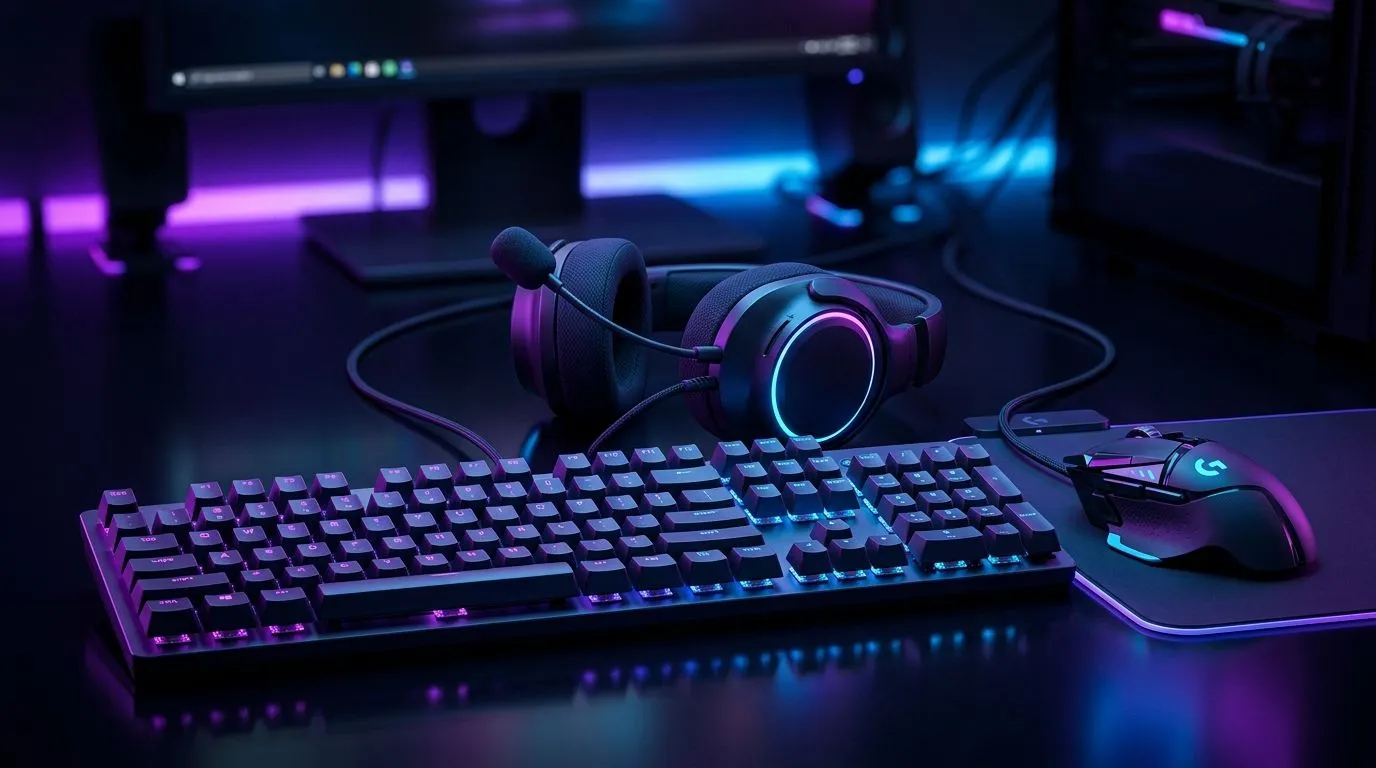
RGB Gaming Desktop Mouse Keyboard Headset Sync Setup in SA
If your battlestation looks great in screenshots but the lighting feels random in person, you’re not alone. A lot of South African gamers buy RGB gear one piece at a time, then end up with three apps, four lighting profiles, and one very confused desk. The good news? With a bit of planning, your RGB gaming desktop mouse keyboard headset sync setup in SA can look clean, feel premium, and be far easier to manage 🔧✨
RGB Gaming Desktop Mouse Keyboard Headset Sync Setup in SA: Start With One Control Plan
The easiest way to keep your setup sane is to decide who is in charge of the lighting. If your keyboard, mouse, and headset all use different software, you’ll spend more time clicking than gaming. A cleaner approach is to buy peripherals that can be controlled through one ecosystem, or at least ones that can match colour modes manually.
For South African buyers, that matters. Power cuts, desk resets, and fast upgrades are part of the reality here. You want a setup that looks good without needing a full rebuild every time you swap one device.
If you’re still shopping, start by browsing mouse accessories for South African gamers to see what matches your current desk and lighting theme.
RGB Gaming Desktop Mouse Keyboard Headset Sync Setup in SA: Choose the Right Mouse First
A mouse is often the most-used peripheral in the whole setup. That means comfort, sensor quality, and button placement matter just as much as lighting. Wired models are still popular for low-latency play, while wireless options suit cleaner desk builds and easier cable management.
If you want to compare options, check wired mouse choices for dependable everyday performance. If you prefer a tidier desk, explore wireless mouse options. For deal hunters, the best gaming mouse deals page is worth bookmarking before payday. You can also browse the full gaming mouse range if you want to compare styles and budgets in one place.
What to prioritise
- Comfort for long sessions
- DPI settings that you can actually use
- Software that supports lighting sync
- A shape that suits your grip style
RGB Gaming Desktop Mouse Keyboard Headset Sync Setup in SA: Make the Lighting Look Intentional
Here’s the trick most people miss... matching every device to the exact same colour is not always the best look. A setup feels more premium when the colours complement each other. Think one strong accent colour, then softer lighting on the rest.
For example, a keyboard in static white, a mouse in a gentle blue pulse, and a headset in a dim cyan glow can look far cleaner than a rainbow explosion. If you stream, this also helps the camera pick up your gear without visual clutter.
Simple sync rules
- Use one main colour family
- Keep brightness lower than you think
- Avoid too many breathing effects at once
- Test the setup in a dark room before settling on it
RGB Sync Pro Tip ⚡
Before installing every lighting app, check whether your mouse and keyboard can run well from a single suite. Fewer apps usually mean fewer startup issues, less RAM use, and a cleaner experience after a reboot.
RGB Gaming Desktop Mouse Keyboard Headset Sync Setup in SA: Why Clean Cable Management Still Matters
Even if your peripherals are wireless, some cables will remain. Headset charging cables, USB dongles, and maybe a mouse cable all need a home. Clean cable routing makes RGB pop more because the eye focuses on the gear, not the clutter.
That’s especially useful in smaller South African rooms or shared gaming spaces, where a tidy desk can make a big visual difference. A neat setup also makes it easier to clean, which sounds minor until dust starts building up around your keyboard and mouse pads.
RGB Gaming Desktop Mouse Keyboard Headset Sync Setup in SA: Buy for the Long Term, Not Just the Look
RGB is fun, but you’ll enjoy your setup more if the devices are solid first and flashy second. Check click feel, battery life, software support, and warranty coverage before you commit. In South Africa, value matters. A slightly more expensive peripheral can be the better buy if it lasts longer and works smoothly across future upgrades.
If you’re building your desk from scratch, think in layers:
- Get the mouse right
- Match the keyboard lighting
- Add a headset that complements the setup
- Fine-tune brightness and effects last
That approach keeps spending under control and avoids regret purchases.
RGB Gaming Desktop Mouse Keyboard Headset Sync Setup in SA: Final Desk Polish for a Better Gaming Space
The best RGB setups don’t shout. They feel balanced. Once your mouse, keyboard, and headset are in sync, your whole desk looks more organised, more expensive, and more personal. That’s the real win... not just pretty lights, but a space that makes you want to sit down and play.
If you’re building or upgrading in SA, take your time. Compare the gear. Match the vibe. And pick peripherals that fit how you actually use your PC.
Ready to Find Your Perfect Match? The Mac vs Windows debate is complex, but for maximum power, choice, and value in South Africa, Windows is hard to beat. Explore our massive range of laptop specials and find the perfect machine to conquer your world.











