

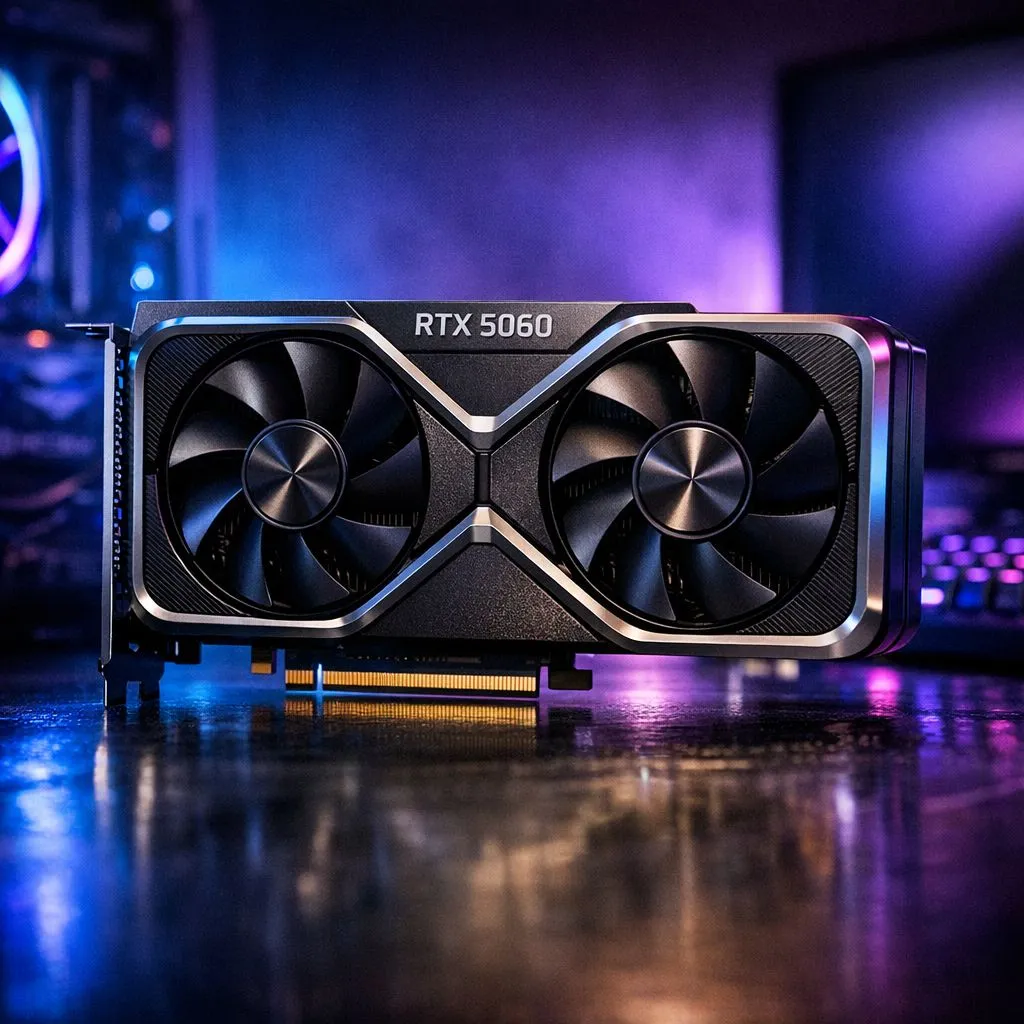
RTX 5060 Build Guide: Best Components for South African Gamers (That Feel Good to Buy)
South Africa’s gaming scene moves fast. New releases, rising GPU prices, and “will it run at 1440p?” questions… all in the same week. If you’re planning an RTX 5060 build, you want parts that make sense together, not a random pile. This guide walks you through the best component choices for smooth gameplay, stable frame times, and sensible spending in ZAR. 🔧
RTX 5060 Build Guide: Start with the GPU, but plan the whole PC
The RTX 5060 is the heart of the build. Still, performance comes from balance: CPU strength, RAM capacity, and storage speed. If you pair it with a weak CPU or slow SSD, you’ll feel it in loading times and inconsistent frames.
Here’s how to think about your “build vibe”:
- 1080p competitive / high refresh: prioritise CPU responsiveness and fast storage
- 1440p gaming: prioritise GPU headroom and stable cooling
- Creator + gamer: add RAM capacity and consider a higher-end SSD
Before you buy anything, decide your target: What resolution and refresh rate are you aiming for? Then buy components that match that goal.
RTX 5060 Build Guide: Choosing the best graphics card options at Evetech
If you want to browse exact models and current stock, start with these Evetech graphics card category pages. ⚡
- For MSI options, check: MSI graphics cards at Evetech
- For Radeon alternatives, browse: Radeon graphics cards
- For the full NVIDIA and ATI GPU selection, use: All NVIDIA/ATI graphics cards
- If you prefer GeForce listings specifically, view: GeForce graphics cards
RTX 5060 Build Guide: CPU and motherboard pairing (so you don’t bottleneck)
A lot of “my FPS is lower than expected” posts come from a mismatched CPU or motherboard. You don’t need the most expensive CPU. You need the right one for your resolution target.
What to look for:
- A CPU strong enough to feed the RTX 5060 at your chosen resolution
- A motherboard with enough RAM slots for your future plan
- Proper VRM cooling (especially if you’re aiming for long gaming sessions)
If you’re unsure which combo fits your style, focus on boards and CPUs Evetech lists as compatible in their parts ecosystem. That reduces the annoying “will this work?” friction.
RTX 5060 Build Guide: RAM and storage choices that actually matter
RAM and SSD speed are the “quiet performance” upgrades. You’ll notice them in:
- faster game loading
- smoother level streaming
- fewer stutters during heavy scenes
Practical guidance for most gamers:
- RAM: aim for at least 16GB if your games are lighter, and go higher (32GB) if you multitask or play newer titles that benefit from extra memory
- SSD: choose an NVMe SSD for speed. Your GPU can be fast, but slow storage drags the experience
RTX 5060 Build Guide: Power supply and cooling (stability in SA heat)
In South Africa, your PC will sometimes run in warmer rooms and during load shedding cycles when you want to restart quickly. That’s why PSU stability and cooling matter.
PSU checklist:
- Enough wattage for your whole system (GPU + CPU + fans + drives)
- A reputable unit with proper protections (overcurrent, overvoltage, and thermal protection are key)
Cooling checklist:
- At least one good exhaust fan
- A cooler that matches your CPU’s needs
- Good airflow inside the case, not just “more fans”
If you’re upgrading later, a slightly higher PSU headroom can save you money and stress.
Productivity Pro Tip 🔧
On Windows, enable Game Mode and use the built-in Graphics settings to force your main games to use the high-performance GPU. Pair that with an NVMe SSD install for your favourite titles, and you’ll cut load times without touching your FPS settings every time you launch.
RTX 5060 Build Guide: Case, airflow, and cable management (the underrated wins)
A clean build isn’t just for looks. Cable clutter can block airflow and trap heat. For an RTX 5060 build:
- pick a case with front intake space
- plan your fan layout before mounting everything
- keep power and GPU cables routed cleanly so air can move
If you’re building in a smaller chassis, double-check clearance for the GPU length and cooling setup.
RTX 5060 Build Guide: Budget realism in ZAR (without going cheap where it counts)
When you’re shopping in South Africa, “cheap” can cost you twice:
- a weak PSU can limit future upgrades
- too little RAM leads to stutter
- a slow SSD makes games feel heavier
Instead, spend in this order:
- GPU (your performance anchor)
- PSU + cooling (your stability anchor)
- CPU + motherboard (your balance anchor)
- RAM + NVMe (your smoothness anchor)
- Case + fans (your comfort anchor)
If you’re watching price swings, check Evetech’s listings often and compare across categories. Stock moves, and sometimes the best value isn’t the loudest deal.
RTX 5060 Build Guide: Ready for build day? Use this quick parts checklist ✅
Before you click “buy”, verify:
- GPU fits your case and has enough clearance
- Your RAM meets your target (and the motherboard supports it)
- Your PSU wattage covers the full build
- Your SSD is NVMe and large enough for your library
- Your CPU cooler matches your CPU tier
That’s it. The goal is a PC that feels consistent in real play, not just on paper.
Ready to Find Your Perfect Match? The Mac vs Windows debate is complex, but for maximum power, choice, and value in South Africa, Windows is hard to beat. Explore our massive range of laptop specials and find the perfect machine to conquer your world.











