

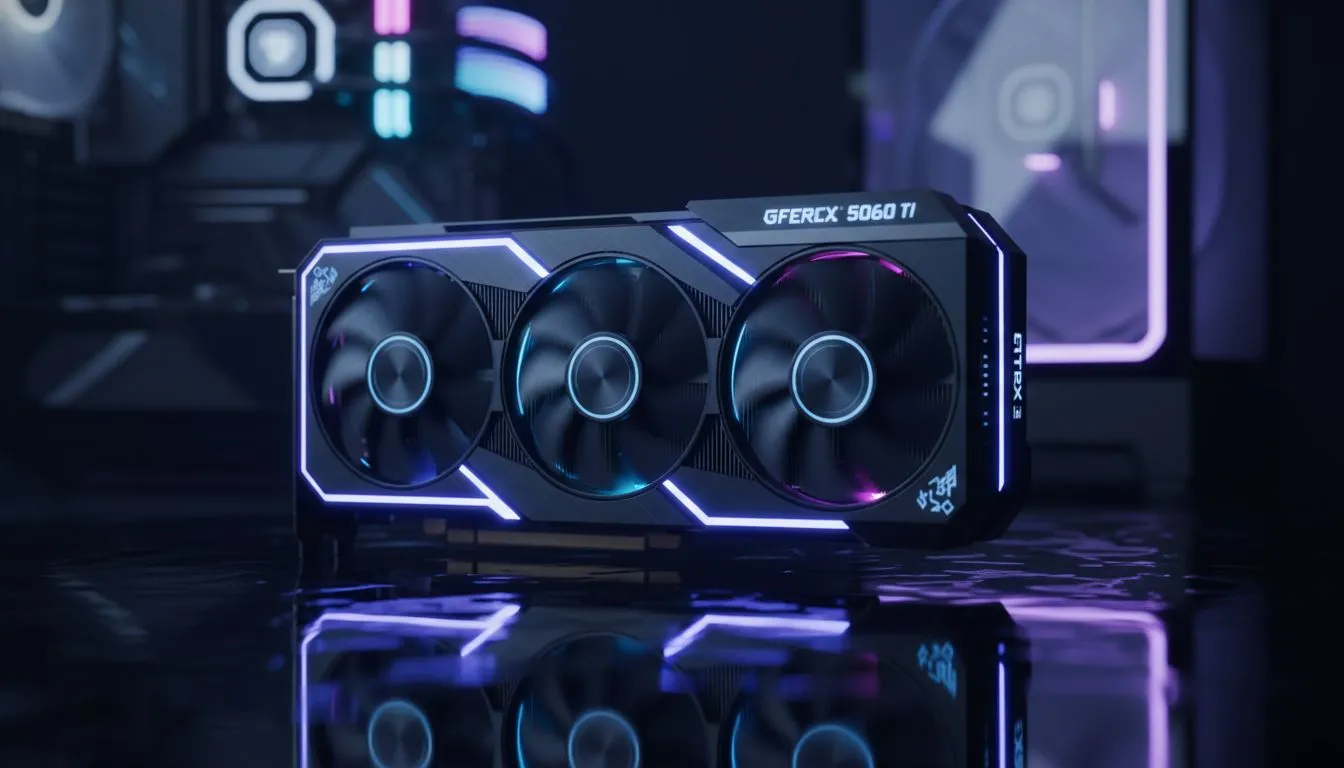
Why the RTX 5060 Ti build is the R25,000 sweet spot for CS2
In the high-stakes world of Counter-Strike 2, every millisecond matters. For South African gamers looking to climb the Premier ranks, finding the right hardware balance is crucial. An RTX 5060 Ti build hitting the R25,000 sweet spot for CS2 provides the frame rates needed for competitive play. It ensures your 144Hz or 240Hz monitor isn't being wasted while keeping your bank account healthy. 🚀
Maximising frame rates for competitive CS2 play
Counter-Strike has always been about high refresh rates and low latency. The transition to Source 2 has increased the demand on your hardware. An RTX 5060 Ti build handles the new smoke physics and lighting with ease. You can expect stable performance even during chaotic site executes. Many of our latest pre-built pc deals focus on this exact performance bracket.
CS2 Performance Tip ⚡
To further reduce input lag, ensure NVIDIA Reflex is set to 'Enabled + Boost' in your CS2 video settings. This synchronises your CPU and GPU tasks, shaving off precious milliseconds of system latency. It makes your flick shots feel significantly more responsive on high-refresh displays.
Balancing your components around the R25,000 budget
When browsing PCs above R20k, it is easy to overspend on aesthetics. For a pure performance build, focus on the CPU and GPU pairing. A modern i5 or Ryzen 5 processor complements the RTX 5060 Ti perfectly. This combination avoids bottlenecks in CPU-intensive titles like CS2. It ensures your 1% lows remain high during intense firefights... which is where matches are won or lost. ✨
While some PCs under R20k offer great value, they often sacrifice the headroom needed for future-proofing. Spending slightly more on a R25,000 build secures better cooling and faster NVMe storage. This results in quicker map load times and a quieter system during long gaming sessions.
Future-proofing your setup with the right deals
Finding the best value requires keeping an eye on local stock. We constantly update our best gaming PC deals to reflect the latest hardware arrivals in South Africa. The RTX 5060 Ti is particularly efficient, meaning you do not need an expensive 1000W power supply. This allows more of your budget to go toward 32GB of high-speed DDR5 RAM. 🔧
Even compared to entry-level budget gaming PCs, the R25,000 tier offers a massive leap in longevity. You are not just buying a machine for today... you are buying a system that will handle upcoming tactical shooters for years. The RTX 5060 Ti build remains the ultimate choice for the serious South African competitor. ⚡
Ready to Dominate the Server? Finding the perfect balance between price and performance is our speciality. Whether you are grinding CS2 or exploring new worlds, we have the right rig for you. Explore our massive range of RTX gaming PCs and find the perfect machine to conquer your world.











