

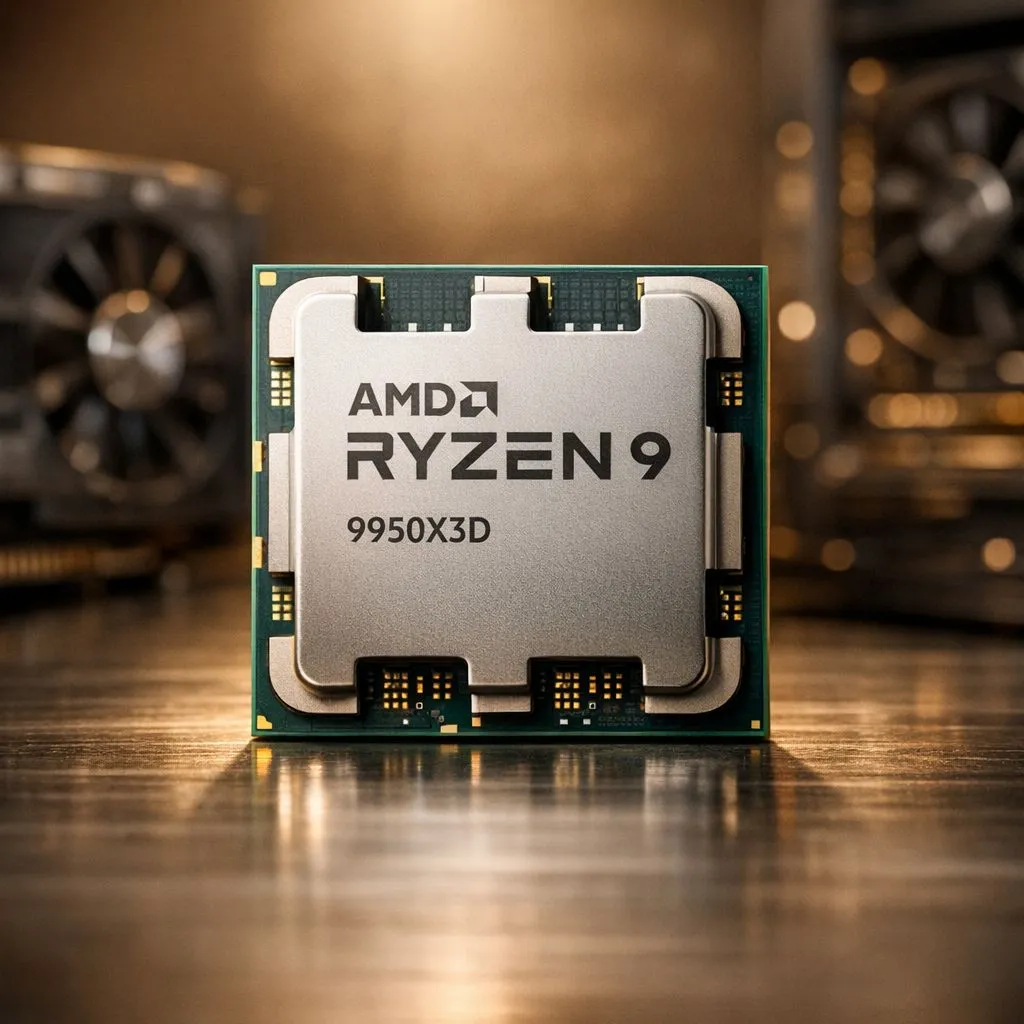
Maximising Productivity with the Ryzen 9 9950X3D Workstation Build Guide for Creators
Building a high-end rig in South Africa often means choosing between raw rendering speed and gaming performance. With the 9950X3D, that compromise finally disappears. Whether you are editing 4K footage in Cape Town or streaming from Jozi, this chip handles it all. This Ryzen 9 9950X3D Workstation Build Guide for Creators highlights how to balance professional stability with enthusiast-grade speed for your studio. 🚀
Choosing the Right Foundation for Your Workstation
The heart of your build determines how well you can multitask during heavy exports. While many professionals still buy Intel CPUs for specific software optimisations, AMD has taken a significant lead in multi-threaded efficiency. The 9950X3D offers 16 cores that stay cool even during long render sessions in our warm South African climate.
If you are looking for the best price-to-performance ratio, you can buy AMD CPUs that feature the revolutionary 3D V-Cache technology. This specific cache layout helps reduce latency in complex creative applications like After Effects or Blender. It ensures your timeline remains fluid... even when working with uncompressed assets. ⚡
Balancing Core Counts and Thermal Efficiency
Not every creator needs 16 cores, but having the overhead is a massive benefit for background tasks. Some users might consider 14-core Intel processors as a viable middle ground for mixed workloads. However, the Ryzen 9 platform provides a better upgrade path for future-proofing your workstation.
For those who do not require the absolute peak of the 9-series, the AMD Ryzen 7 series remains a fantastic alternative. These chips offer incredible value for high-end gaming and moderate video editing. When building your workstation, remember to invest in a high-quality X870 motherboard to support the high data throughput required by modern NVMe drives. 🔧
Productivity Pro Tip ⚡
On Windows, use the PowerToys FancyZones utility to create custom snap layouts for your windows. It's a lifesaver for managing multiple apps on an ultrawide monitor, letting you organise your timeline, preview window, and asset folders perfectly for video editing.
Finalising Your High-Performance Setup
A true workstation is more than just a fast processor. You need at least 64GB of DDR5 memory to keep up with the 9950X3D. In South Africa, power stability is always a concern for professionals. We recommend pairing this build with a Tier-A power supply and a reliable UPS. This protects your R40,000+ investment from unexpected surges or outages during critical project saves. ✨
Ready to Build Your Ultimate Creator Rig? Choosing the right components is vital for a smooth workflow in South Africa. Explore our full range of AMD processors and start building your dream Ryzen 9 9950X3D workstation today.











