

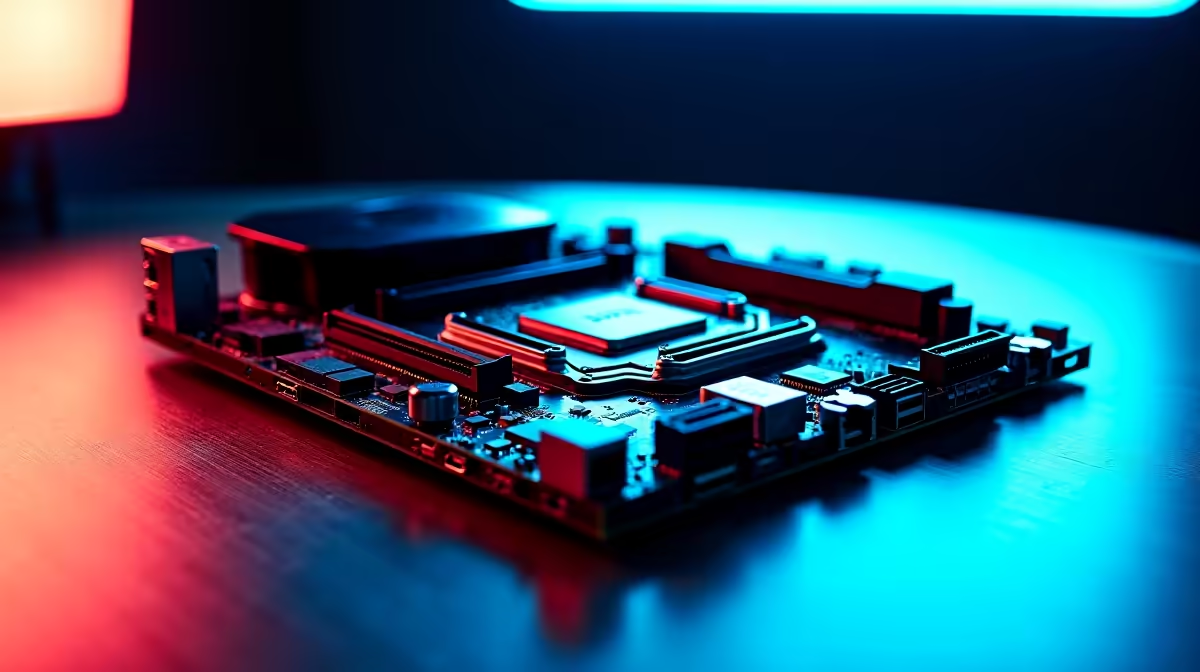
Building a new rig in South Africa is a serious investment. Every ZAR counts when you are chasing max frames or rendering massive 4K timelines. If you are eyeing AMD's latest processors, proper Ryzen build planning with an X870 motherboard is essential. You cannot just pick the cheapest board and hope for the best. Let us break down the ultimate checklist for your next AM5 powerhouse.
Power Delivery... Fueling Your CPU ⚡
When you drop a high-end Ryzen chip into the socket, it demands clean and stable power. That is where the VRM (Voltage Regulator Module) comes in. A robust power delivery system ensures your CPU hits those sweet boost clocks without thermal throttling. Whether you are pushing competitive frames in CS2 or rendering heavy video files, stable power is non-negotiable. It gives you the headroom needed to squeeze every drop of performance out of your investment. If you are exploring options, checking out top-tier ASUS AMD motherboards is a great starting point. They often feature massive heatsinks and premium chokes to keep temperatures low.
Memory Selection... Finding the DDR5 Sweet Spot 🚀
Ryzen processors thrive on fast memory. For the current AM5 lineup, the performance sweet spot sits right around 6000MT/s with low latency. Going faster can sometimes cause instability unless you love tweaking BIOS settings. To get the most out of your rig, you will want to browse reliable RAM and memory kits that support AMD EXPO. This guarantees a simple one-click overclock to get your system running at peak performance.
Memory Placement Pro Tip 🔧
Always install your two DDR5 sticks in slots A2 and B2 (usually the second and fourth slots from the CPU). This ensures optimal dual-channel performance and stability on X870 boards.
Expansion and Storage... Planning for Tomorrow
An X870 chipset brings serious future-proofing to your desk. You get PCIe 5.0 support for both your graphics card and NVMe SSDs. This means faster load times and zero bottlenecks when next-gen GPUs arrive. The platform also natively supports USB4... giving you lightning-fast transfer speeds for external drives. Whether you are upgrading an old rig or building from scratch, picking the right foundation from a wide selection of PC motherboards dictates your upgrade path for years. Interestingly, if you are still weighing your options, you might even compare features against premium ASUS Intel motherboards to see how the connectivity stacks up.
Bringing Your Dream Rig to Life ✨
Proper Ryzen build planning with an X870 motherboard takes patience. You need to balance your budget across power, memory, and storage. Sometimes, buying individual parts adds up quickly. If you want to skip the hassle of building it yourself, exploring pre-built custom gaming PCs can save you both time and ZAR. They come tested, tuned, and ready to dominate your favourite titles straight out of the box.
Ready to Start Your AM5 Journey? Building a new PC is thrilling, but getting the right parts is crucial for maximum performance and value in South Africa. Explore our massive range of PC motherboards and find the perfect foundation to conquer your world.











