

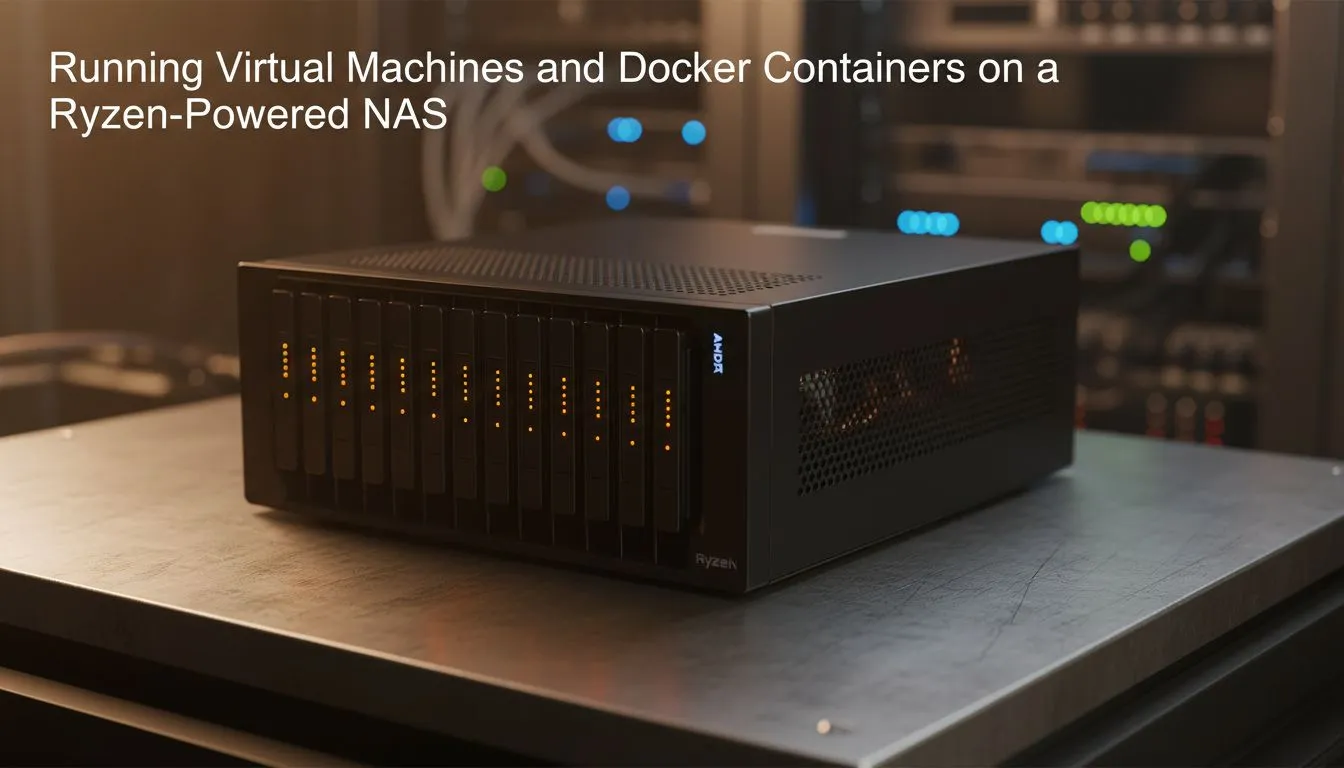
Tired of slow cloud speeds and monthly subscriptions? Building a Ryzen NAS virtual machines and Docker setup gives you total control over your data. Whether you are hosting a local Minecraft server for the mates or automating your smart home, Ryzen processors offer the multi-threaded performance needed to handle heavy workloads without breaking a sweat. It is the ultimate upgrade for any South African home lab enthusiast. 🚀
Why Ryzen NAS Virtual Machines and Docker are the Ultimate Choice
Traditional off-the-shelf NAS units often struggle when you ask them to do more than just store files. By choosing a Ryzen-based system, you unlock massive multi-core potential. This allows you to run multiple virtual machines (VMs) alongside your storage tasks. You can find a wide range of diskless NAS storage options at Evetech to start your journey.
Ryzen’s architecture excels at parallel processing. This is vital when you want to run a Windows VM for legacy apps while simultaneously managing a Linux environment for your web projects. Because these CPUs are efficient, they won't drive your electricity bill through the roof... a major win for any South African household.
Streamlining Your Home Lab with Docker Containers
Docker is where the magic happens for home users. Unlike VMs, Docker containers share the host's resources, making them incredibly lightweight. You can deploy a Plex media server, a Pi-hole for blocking ads, or even a private cloud like Nextcloud in seconds.
If you are looking for reliable enclosures to house your high-speed drives, Orico offers excellent solutions that pair perfectly with a custom-built Ryzen server. Docker ensures that if one service crashes, the rest of your system stays online. It is the most stable way to manage a complex home network.
Storage Pro Tip ⚡
When setting up your Ryzen NAS, always prioritise SSD caching. Using a high-speed NVMe drive as a cache layer will significantly speed up your Docker container response times and VM boot speeds. It makes the entire experience feel snappy, even when multiple users are accessing the server at once.
Compact Power for Modern Computing
Not everyone has space for a massive server tower. Fortunately, you can get incredible compute density by using Minis Forum units as dedicated nodes. These compact machines often feature powerful Ryzen chips that handle virtualisation with ease. 🔧
By separating your compute from your bulk storage, you create a modular system. This means you can upgrade your Ryzen CPU for more Docker containers without touching your hard drives. It is a cost-effective way to scale your home lab as your needs grow. ⚡
Maximising Your Investment in South Africa
Investing in a Ryzen NAS virtual machines and Docker ecosystem is about future-proofing. With local prices for high-end hardware starting around R5,000 for entry-level Ryzen kits, the value proposition is clear. You get a server that out-performs proprietary units costing twice as much. ✨
Ready to Build Your Dream Home Server? Whether you need raw compute power or massive storage capacity, we have the hardware to make it happen. Explore our massive range of NAS and storage specials and find the perfect components to build your Ryzen-powered powerhouse today.











