

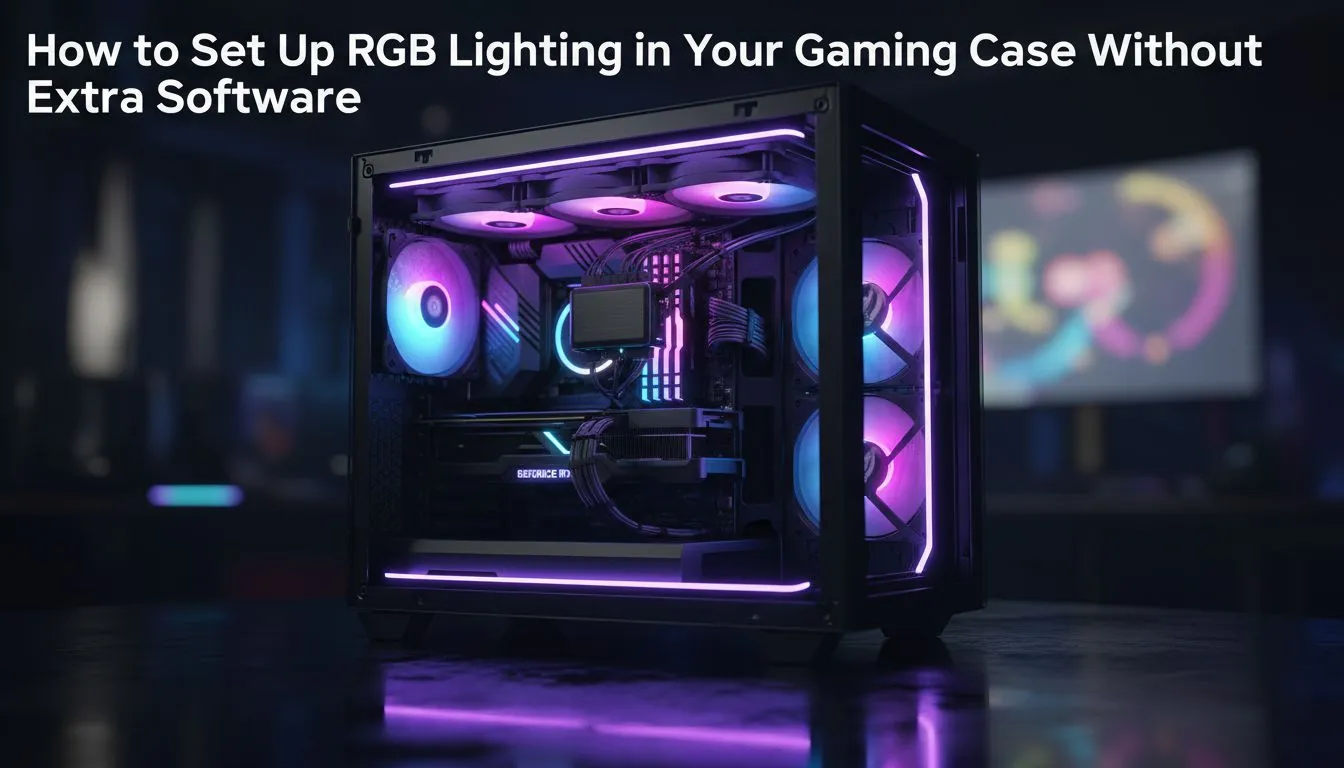
Tired of bloated software just to change the colour of your fans? You're not alone. In South Africa, we love a powerful, customised gaming rig, but resource-hungry control apps can slow things down and cause conflicts. What if you could get stunning lighting effects without installing a single extra program? Good news... you absolutely can. This guide shows you how to set up RGB lighting in your gaming case without software. ✨
The Hardware-First Approach to RGB Control
The secret to a software-free setup lies in hardware-based controllers. Instead of relying on an application to tell your lights what to do, you use a physical button or a dedicated hub. This method is simpler, more reliable, and keeps your system running lean, making it a key feature to look for in the latest range of computer cases. It's perfect for gamers who prioritise performance over endlessly tweaking every single LED.
There are two primary ways to achieve this:
- Built-in Case Controllers: Many modern Gamdias gaming cases come with a small, pre-installed hub and a button on the front panel.
- Standalone ARGB Hubs: These are separate devices you buy and install, often coming with a small remote control.
Using Your Case's Integrated RGB Button
This is the easiest way to control RGB without software. If your chassis has a built-in controller, the setup is a breeze. Most Addressable RGB (ARGB) components, like fans and light strips, use a standard 3-pin, 5V connector.
Here’s the basic process:
- Locate the Hub: Find the small circuit board inside your case where the pre-installed fans are connected.
- Connect Your Lights: Plug any additional ARGB components into the available 3-pin headers on the hub.
- Power Up: Ensure the hub is connected to your power supply, usually via a SATA power cable.
- Press the Button: Once your PC is on, simply press the LED button on your case's I/O panel to cycle through the pre-programmed colours and effects.
It’s that simple. You get fantastic lighting with zero performance overhead. This feature is surprisingly common, even in many affordable Gamdias cases under R1500, making it accessible for any budget.
Daisy-Chaining for a Cleaner Build 💡
Many ARGB fans and strips come with both male and female connectors, allowing you to 'daisy-chain' them together. You can connect several components in a series and plug just one cable into your controller hub. This drastically reduces cable clutter and makes managing your build much easier. Just be sure not to overload a single header!
For More Advanced Setups: Standalone Controllers
What if your case doesn't have a built-in controller? No problem. A standalone ARGB controller hub is your answer. These are small, magnetic or adhesive boxes that serve the same purpose, often providing more ports and effects. They work independently of your motherboard and are controlled by a physical remote.
This approach is perfect for builders who want a software-free setup but have an older chassis or want to add RGB to a minimalist case, like those from Fractal Design's sleek PC case lineup. You get full control without ever needing to open a control panel on your desktop. 🔧
A software-free RGB setup is the ultimate way to get a clean, beautiful, and high-performance gaming rig. You get all the aesthetic benefits without the frustrating software bloat. It's about smart building... not just more software.
Ready to Light Up Your Rig? The right case is the foundation of a clean, powerful, and stunning PC build. A software-free RGB setup starts with a chassis that has the right features built-in. Browse our massive range of computer cases and find the perfect home for your next build.








