

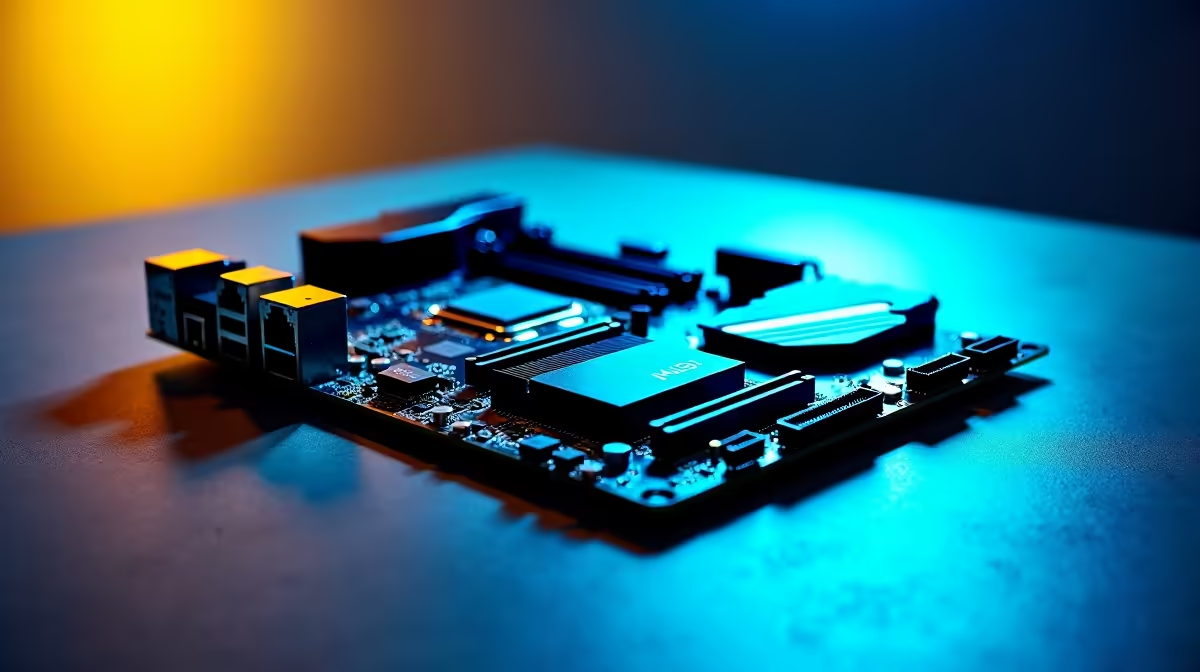
Building a high-end rig in South Africa means making every ZAR count. You want blazing speeds today without sacrificing your future upgrade path. Setting up DDR5, PCIe 5.0 and triple M.2 on an ATX motherboard without wasting upgrade headroom is a delicate balancing act. Get it wrong, and you might accidentally throttle your expensive new graphics card. Let us look at how to build smart. 🚀
Understanding PCIe Lane Sharing
When you install multiple next-gen components, they all fight for bandwidth. Modern CPUs only have a set number of PCIe lanes to go around. If you populate every slot blindly, your motherboard might halve the bandwidth to your primary GPU slot... a costly mistake.
To avoid this bottleneck, you need to choose your foundation carefully. Browsing through the latest motherboards helps you find a board with smart lane distribution. Look for an ATX layout that explicitly separates chipset lanes from direct-to-CPU lanes. This ensures your graphics card runs at full throttle.
Nailing the DDR5 Sweet Spot
Memory is your system's heartbeat. When setting up DDR5 on an ATX motherboard, speed and stability are crucial. You do not need to buy the absolute most expensive kit to see massive gains.
Finding the right memory kits usually means aiming for the 6000MHz sweet spot to optimise your rig. This speed offers the best balance of low latency and high bandwidth. If you are building on the blue team, an ASUS Intel motherboard will often support extreme memory profiles right out of the box... making configuration a breeze.
Storage Setup Pro Tip 🔧
Always install your primary OS drive in the top M.2 slot closest to the CPU. This slot usually connects directly to the processor rather than routing through the chipset, giving you the lowest possible latency for Windows and your most-played games.
Mastering PCIe 5.0 and Triple M.2 Storage
Storage is where most builders accidentally waste their upgrade headroom. Installing three high-speed NVMe drives sounds amazing for your game library, but you must read your manual first.
Often, populating the third or fourth M.2 slot disables SATA ports or steals lanes from the primary PCIe 5.0 graphics slot. For Ryzen fans, a quality ASUS AMD motherboard typically offers excellent chipset lane management. This allows you to run a full triple M.2 setup without choking your GPU bandwidth. It keeps your system running cool and fast. ✨
Future-Proofing Your ZAR Investment
Building a PC is a serious investment. By carefully planning your component layout today, you ensure your system remains relevant for years to come. You keep those vital PCIe 5.0 lanes open for tomorrow's flagship graphics cards.
If configuring all of this sounds like a massive headache, you can always skip the stress. Exploring pre-configured best gaming PC deals guarantees optimal lane distribution and memory speeds right from the factory. Let the experts handle the technical balancing act for you. ⚡
Ready to Build Your Dream Rig? Navigating PCIe lanes and memory timings can be tricky, but getting it right unlocks massive performance. Explore our massive range of PC components and find the perfect parts to conquer your world.











