

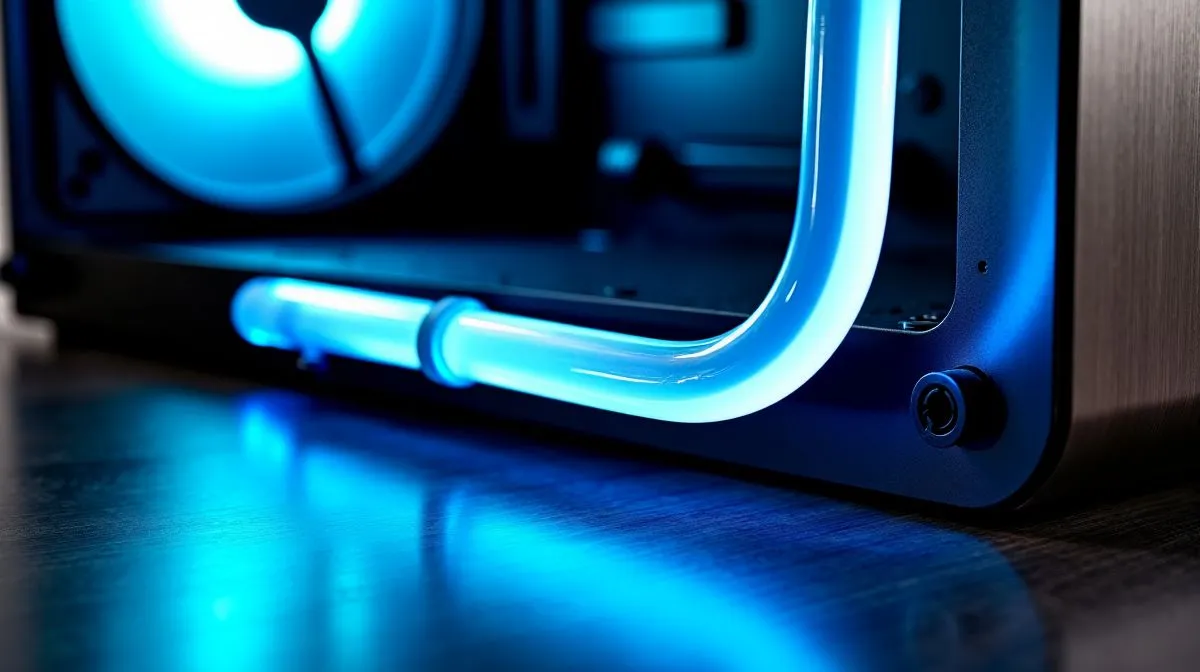
Side-Mounted Tubes for PC Cases: Fix Tight Space Compatibility for Smooth Builds 🔧
If you’ve ever tried to fit an AIO in a compact case… you know the pain. One corner hits first, the tubes kink, and suddenly your “quick build” becomes a full Saturday mission. In South Africa, where good PC parts often arrive in the one delivery you’re actually free, compatibility matters. That’s where Side-Mounted Tubes for PC Cases: Fix Tight Space Compatibility comes in… and why it can save your cooling layout without forcing you into a bigger case.
Why tube direction matters in tight PC case layouts ✨
Most AIO and some air coolers are designed with very specific tube routing. When the tubes exit the pump block and enter the radiator, the bend radius and cable/pipe clearance decide whether everything sits flat or fights you.
With side-mounted tubes, the tubes leave the pump laterally, which can improve clearance in cases that have:
- Dense front cable runs
- Low clearance near the motherboard tray
- GPU backplates that crowd the CPU area
- Tight side panels or airflow baffles
In other words… the same radiator size can be easy in one case and miserable in another. Side tube routing gives you more placement options so your radiator and fan stack don’t end up “almost fitting”.
Practical checks before you buy (so you don’t guess) 🚀
Before adding an AIO to cart, do these quick checks. They take 3 minutes and prevent expensive returns.
Measure clearance in the real order of parts
- Dry-fit the GPU first. Don’t install it last and then discover the tubes hate your backplate.
- Check distance from the top of the CPU socket to the radiator mounting location.
- Confirm whether the case supports the radiator thickness plus fan thickness.
Confirm your radiator size plan
If your case supports both 240mm and 360mm, choose based on airflow and space, not vibes. Smaller radiators can be easier to route with side-mounted tubes, while larger ones may require more clearance around the top/side.
Where to start in Evetech’s Build Lab: CPU coolers 🔥
If you’re building in a space-limited case, start by browsing compatible cooler families, then narrow down by radiator and cooler type.
For general options, explore Evetech’s CPU coolers to compare mounting styles and form factors.
If you know you want an AIO, use liquid coolers (AIO) options here and look for models that suit tight routing.
Brand matters when tube routing is consistent across the line, so if you’re set on a brand, check CORSAIR AIO coolers and match the pump orientation to your case layout.
Prefer Deepcool? Filter and compare here: Deepcool liquid coolers (AIO).
Now for radiator size. If your case can take a bigger loop, try 360mm radiator liquid coolers (AIO) and watch the tube exit point near the motherboard.
If you want more flexibility in compact builds, start with 240mm radiator liquid coolers (AIO). It’s often easier to align fans and keep tidy cable clearance.
Productivity Pro Tip 🔧
On your test build, install the radiator and fans first, but leave the pump slightly loose. Use gentle tube repositioning before you fully tighten everything. This prevents you from fighting tube tension after the pump mount is locked, saving time and avoiding rushed cable bends.
Common compatibility fixes when tubes won’t cooperate ✅
If you’re getting tight-space conflicts, these are the fixes builders actually use:
- Rotate the radiator 180° (where the case allows) to change tube path clearance.
- Mount fans as exhaust or intake based on your case’s front-to-back airflow, so you’re not relying on “hero cooling” in a bad airflow position.
- Prioritise pump orientation: keep the tube run smooth and avoid sharp kinks near the pump head.
The best part? Once you nail the placement once, your next build is faster… and your gaming sessions are louder, in a good way. 🎮
Ready to Find Your Perfect Match? If your case has tight clearance, the right cooler layout can be the difference between a clean build and a frustrating one. Browse Evetech’s range and choose the compatible CPU cooler that fits your space and your style. Explore our massive range of laptop specials and find the perfect machine to conquer your world.











