


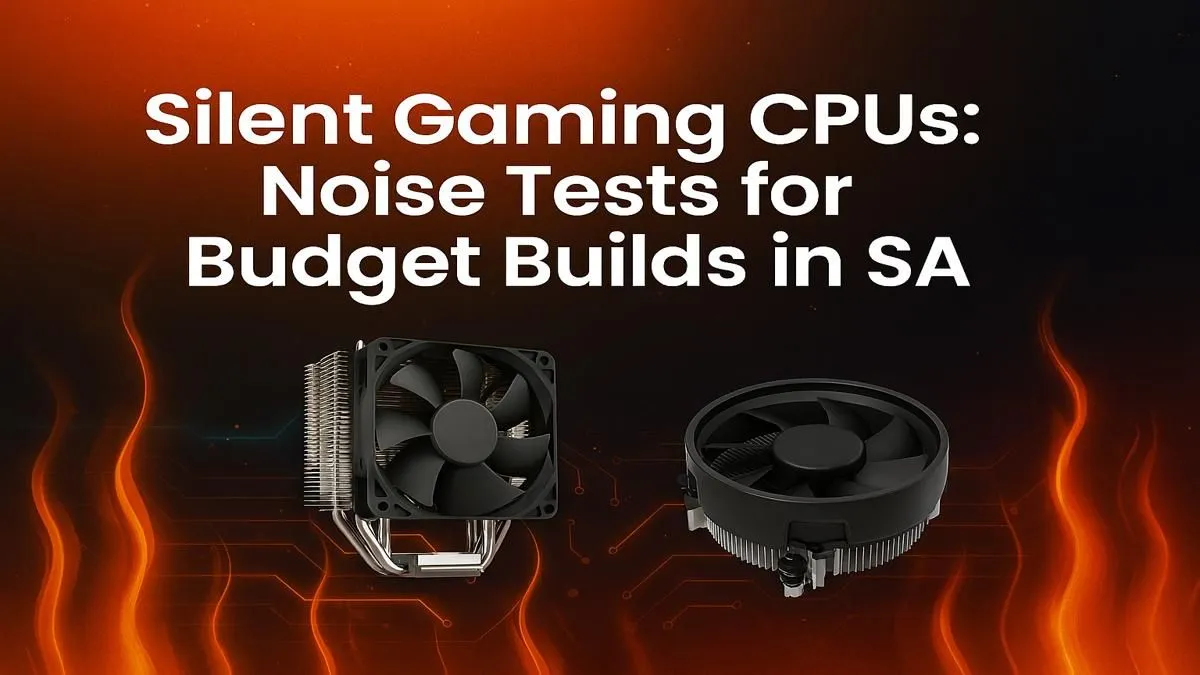
Is your gaming PC so loud it sounds like it’s preparing for takeoff? ✈️ In South Africa, where a quiet moment during an unexpected outage is precious, the last thing you need is a noisy rig ruining your immersion. The secret to a peaceful setup often starts with choosing a silent gaming CPU. It’s not about sacrificing performance; it’s about building smarter, especially on a budget. Let’s dive into how to get that whisper-quiet performance.
Why Your CPU Choice is Key for a Silent Build
Before you even think about fancy fans, the processor itself sets the stage for noise levels. Every CPU has a Thermal Design Power (TDP) rating, measured in watts. Think of it as the heat it produces under load. A lower TDP generally means less heat, which means your CPU cooler’s fan doesn’t have to spin as fast (or as loudly) to keep things cool.
For budget builds, focusing on CPUs with a 65W TDP is a brilliant strategy. They offer fantastic gaming performance without turning your PC case into a small furnace. This efficiency is the foundation of a truly silent gaming CPU setup. You can browse a wide variety of CPU processors online to compare TDP ratings and find the perfect balance for your needs.
Noise-Testing Our Top SA Budget Contenders 🎧
While we can't hear them through the screen, we can look at the data and design of popular budget CPUs to see which ones are engineered for quieter operation. It often comes down to two giants: Intel and AMD.
Contender 1: The Efficient Intel Core
Intel has mastered the art of efficiency, especially with their non-K series processors (like the Core i5-12400F or i5-13400F). These chips provide incredible gaming power while maintaining a low 65W base TDP. Paired with their included Laminar stock cooler, they run cool and quiet during most gaming sessions. For a hassle-free, plug-and-play quiet experience, a modern Intel CPU is a rock-solid choice for your build.
Contender 2: The Cool-Running AMD Ryzen
AMD also offers amazing options for a quiet build. Many of their Ryzen 5 processors, like the 5600, are famous for their power efficiency and the impressive quality of their bundled Wraith Stealth coolers. These coolers are often better than you'd expect for a stock option, keeping the CPU chilly without making a racket. If you're looking for great value and quiet performance, exploring the latest AMD Ryzen CPUs is a must.
Whisper-Quiet Pro Tip 🤫
Your motherboard's BIOS UEFI is your secret weapon. Dive into the fan control section (often called Q-Fan or Smart Fan) and set a custom fan curve. This tells your CPU fan to stay at a low, quiet RPM during light tasks and only ramp up when you're deep in a gaming session. It's the key to a truly silent gaming CPU experience when you're not pushing it to the max.
Beyond the CPU: Final Touches for a Silent Rig 🔧
A quiet CPU is the heart of your silent build, but other components matter too. Ensure your case has good airflow, consider investing in quiet case fans, and check reviews on your graphics card’s cooler. By combining a low-TDP CPU with these other smart choices, you can build a powerful gaming rig that you’ll barely hear, letting you focus on the sounds that matter... like footsteps in Warzone.
Ready to Build in Peace and Quiet? Choosing a silent gaming CPU is the first step to a more immersive setup. Stop letting fan noise pull you out of the game. Explore our massive range of CPU processors and find the perfect, quiet heart for your budget build today.










