

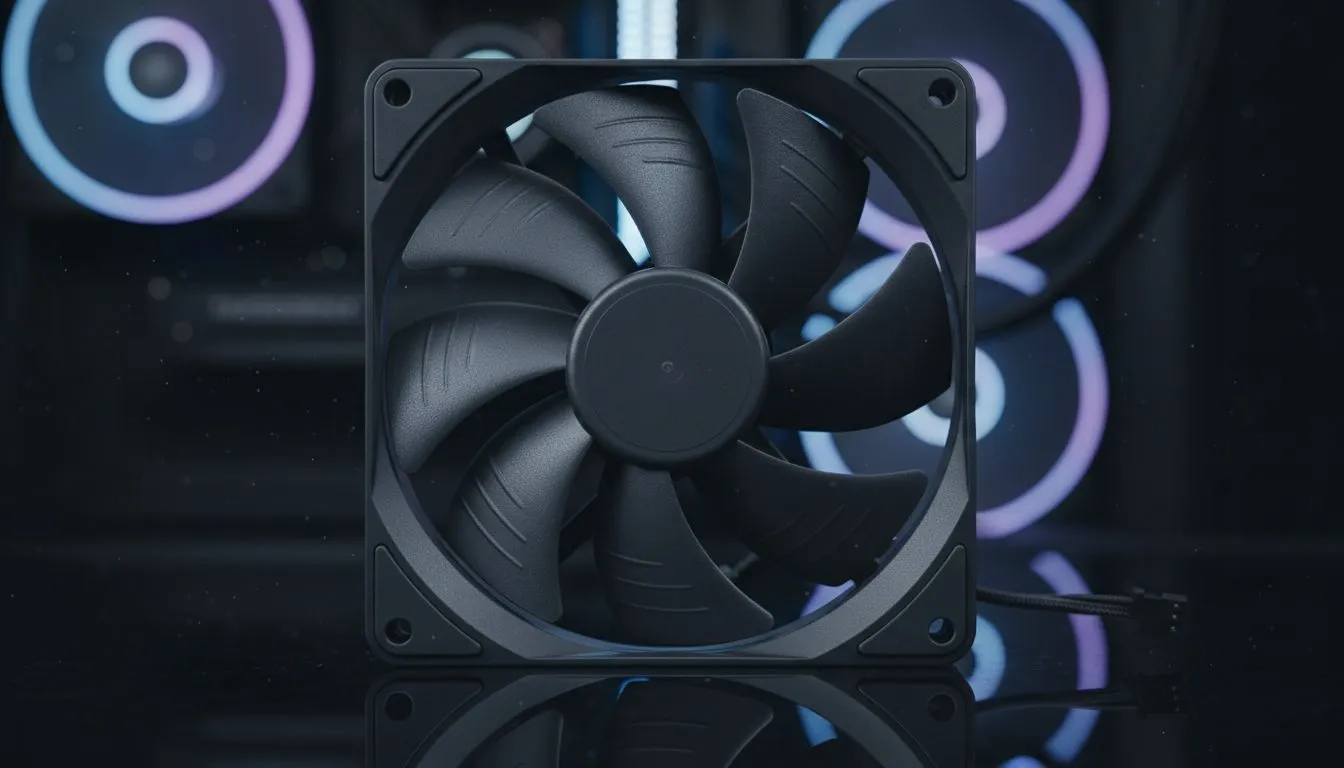
Why quiet airflow wins 🔧
If you want near-silent play nights, a Silent Gaming PC: Build with High Static Pressure Fans is the simplest upgrade that actually changes your experience. South African gamers juggling late-night raids and noisy flats will notice the difference immediately. Quiet does not mean compromise; it means smarter fan choice and smarter placement.
Why high static pressure fans matter
High static pressure fans push air through tight spaces like dense radiators and front filters. That makes them ideal for closed gaming cases and AIO coolers. Compare models and specs on Evetech's main case fan hub to see airflow and pressure ratings for yourself: https://www.evetech.co.za/PC-Components/case-fans-97.aspx. ✨
Pick the right brand and model
Brands matter for bearing quality and acoustics. Corsair has well‑tuned PWM fans designed for quiet performance — check the Corsair range here: https://www.evetech.co.za/PC-Components/case-fans-97.aspx?brands=CORSAIR. Deepcool also offers budget-friendly options that punch above their price: https://www.evetech.co.za/PC-Components/case-fans-97.aspx?brands=Deepcool. When comparing, prioritise SFP (static pressure) ratings and noise levels.
Lighting vs silence: choose consciously
If you want a clean look and the lowest noise, go non-RGB. Evetech groups non-lit fans so you can compare silence-first options: https://www.evetech.co.za/PC-Components/case-fans-97.aspx?attributes-lightingeffects=None. But if aesthetics matter, RGB fans now include quieter bearings and better PWM control. Browse RGB variants here: https://www.evetech.co.za/PC-Components/case-fans-97.aspx?attributes-lightingeffects=RGB. Pick based on use, not impulse.
Size, mounting and airflow tips
120mm and 140mm fans behave differently. Larger 140mm fans can move more air at lower RPM, usually with less noise. See the 140mm selection: https://www.evetech.co.za/PC-Components/case-fans-97.aspx?attributes-size=140mm. If your case limits you to smaller fans, good 120mm fans can still outperform cheap larger fans — compare sizes here: https://www.evetech.co.za/PC-Components/case-fans-97.aspx?attributes-size=120mm. ⚡
Installation Pro Tip ✨
Mount intake fans with dust filters facing outside. Use fan rubber mounts or silicone washers. Set a gentle negative or neutral pressure to reduce dust build-up and keep noise down.
Tuning, RPMs and fan curves
Set a gentle fan curve in BIOS or via motherboard software. Aim for 500–900 RPM for case fans during desktop work. Ramp to 1000–1600 RPM only under load. Use PWM control; it’s precise and quieter. If you want truly silent idle, consider a fan hub with temperature-based profiles.
Quick micro-story: a Cape Town build
I helped a friend in Cape Town swap noisy stock intake fans for high static pressure models. The result: 50% perceived noise drop, cooler VRM temps under load, and better sleep for neighbours. Small change, big quality-of-life win.
Final checklist before you buy
- Confirm fan size and mounting points.
- Choose PWM control and reputable bearings.
- Balance intake and exhaust for minimal dust.
- Check ZAR pricing and stock on Evetech before checkout.
Ready to Find Your Perfect Match? The Mac vs Windows debate is complex, but for maximum power, choice, and value in South Africa, Windows is hard to beat. Explore our massive range of laptop specials and find the perfect machine to conquer your world.











