


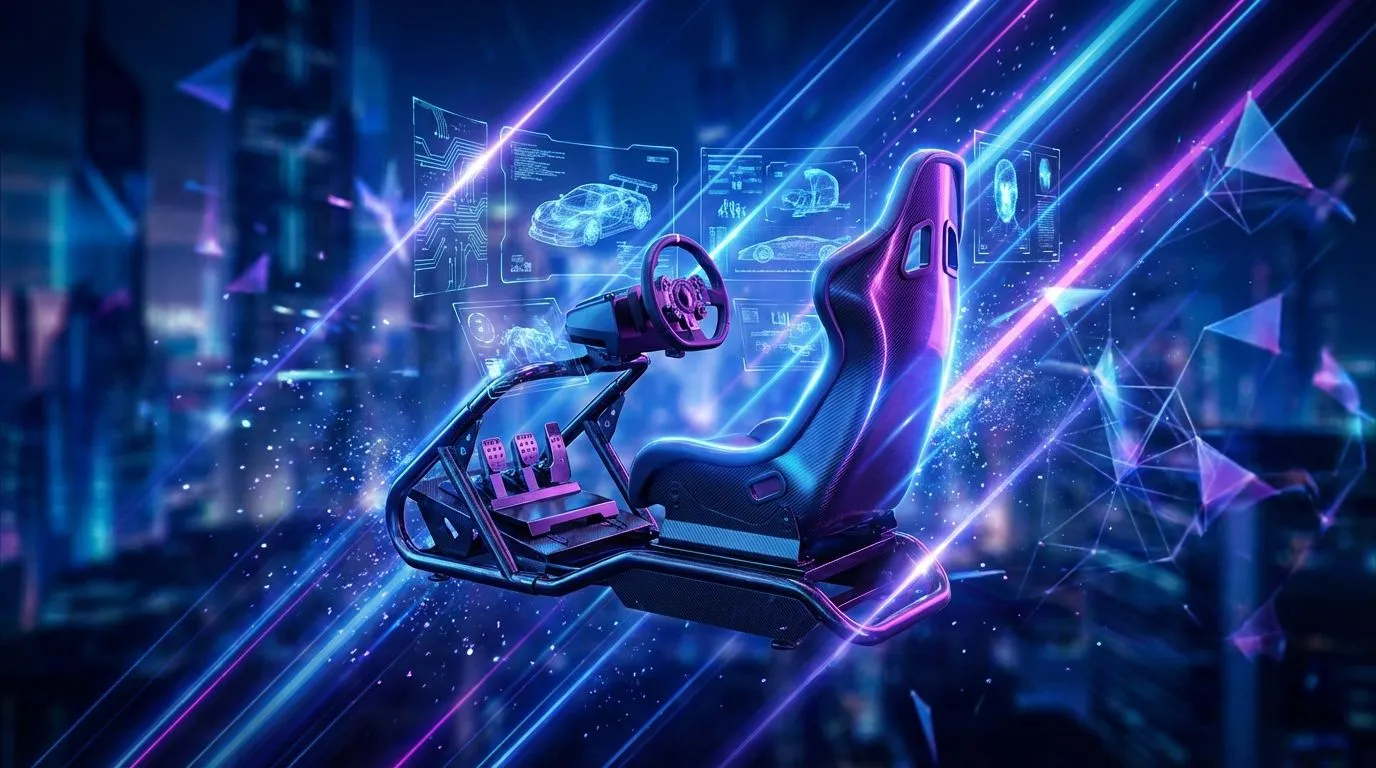
Hitting the apex at Kyalami, lap after lap... but your back is screaming louder than your engine? You're not alone. An uncomfortable setup doesn't just cost you comfort; it costs you tenths of a second on the track. Nailing the perfect sim racing driving position is the most underrated upgrade you can make. It’s about more than just avoiding aches; it’s about control, consistency, and pure immersion. Let's get your cockpit dialled in perfectly. 🔧
Why Your Driving Position is Your Secret Weapon
Before we start adjusting, let's understand the goal. A proper sim racing driving position isn't about mimicking a specific F1 or GT driver. It's about creating a stable, repeatable, and comfortable posture that allows for precise inputs over long stints.
Get it right, and you'll experience:
- Improved Consistency: Your muscle memory builds faster when your body is in the same optimal position for every race.
- Better Car Control: You'll have more leverage on the wheel and better feel for the pedals, especially during intense braking.
- Reduced Fatigue: No more aching back or sore shoulders after an hour-long race. You can focus on the track, not your discomfort.
- Deeper Immersion: A correct setup makes the simulation feel more like a real car.
Step 1: Nailing the Seat and Pedal Position
Everything starts with your seat. This is the foundation of your entire driving position. Whether you're using an office chair or a dedicated rig, the principles are the same.
Start by adjusting your pedal distance. Sit down and press the brake pedal fully. Your knee should still have a slight bend in it, roughly 20-30 degrees. You should never have to fully extend or lock your leg. This posture gives you maximum braking force and control without straining your joints. The height is also crucial; your heel should be able to rest comfortably on the floor or heel plate while your toes are on the pedals. A solid foundation is key, which is why many serious racers invest in dedicated racing seats from Playseat to eliminate flex and instability.
Once the pedals are set, adjust your seat's position and recline so you're comfortable while maintaining that crucial leg angle.
Step 2: Dialling in Your Wheel and Shifter
With your lower body sorted, it's time for the steering wheel. The goal is to find a position that allows for smooth, unrestricted movement without over-reaching or cramping your shoulders.
A classic rule of thumb is to extend your arms straight out; your wrists should be able to rest on the top of the wheel rim. When you grip the wheel at the 9 and 3 o'clock positions, your elbows should have a comfortable bend of around 90-120 degrees. This gives you the perfect balance of leverage and range of motion. Wheel height should be set so the top of the wheel doesn't obscure your monitor, but high enough that your hands fall naturally onto it. High-quality gear from a top brand like Thrustmaster often provides excellent adjustability to help you find that sweet spot.
Step 3: Optimising Your View for Total Immersion 🚀
Your screen is your window to the track, and its placement is critical for your driving position for sim racing. Ideally, the horizontal centre of your monitor(s) should be at your direct eye level. This prevents you from craning your neck up or down, which is a common cause of fatigue.
The distance from your eyes to the screen is just as important, as it directly impacts your Field of View (FOV). Getting this right is what makes you feel like you're in the car, not just playing a game. A correct FOV helps you accurately judge braking points and apexes, making you a faster, more intuitive driver. It's a key part of the full sim racing experience and one that many beginners overlook.
Pro FOV Tip ⚡
For a perfect Field of View, don't just guess! Use a dedicated online FOV calculator. You'll need to input your monitor size and the distance from your eyes to the screen. It will give you the exact number to plug into your sim's graphics settings. It feels strange at first, but it will make you faster.
Final Checks and Fine-Tuning Your Setup 🏁
Once you have these three core components adjusted, do a few practice laps. Pay attention to any small points of discomfort or strain. Your perfect sim racing driving position is personal. You might need to make tiny adjustments to the wheel angle or seat height over time. The goal is to create a setup that feels so natural you forget it's there, letting you focus entirely on the race ahead.
Ready to Build Your Ultimate Cockpit? Getting your driving position right is the first step. The next is having the right gear. From wheelbases to pedals and shifters, having the right hardware makes all the difference. Explore our massive range of PC components and build the rig that will take you to the top of the podium.











