

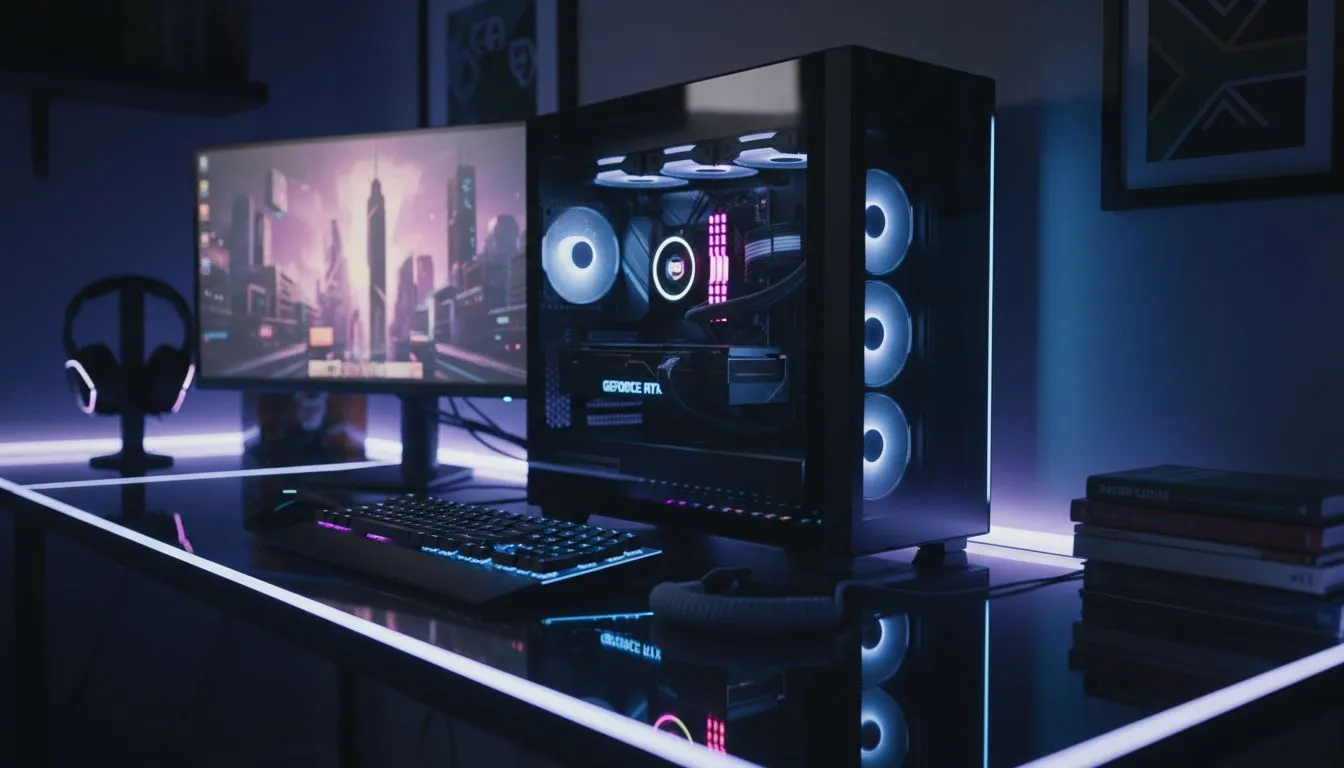
Small apartment gaming setup essentials 🔧🎮
Small apartments mean smart choices. If you want a powerful but compact battlestation, this small apartment gaming setup guide shows practical layouts, space-saving kit, and where to buy locally in South Africa. Read the quick wins first, then the gear picks that fit city flats from Cape Town to Joburg.
Layouts that actually fit
Start with the footprint: a 1.2 m desk or a corner setup often works best. Consider vertical storage and wall-mounted monitors to free desk depth. A simple L-shaped layout keeps your keyboard and controller accessible without stealing the lounge. For a living-room-friendly approach, route cables under rugs and behind skirtings to keep things neat and safe.
Try one of these setups:
- Single monitor + compact PC under desk for desk-first gamers.
- Console shelf beside a compact TV stand for shared living rooms.
- Fold-down desk that hides away when you have guests.
Ergonomics and comfort for small spaces
Good posture matters even in small rooms. A supportive chair is essential — and Evetech has a range you can try online. Browse the general gaming chairs collection if you want options across budgets: shop gaming chairs on Evetech. If budget is tight, Evetech’s filter shows chairs from about R5,449 — helpful when you need value without sacrificing lumbar support: budget chairs from R5,449.
Micro-story: I set up a 1.1 m desk in my Cape Town flat. Swapping a big office chair for a slimmer gaming chair reduced the desk footprint and actually improved my posture. Small swap, big comfort.
Hardware choices: compact PC, peripherals, and sound
Choose small-form-factor or Mini-ITX builds to tuck the tower under a desk or on a shelf. For peripherals, a tenkeyless keyboard and a compact mouse pad save space without compromising performance. If your flat doubles as a living area, consider a headset with a detachable boom mic for quick, quiet sessions.
For chair fans who want specific brands, Evetech lists curated collections: check the Vertagear range, and if you prefer premium upholstery have a look at the Noblechairs selection, or explore stylish, budget-friendly Gamdias chairs.
Cable management, cooling, and power
Cooling in tight spaces matters. Keep airflow clear by not blocking intake vents; sticky heat will throttle performance. Use power strips with surge protection and plug high‑draw items into rated circuits. Wall-mounted shelving keeps the PC off the floor and away from dust bunnies.
Small Apartment Power Tip ⚡
Place your PC on a raised shelf or a short stand to improve airflow and reduce dust. Use Velcro straps and cable channels to keep the back of your desk neat — it makes cleaning quick and reduces accidental unplugging.
Buying local and budget sense (South Africa)
Buying in South Africa means you can shop warranties and support locally. Prices vary by configuration, so compare specs and read returns policies. If you want to sample different chairs before committing, Evetech’s category pages make it easy to filter by price and brand.
For more browsing: see the dedicated Vertagear chairs collection, the Noblechairs selection for premium comfort, and Gamdias chairs for striking designs.
Final setup checklist before you buy
- Measure desk and door sizes so components actually fit.
- Confirm monitor mount VESA spacing and desk clamp clearance.
- Prioritise a comfy, supportive chair over flashy RGB when space is limited.
- Keep surge protection and a sensible cable route planned.
Ready to Find Your Perfect Match? The Mac vs Windows debate is complex, but for maximum power, choice, and value in South Africa, Windows is hard to beat. Explore our massive range of laptop specials and find the perfect machine to conquer your world.











