Light Up Your Life—The Smart Way
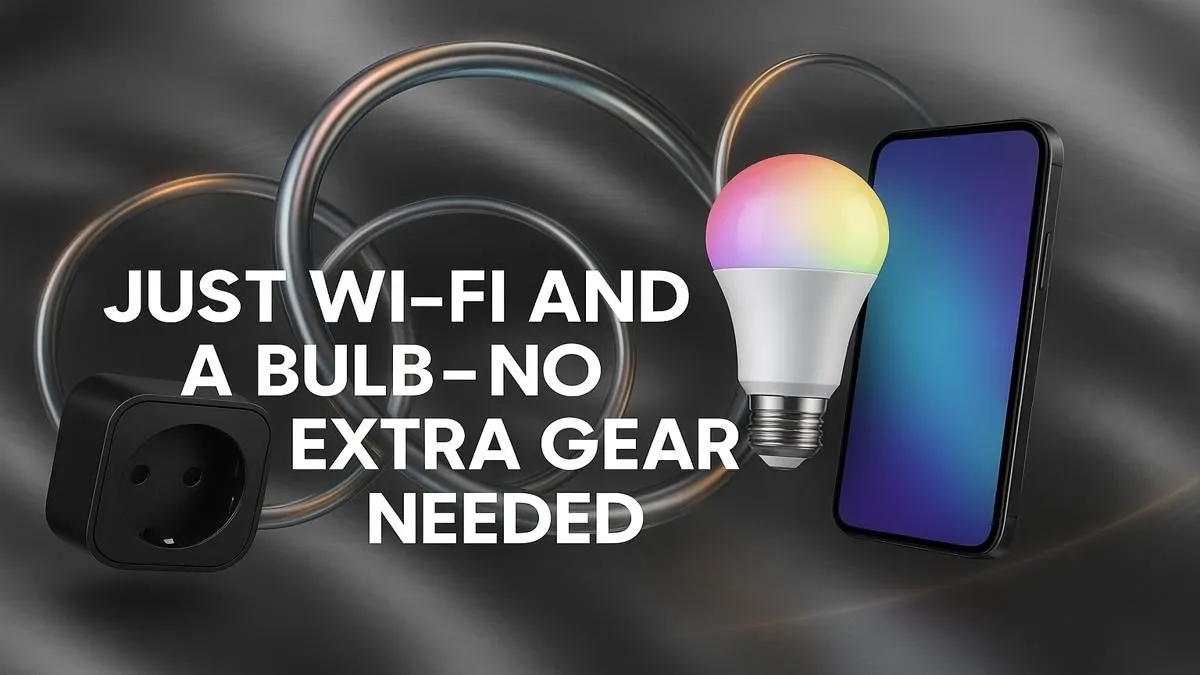
Looking to dip your toes into home automation? Start with lighting. A smart home setup with simple Wi-Fi bulb installation is one of the fastest, most affordable ways to make your space feel futuristic. From waking up with a gentle glow to scheduling lights to switch off while you're out—this is smart living made easy for South African homes. 💡⚡
Why Start With a Wi-Fi Bulb?
You don’t need a smart hub, rewiring, or a PhD in tech. Most smart bulbs connect directly to your Wi-Fi and work with voice assistants like Alexa, Google Assistant, or Siri. Just screw in, sync, and go.
Affordable smart lighting options under R1 999 make it easy to start your smart journey without draining your wallet.
Step-by-Step: Wi-Fi Bulb Installation
- Screw it in like a normal bulb
- Download the app (Tuya, Smart Life, or brand-specific)
- Power on the light, wait for blinking mode
- Connect to Wi-Fi via the app (use 2.4GHz, not 5GHz)
- Name your bulb, group it, or schedule it
You’re done. You now have lighting that responds to your voice, phone, or set schedule—no electrician needed. ✨
Want more colour options, app control, or compatibility with full automation systems? Explore premium smart bulbs over R2 000 for advanced scheduling, dynamic colour scenes, and better build quality.
Resetting Your Bulb
Most smart bulbs reset by flipping the switch on off 3–5 times. Check the manual—it’s quicker than googling mid-setup!
Scale Your Setup
Once your lights are smart, it’s easy to add plugs, switches, and sensors. Everything syncs in the same app and follows the same logic: plug in, pair, automate. Browse Evetech’s smart home category to start building a system that works around you, not the other way around.
Smarten Up Your Space
One bulb is all it takes to start your smart home journey. Shop now at Evetech for performance that leaves lag in the dust.