

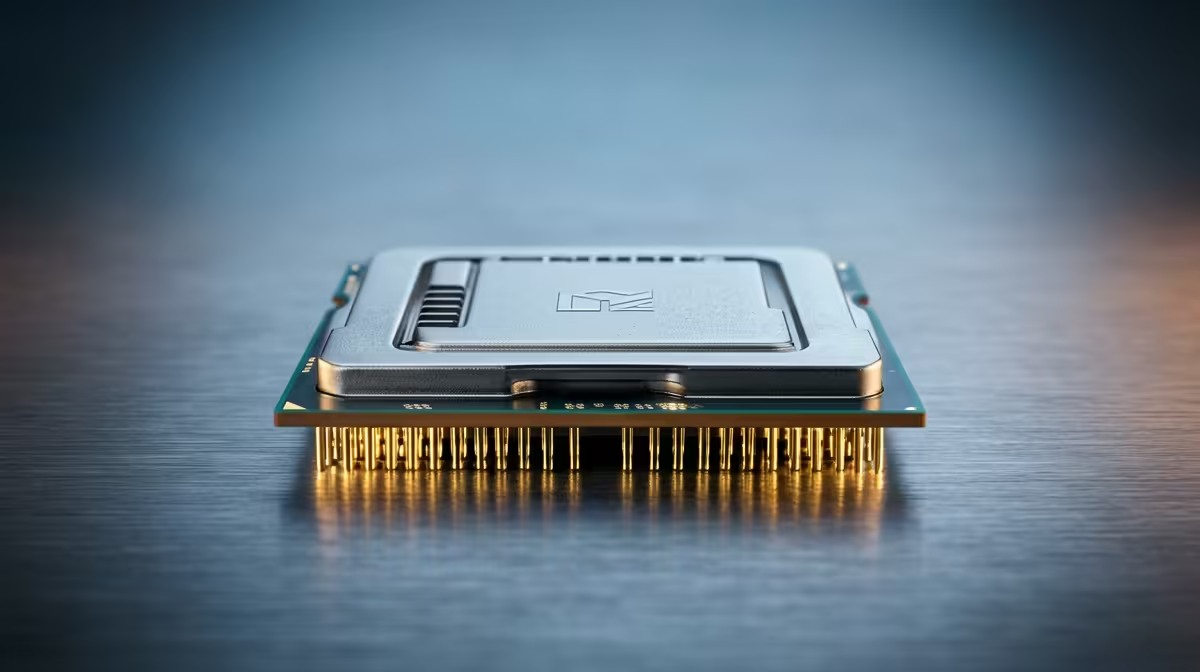
Staring at your screen as your frames drop during a crucial firefight, even with a beastly new GPU? That frustrating stutter is likely a CPU bottleneck. It’s when your processor can’t feed your graphics card data fast enough, holding your entire rig back. Don’t stress, boet. We’re here to help you diagnose the issue and show you how to solve CPU bottlenecks for good, unlocking the smooth performance you paid for. 🔧
Understanding the CPU Bottleneck
Think of your PC components as a team. Your GPU is the star striker, ready to score graphical goals, while your CPU is the midfielder, setting up the plays. A CPU bottleneck happens when your midfielder (CPU) can't pass the ball (data) to the striker (GPU) quickly enough. The result? Your powerful GPU is left waiting, and your in-game performance suffers with stutters and low FPS, even if your graphics settings aren't maxed out.
This imbalance means you aren't getting the full value from your hardware. The key is to create a balanced system where every component can perform at its peak.
How to Spot a CPU Bottleneck in Your Rig
Before you start shopping, you need to confirm the diagnosis. The easiest way is to use a monitoring tool like MSI Afterburner with the RivaTuner Statistics Server overlay while you’re in a game.
Here's what to look for:
- High CPU Usage: Your CPU usage is consistently hitting 90-100% across its cores.
- Low GPU Usage: At the same time, your GPU usage is sitting well below its potential, maybe around 50-70%.
If you see this pattern, you've found your culprit. It's a clear sign your processor is struggling to keep up. An old or underpowered CPU can be a major headache, but thankfully there are many modern CPU processors online that can fix this issue permanently.
Quick Diagnostic Tip ✨
Playing at a lower resolution like 1080p puts more stress on the CPU. To confirm a bottleneck, try increasing your game's resolution to 1440p or 4K. If your frame rate doesn't drop much, but your GPU usage shoots up to 99-100%, that's a classic sign your CPU was the limiting factor at the lower resolution.
Your Action Plan to Solve CPU Bottlenecks ⚡
Once you’ve confirmed the problem, you have a few options to get things running smoothly again. You can start with software tweaks before considering a hardware upgrade.
Fine-Tune Your Game Settings
You can often ease the burden on your CPU directly within the game's settings menu. Try lowering settings that are notoriously CPU-intensive, such as:
- Shadow Quality
- View Distance or Level of Detail (LOD)
- Physics Simulations
- Population Density (in open-world games)
By reducing these, you give your CPU some breathing room to focus on delivering frames to your GPU.
The Ultimate Fix: A Hardware Upgrade
While software tweaks can help, the most effective way to solve a significant CPU bottleneck is with a hardware upgrade. If your processor is several generations old, no amount of tweaking will match the performance leap of a new chip. 🚀
When upgrading, you're primarily looking at two teams: Intel and AMD. For gamers who prioritise raw, single-core speed for the highest possible frame rates, the latest Intel CPUs are often a top choice, offering incredible performance in titles that rely on fast cores.
On the other hand, if you're a streamer, content creator, or someone who multitasks while gaming, the excellent multi-core performance found in the lineup of AMD CPUs might be the perfect fit, delivering fantastic value and all-around processing power for your ZAR.
Ready to Unleash Your PC's True Power? Your GPU is begging for a partner that can keep up. Stop letting an old processor dictate your frame rates and explore our massive range of CPU processors online at Evetech for performance that leaves lag in the dust.











