

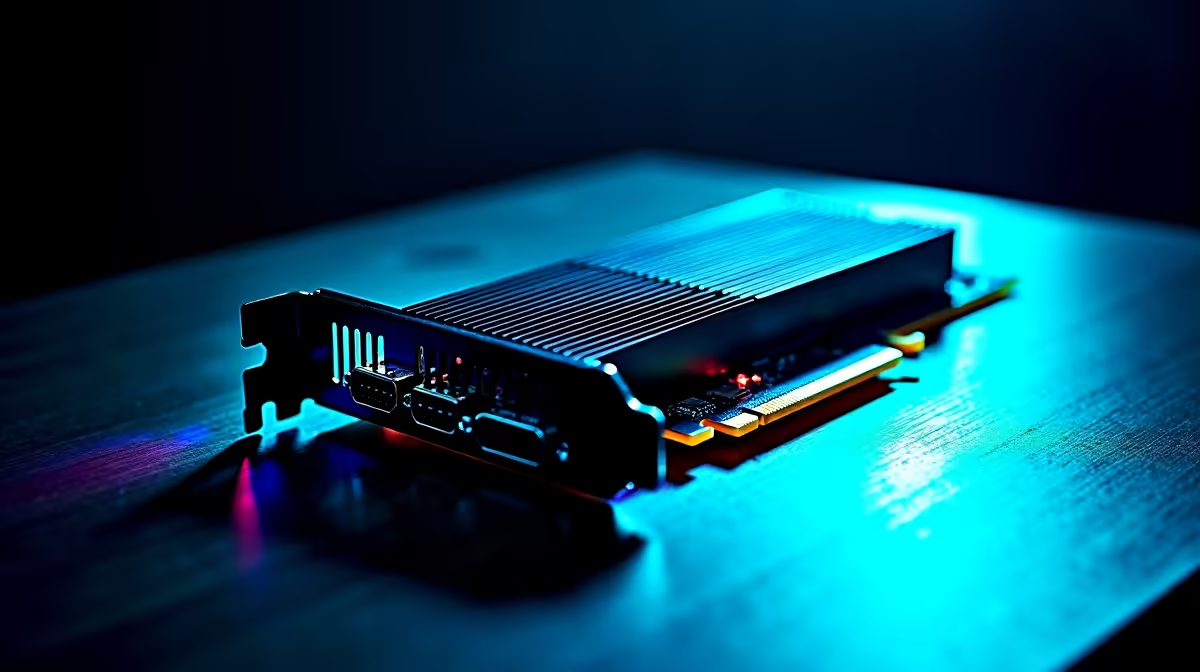
You just dropped serious ZAR on a shiny new graphics card. You boot up your favourite game, expecting buttery smooth frames... but you still get stuttering. Sound familiar? Often, the culprit is not your GPU. You might be facing performance bottlenecks caused by older PCIe interfaces in modern gaming systems. Let us unpack why your motherboard might be holding your expensive new hardware back.
Why Older PCIe Interfaces Limit Modern Hardware ⚡
Think of PCIe as a digital highway. Your motherboard uses it to send data between the CPU, graphics card, and storage. PCIe 3.0 was fantastic a few years ago. However, modern GPUs and ultra-fast NVMe SSDs need more lanes to function properly.
Every new generation essentially doubles the bandwidth of the last. PCIe 4.0 offers double the data transfer rate of older standards. When you plug a cutting-edge graphics card into an older motherboard, you force massive data through a narrow pipe. Your NVMe SSD also suffers. A Gen4 drive in a Gen3 slot loses half its read and write speed instantly. This translates to longer loading screens. Ultimately, this creates severe performance bottlenecks caused by older PCIe interfaces.
If you want to avoid this trap entirely, starting fresh is often the most cost-effective route. You can browse some of the latest pre-built gaming PCs that feature PCIe 4.0 or 5.0 out of the box.
Hardware Check Pro Tip 🔧
Download a free tool like GPU-Z to verify your current PCIe interface. Look at the "Bus Interface" box. If your card supports PCIe 4.0 x16 but is currently running at PCIe 3.0 x16, you are losing out on valuable bandwidth.
Symptoms of a PCIe Bandwidth Choke
How do you know if your system is suffering? The most common sign is awful 1% low frame rates. Your average frames per second might look fine... until an explosion happens on screen and everything freezes for a split second. You might also notice extremely slow texture loading in heavy open-world titles.
Interestingly, this bandwidth issue is not limited to desktop rigs. If you are currently shopping for modern gaming laptops, you will find that newer models rely entirely on advanced PCIe architecture. This ensures their mobile GPUs can truly stretch their legs. Upgrading to a newer generation ensures your system handles massive modern texture files without breaking a sweat.
Solving Performance Bottlenecks for Good 🚀
Fixing this issue requires a complete platform upgrade. You need a motherboard and CPU combination that natively supports PCIe 4.0 or higher. For South African gamers, balancing raw performance and budget is always the main priority. A solid B550 or B650 motherboard is usually the sweet spot for value.
Before you start tearing your rig apart, keep an eye out for hardware bundles. Grabbing a new motherboard and processor together from our daily component specials is the smartest way to stretch your Rands. Upgrading your core platform eliminates those frustrating performance bottlenecks caused by older PCIe interfaces in modern gaming systems once and for all.
Ready to Unlock Your PC's True Potential? Do not let an outdated motherboard choke your expensive graphics card. Whether you need a complete platform overhaul or just want to browse the latest tech in South Africa, we have you covered. Explore our massive range of desktop specials and build a rig that never holds you back.











