

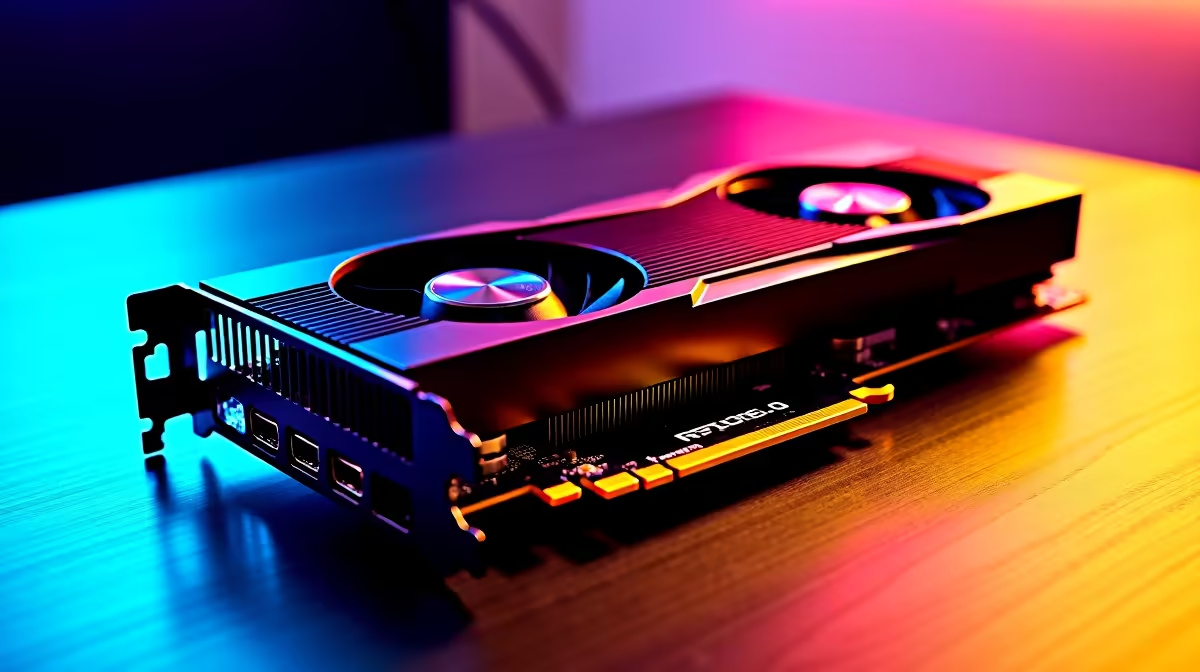
You just dropped a massive chunk of your hard-earned ZAR on a shiny new GPU. You slot it into your trusty rig, boot up, and... the frame rates stutter. Sound familiar? Upgrading is thrilling, but pairing next-gen silicon with an aging motherboard often creates frustrating performance bottlenecks. If your system is struggling to keep up with your new hardware, let us help you unlock those missing frames.
Understanding the PCIe Bandwidth Limit 🔧
When it comes to solving performance bottlenecks when using PCIe 5.0 graphics cards on older systems, bandwidth is usually the first suspect. The PCIe 5.0 standard literally doubles the data transfer rate of the previous generation. It offers a staggering amount of headroom for future gaming titles. If you plug a cutting-edge GPU into a motherboard that only supports PCIe 3.0, you are drastically restricting the data pipeline.
While almost all modern graphics cards are completely backward compatible, pushing massive 4K textures through an older slot can cause micro-stutters during intense gaming sessions. The card wants to render frames at lightning speed... but the motherboard simply cannot feed it data fast enough. This creates a digital traffic jam inside your PC case.
Identifying CPU and Memory Limitations ✨
Sometimes the motherboard slot is not the real villain. Your older processor might simply be too slow to feed instructions to your new pixel pusher. Older quad-core CPUs often lack the thread count required to handle modern game engines alongside standard background tasks. If you recently picked up one of the latest Nvidia GeForce GTX graphics cards or a modern RTX powerhouse, your CPU needs to match its pace. A massive disparity between CPU and GPU processing speeds results in severely low GPU utilisation.
Before you panic and buy more parts, monitor your system using software like MSI Afterburner. If your CPU usage is pegged at 100% while your GPU sits comfortably at 40%, you have found your exact bottleneck. To prevent this mismatch from happening in the future, it is always wise to browse the best graphics card deals with your current CPU capabilities in mind. Balancing your build is the absolute secret to smooth gaming.
Performance Pro Tip ⚡
Before buying new parts, dive into your BIOS and enable Resizable BAR. This simple tweak allows your CPU to access the entire GPU VRAM buffer at once, often giving you a free 5% to 10% performance boost in modern titles to help smooth out those frame times.
Practical Steps to Eliminate System Stutter 🚀
Upgrading your system RAM to a faster frequency or tweaking your in-game graphics settings can sometimes mask the issue. Pushing your resolution higher actually shifts more of the load away from the CPU and onto the GPU... which can ironically stabilise your frame rates on older systems. It sounds counter-intuitive, but forcing your GPU to work harder gives your aging CPU a moment to catch its breath.
However, if you are determined to experience true next-gen visual fidelity, a platform upgrade is the only permanent fix. Moving to a modern motherboard and CPU combo ensures your PCIe 5.0 hardware runs flawlessly. If building a new rig from scratch feels overwhelming, exploring our best gaming PC deals is a brilliant move. Pre-built systems are meticulously engineered to eliminate bottlenecks right out of the box.
Alternatively, if you just need a new motherboard and processor to bring your older rig up to speed, keep a close eye on our weekly specials. You can easily stretch your ZAR further without compromising on raw computing power.
Ready to Eliminate Your Bottlenecks? Solving hardware mismatches can be tricky, but getting the right components in South Africa is easy. Explore our massive range of PC upgrades and find the perfect parts to unleash your rig's true potential.











