


You’ve just unboxed your brand-new processor, and sitting right there is the stock CPU cooler. It’s free, it fits, and it saves you a few hundred bucks. But here in South Africa, where a summer afternoon can feel like a furnace, the big question is... is it actually good enough? For many PC builders, this small component can be the difference between smooth gaming sessions and frustrating thermal throttling. Let's break it down.
The Role of a Stock CPU Cooler
So, what is this little guy anyway? A stock CPU cooler is the most basic cooling solution provided by manufacturers like Intel and AMD. Its job is simple: to pull heat away from your processor during everyday tasks. It’s engineered to be a cost-effective, one-size-fits-all part of the package. Think of it as the bare minimum required to keep things running, forming a critical part of your PC's overall essential thermal solutions. But "bare minimum" and "peak gaming performance" are often two very different things.
When is a Stock Cooler Actually Okay in South Africa?
Let’s be fair... the stock cooler isn't useless. For certain builds, relying on the stock CPU cooler in South Africa makes perfect sense.
For Budget Builds and Office Use
If you're building a PC for browsing, emails, or running office software, the included cooler is perfectly adequate. It will keep your CPU within safe temperature limits without any drama. Your focus is on value, and spending extra on cooling isn't necessary here.
For Light, Non-Demanding Gaming
Playing less intensive games like League of Legends or Valorant on a mid-range CPU? The stock cooler can often handle the load, especially if your case has decent airflow. However, you'll likely notice higher temperatures and more fan noise than with an aftermarket solution.
The Signs You Definitely Need an Upgrade 🌡️
How do you know when your stock cooler is holding you back? Your PC will give you some pretty clear signals. If you're a serious gamer or creator, the question isn't if you should upgrade your stock CPU cooler, but when.
Your PC Sounds Like a Jet Engine
Under load, a stock cooler's small fan has to spin incredibly fast to dissipate heat. The result? A whole lot of noise. If your gaming sessions are drowned out by a constant whirring, an aftermarket cooler with a larger, slower-spinning fan will bring you blissful silence.
Performance Dips and Stuttering
Ever been in a massive firefight in Apex Legends only for your frames to drop suddenly? That could be thermal throttling. This is when your CPU gets too hot and automatically reduces its speed to cool down, killing your performance in the process. A better cooler prevents this entirely.
Check Your Temps! ⚡
Use free software like HWMonitor or Core Temp to see your CPU temperatures. While idle, you should be around 30-45°C. During heavy gaming, anything consistently over 85°C suggests your stock cooler is struggling and an upgrade is a smart move.
You Want to Overclock
If you plan on overclocking your CPU to squeeze out extra performance, a stock cooler is simply not an option. It lacks the thermal capacity to handle the extra heat generated, putting your expensive processor at risk.
Air vs. Liquid: Choosing Your Aftermarket Cooler
Ready to upgrade? You have two main paths, and both offer a massive improvement over the stock option. The world of aftermarket CPU coolers is vast, but it boils down to these choices.
The Power of Air Coolers
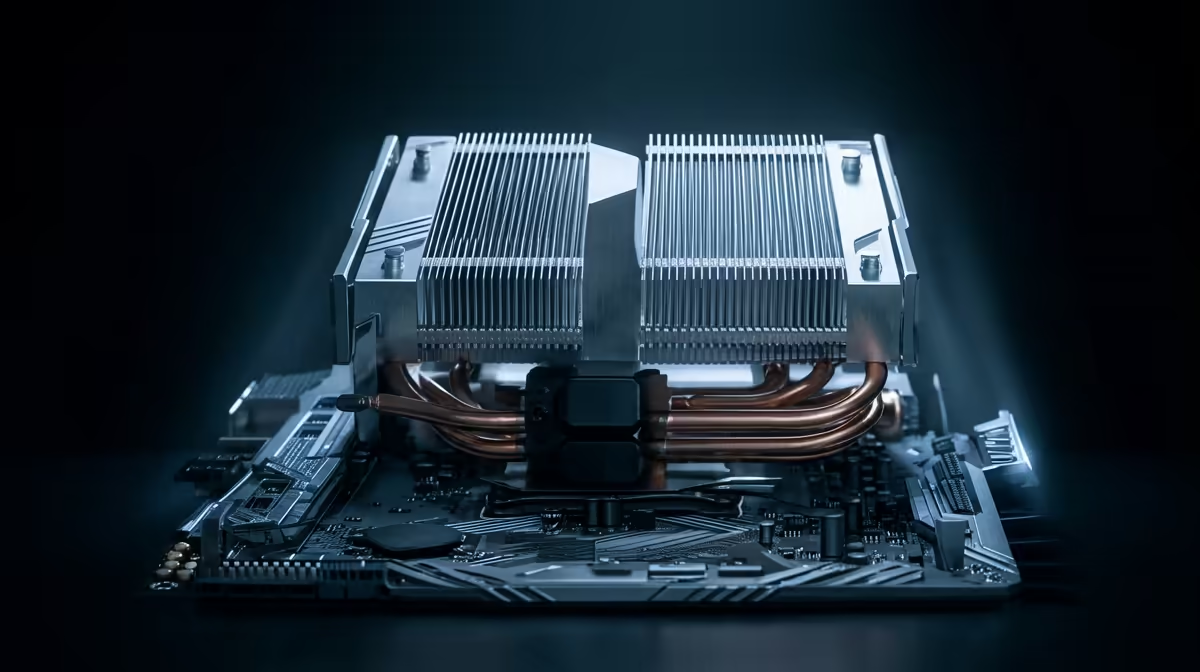
An air cooler is a classic for a reason. They use a larger metal heatsink and a better-quality fan to offer huge improvements in cooling and noise levels. They are reliable, easy to install, and offer incredible value. Finding a top air cooler in South Africa can be one of the most cost-effective performance upgrades you make.
The Chill of Liquid Coolers (AIOs)
For maximum cooling performance and a sleek, modern look, an All-in-One (AIO) liquid cooler is the way to go. They use a liquid loop to transfer heat from your CPU to a radiator, where it's exhausted by fans. They are ideal for high-end CPUs and overclocking. If you want the absolute best cooling, getting a CPU liquid cooler in South Africa is a fantastic choice. ✨
Finding the Best Value in South Africa
So, is the stock CPU cooler good enough? For basic use, yes. For serious gaming, content creation, or just a quiet PC... absolutely not. An aftermarket cooler isn't a luxury; it's a smart investment in your PC's performance and longevity, especially in our warm climate. Thankfully, upgrading doesn't have to break the bank. There are always amazing CPU cooler deals to be found that offer a perfect balance of price and performance.
Ready to Beat the Heat? A stock cooler gets the job done, but an upgrade unlocks your PC's true potential. For quieter operation, higher performance, and peace of mind during those intense South African summers, a quality cooler is essential. Explore our massive range of CPU Coolers and find the perfect match for your rig today.











