

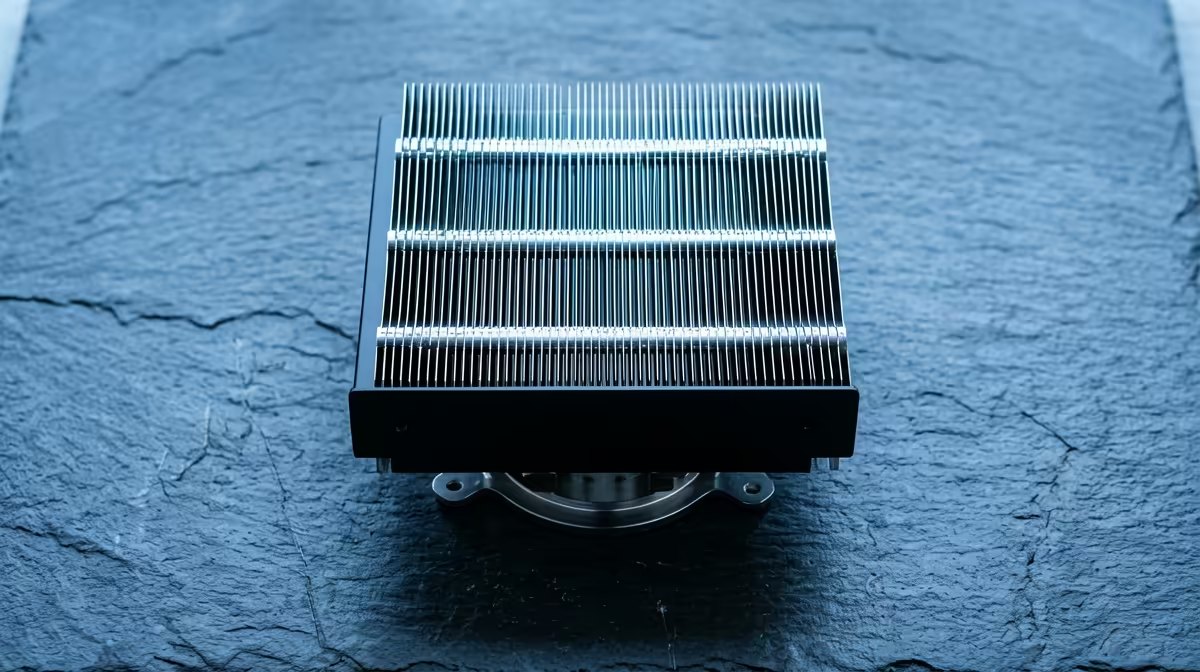
You've just unboxed your shiny new CPU. 📦 Inside, nestled next to the processor, is a small, unassuming block of aluminium with a fan on top—the stock cooler. For many PC builders in South Africa, the big question is: is this little guy actually good enough? Or is it a one-way ticket to thermal throttling when the summer heat hits? Let's break down when a stock CPU cooler in South Africa makes sense… and when it’s holding your rig back.
The Role of a Stock CPU Cooler
Before we decide its fate, let's be clear on what a stock cooler is designed for. It's a baseline cooling solution provided by the manufacturer (like Intel or AMD) to get your PC running at its factory-specified settings. It's not designed for pushing limits; it's designed for "good enough" performance out of the box. For anyone just starting their build journey, it’s the most basic CPU cooler in South Africa you can get.
Think of it as the standard tyres on a new car. They'll get you from A to B safely, but you wouldn't take them to a track day at Kyalami.
When Is a Stock Cooler Actually "Good Enough"? 🤔
Believe it or not, the stock cooler isn't always a paperweight. For certain builds and use cases, it can be a perfectly adequate choice, helping you save a few hundred Rand for a better GPU or more RAM. A stock CPU cooler is often sufficient if you are:
- Building a Budget PC: If every Rand counts, the free cooler is a huge win. For entry-level gaming or a homework machine, it'll do the job.
- Running a Non-Overclockable CPU: If you have a non-K series Intel CPU or a non-X series AMD Ryzen CPU, you won't be overclocking. This means the chip will stay within its expected thermal limits, which the stock cooler is built to handle.
- Focusing on Light Tasks: For office work, web browsing, streaming Netflix, or playing less demanding esports titles like Valorant or League of Legends, you're unlikely to push your CPU hard enough to overwhelm the stock cooler.
However, even in these scenarios, South Africa's climate can be a challenge. A hot summer day in Durban or Pretoria can raise ambient room temperatures, making it harder for all proper thermal solutions to keep your components cool.
Check Your Temps! 🌡️
Not sure if your cooler is keeping up? Download a free tool like HWMonitor or Core Temp. While gaming or running a heavy task, check your CPU core temperatures. If they're consistently hitting 90°C or higher, your CPU is likely thermal throttling (slowing down to prevent damage), and it's definitely time for an upgrade.
The Red Flags: When to Ditch the Stock Cooler
For most gamers and creators, the stock cooler is the first component that should be on the upgrade list. It becomes a performance bottleneck in several key situations:
High-End Gaming and Overclocking
If you're running a powerful CPU like an Intel Core i7/i9 or an AMD Ryzen 7/9, a stock cooler just won't cut it. These chips generate significant heat, especially when boosting for high frame rates in demanding games. Trying to overclock with a stock cooler is a recipe for disaster, leading to instant overheating and system instability.
Content Creation Workloads
Video editing, 3D rendering, and code compilation are marathon tasks for a CPU. They place a sustained, heavy load on all cores for extended periods. A stock cooler will quickly become saturated with heat, forcing your CPU to throttle and dramatically increasing your render times.
You Want a Quieter PC
Let's be honest... stock coolers can get loud. Under load, that small fan has to spin incredibly fast to dissipate heat, creating a noticeable whine. An aftermarket cooler, with its larger heatsink and fan, can keep your CPU cooler while spinning much slower and quieter.
Your Upgrade Path: Air vs. Liquid Cooling 🚀
Upgrading your stock CPU cooler opens up a world of better performance and acoustics. Your two main choices are air coolers and liquid coolers.
- Aftermarket Air Coolers: These are the most popular upgrade. A tower air cooler offers a massive improvement over a stock cooler for a very reasonable price. They are reliable, easy to install, and highly effective.
- AIO Liquid Coolers: For the ultimate performance and a clean, modern aesthetic, an All-in-One (AIO) CPU liquid cooler in South Africa is the way to go. They use a radiator and liquid to move heat away from the CPU more efficiently, making them ideal for high-end builds and serious overclocking.
Whether you choose air or liquid, you can often find some of the best CPU cooler deals to fit your budget and unlock your PC's hidden power.
Ready to Beat the Heat? A stock CPU cooler is a starting point, but an aftermarket cooler is one of the smartest, most cost-effective upgrades you can make for better performance, lower noise, and longer component life. Don't let heat hold your rig back. Explore our massive range of CPU coolers and find the perfect match for your build today.











