


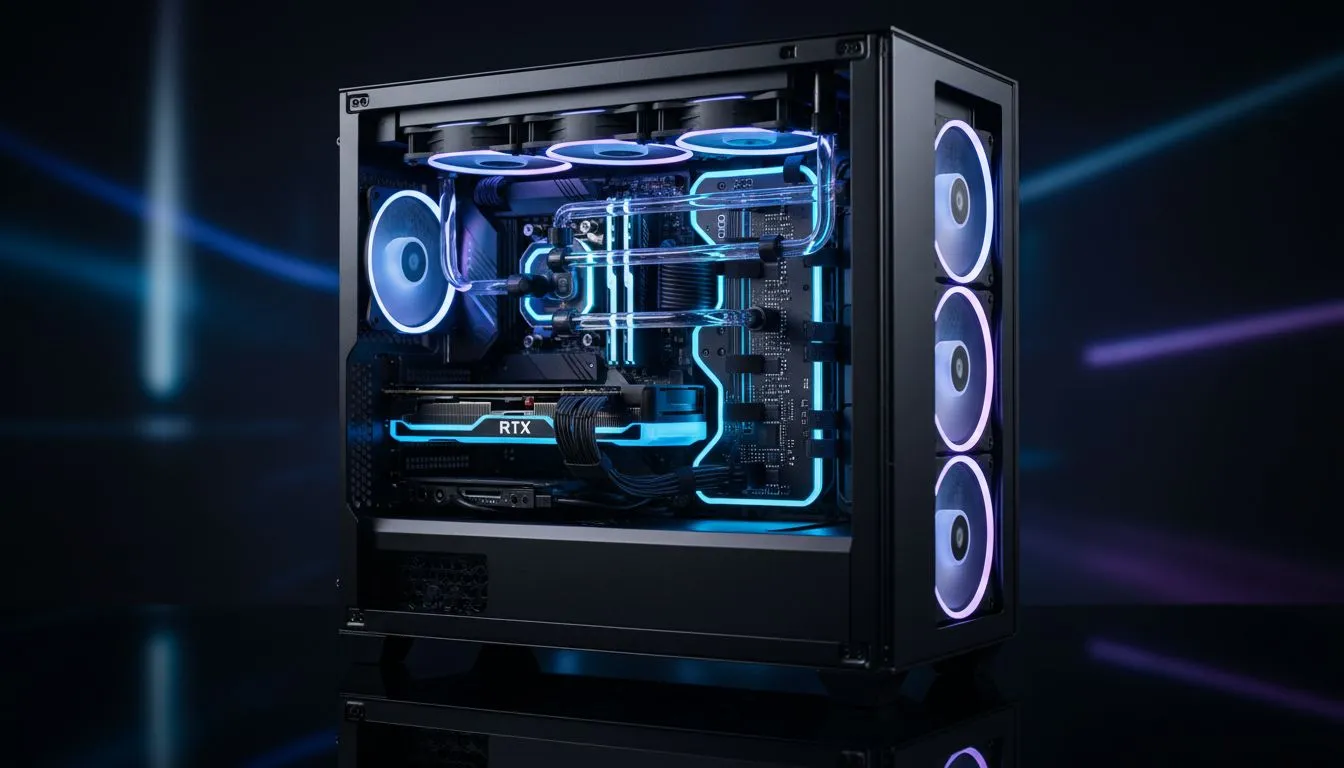
Is your PC sweating more than a Joburg commuter in February? Proper cable routing isn't just about aesthetics. It is the secret to a cool, quiet streaming and gaming PC. Messy cables block airflow. This leads to thermal throttling... and nobody wants frame drops during a clutch moment. Let's tidy up your rig for maximum performance and a cleaner look on stream. 🚀
Maximising Airflow with Smart Cable Management
Airflow is the lifeblood of any high-end build. When you are pushing your CPU and GPU to the limit while streaming, heat builds up fast. Cables dangling in front of your intake fans act like a wall. By choosing from a wide range of computer cases designed with routing channels, you ensure cool air reaches your components without resistance. 🔧
A clear path from the front intake to the rear exhaust keeps your hardware happy. It also reduces dust buildup in those hard-to-reach crevices. If air can move freely, your fans do not have to work as hard. This results in a quieter environment for your microphone to pick up your voice... not your PC.
Premium Solutions for Clean Streaming Builds
If you want a professional look for your stream, cable management is non-negotiable. High-end options like Fractal Design PC cases offer dedicated Velcro straps and deep routing space behind the motherboard tray. This makes it easier to hide those bulky 24-pin connectors.
The Zip-Tie Secret ⚡
Use small zip-ties or Velcro wraps to group your power cables together. Always route them through the grommet closest to the connection point on the motherboard. This creates the shortest path possible, leaving the main chamber clear for unobstructed airflow from your front intake fans.
A clean interior looks better on camera... and keeps your fans from spinning at max RPM. When your viewers look through your tempered glass side panel, they should see your hardware, not a "nest" of rainbow-coloured wires.
Cooling Performance on a Budget
You do not need to spend a fortune to get great airflow. Many Gamdias gaming cases come with pre-installed fans and clever cut-outs for cable management. Even if you are looking for budget gaming cases under R1500, you can still achieve a professional finish.
Use the space under the PSU shroud to tuck away excess cable length. This simple step can drop your internal temperatures by several degrees. It is the most cost-effective way to optimise your streaming and gaming PC cooling without buying extra hardware. ✨
Ready to Level Up Your Airflow? A cool PC is a fast PC. Whether you need a premium chassis or a budget-friendly powerhouse, we have the stock to get your build looking and running its best. Explore our massive range of computer cases and find the perfect home for your hardware today.











