


Best RTX 5090 Under R5000 in South Africa 2026
Top RTX 5090 Under R5000 picks evaluated on performance, value & SA availability with current Rand pricing from Evetech.
Read moreCommon issues with Wi-Fi 7 and the fixes that actually work in 2026. Diagnose the root cause fast with this practical SA-ready checklist — no generic advice.
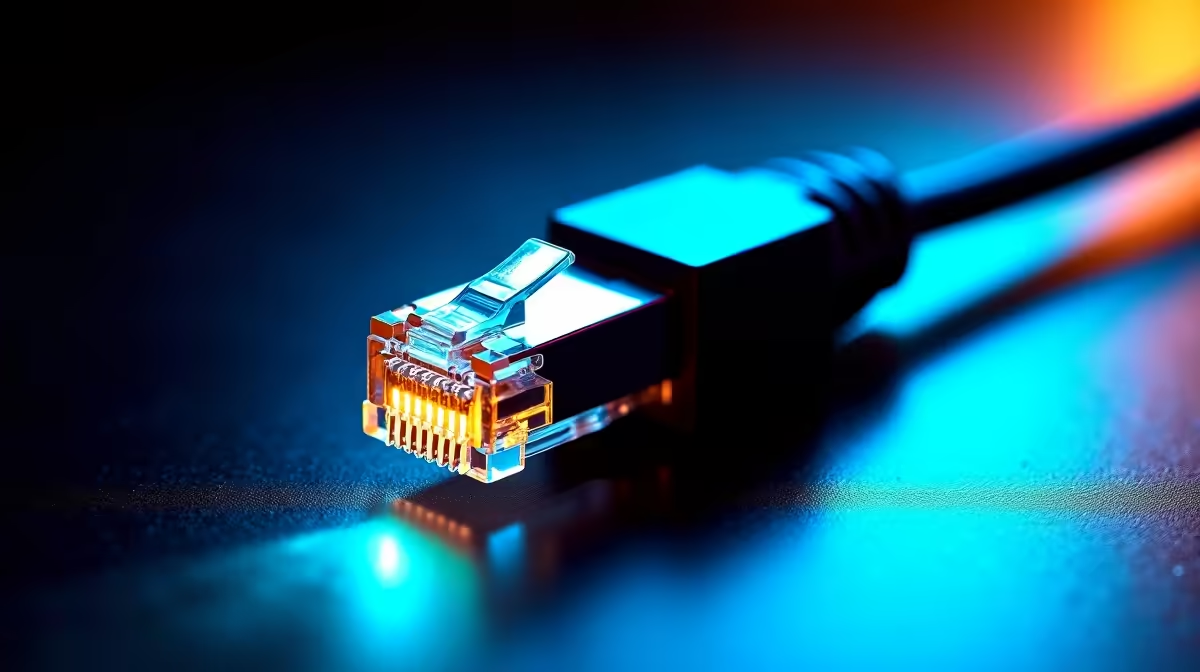
You finally upgraded your line. You are paying good Rands for fast fibre every month. Yet, you are still rubber-banding in competitive lobbies... struggling with high ping on fibre. The truth is simple. Your internet speed is only half the battle. The real bottleneck usually hides inside your house. Let us explore when to use Wi-Fi 7 and when to use 2.5 Gb Ethernet to fix your connection.
Fibre optics deliver incredible speeds to your front door. However, the journey from your wall box to your gaming PC is where packets get delayed. Thick brick walls in South African homes, microwave interference, and crowded local networks all add massive latency. Standard ISP routers are often too weak to handle multiple devices streaming and gaming at once.
Wireless technology has evolved massively over the last few years. Wi-Fi 7 introduces Multi-Link Operation. This allows your devices to send and receive data across multiple frequency bands simultaneously. It drastically cuts down latency and packet loss... even when the rest of the family is streaming 4K video.
Do you game on a high-end laptop? Cannot run cables through your rental apartment? Wi-Fi 7 is your best bet. It delivers near-wired stability without the clutter. To get started with this wireless revolution, you will need a capable router. You can easily browse our latest Wi-Fi routers to find a model that fits your specific space and budget.
Before buying new gear, check your existing network cables. A damaged Cat5e cable can quietly throttle your speeds and cause random lag spikes. Always use high-quality Cat6 cables for any wired connections between your fibre box and your primary router.
Even the best wireless signals cannot beat the raw laws of physics. A physical copper cable remains the ultimate solution for serious gamers. Upgrading to a 2.5 Gb Ethernet connection gives you massive bandwidth and rock-solid stability. Standard Gigabit LAN is great. However, 2.5 GbE gives you extra headroom for heavy network traffic.
If you play competitive shooters, stream your gameplay to Twitch, or download massive titles regularly, go wired. You eliminate all wireless interference instantly. Your ping will drop to the absolute minimum your ISP allows. Explore our premium networking routers designed for heavy data loads. You can easily set up your ultimate wired network.
Upgrading your network does not have to drain your wallet. A 2.5 Gb Ethernet setup is generally cheaper to implement. You just need to run cables along your walls. Wi-Fi 7 offers incredible convenience and clean aesthetics. It just demands a higher initial ZAR investment for the router.
Choose wireless freedom or unmatched wired stability. Upgrading your gear is the only way to truly unlock your fibre line. Keep an eye out for discounts to make your upgrade much sweeter. Check out our latest tech specials. You can score premium networking gear at a fraction of the normal retail cost.
Ready to Banish High Ping Forever? The wireless vs wired debate is complex, but for maximum stability, choice, and value in South Africa, Evetech has you covered. Explore our massive range of networking components and find the perfect hardware to conquer your lobbies.
Wi-Fi 7 is available at Evetech.co.za with local SA warranty, Rand pricing and nationwide delivery. Stock and pricing is updated in real time on the product page.
Most issues trace back to a small set of root causes — BIOS settings, power delivery, driver state or physical install. The article walks through each one in order of likelihood.
In most cases, yes. The fixes here are BIOS-level, settings-level or setup-level — hardware replacement is a last resort, not a first step.
Following the article's diagnostic order, most users isolate the root cause in under 30 minutes without needing bench testing or part swaps.
Only after working through the non-destructive checks. The article calls out the specific symptoms that do point to a hardware fault and need a warranty claim.
Top RTX 5090 Under R5000 picks evaluated on performance, value & SA availability with current Rand pricing from Evetech.
Read more
Top Value RX 9070 XT Under R10,000 picks evaluated on performance, value & SA availability with current Rand pricing from Evetech.
Read more
Top RTX 5090 Under R4000 picks evaluated on performance, value & SA availability with current Rand pricing from Evetech.
Read more
Top RTX 5080 Under R15000 picks evaluated on performance, value & SA availability with current Rand pricing from Evetech.
Read more
Core i5-14400F + B760 + RX 7800 XT Build Under. Full parts list, Rand pricing & expected performance. Build confidently with SA-available components.
Read more
Top Budget RTX 5070 Ti Under R20,000 Gamers picks evaluated on performance, value & SA availability with current Rand pricing from Evetech.
Read more
Can RTX 4080 Super Run AI Workloads for SA Developers Detailed answer with SA data, expert analysis & practical recommendations for local buyers.

Can RTX 4090 Run AI Workloads for SA Developers Detailed answer with SA data, expert analysis & practical recommendations for local buyers.

Top Settings for Intel Arc B580 at Ultrawide 1440p picks evaluated on performance, value & SA availability with current Rand pricing from Evetech.

RX 7600 Overclocking Guide: Safe OC Settings for. Real-world benchmark data, FPS numbers & performance analysis. What SA gamers can actually expect.

RTX 4060 CS2 Low Settings at 1080p: FPS Results. Real-world benchmark data, FPS numbers & performance analysis. What SA gamers can actually expect.

Visual Artifacts: Possible GPU Issue Issue #1. Diagnosis steps, proven fixes & when to seek professional help. SA-specific support info included.

Can the RTX 4090 Handle 1440p 144Hz Gaming. Performance testing verdict with real data & practical recommendations for SA buyers.

Top ASUS GPU Under R15000 picks evaluated on performance, value & SA availability with current Rand pricing from Evetech.

GTA 6 Max Settings on RTX 5070. Tested & verified settings for best FPS and visual quality on SA hardware budgets.

Cyberpunk 2077 Max Settings on RTX 5080. Tested & verified settings for best FPS and visual quality on SA hardware budgets.

Starfield Max Settings on RTX 5070 Ti. Tested & verified settings for best FPS and visual quality on SA hardware budgets.
Top RTX 5090 Under R5000 picks evaluated on performance, value & SA availability with current Rand pricing from Evetech.