

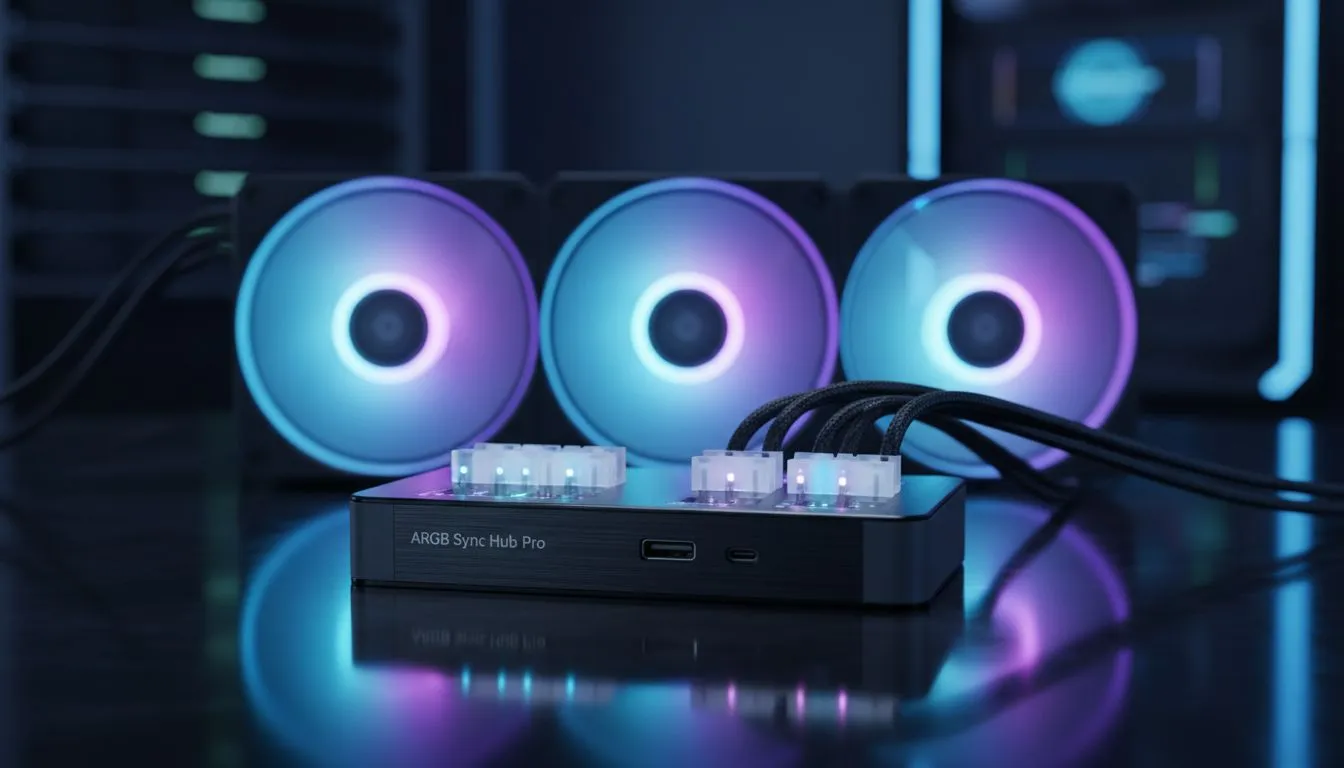
Ever felt the frustration of a PC that looks like a neon traffic jam? You bought an ASUS board but fell for MSI-compatible fans... now nothing matches. In South Africa, our rigs are our pride. Learning how to sync ARGB fans across different motherboard brands is the secret to a professional finish. Whether you're building a budget beast or a high-end monster, unified lighting is finally possible.
Master the Glow: Sync ARGB Fans Across Different Motherboard Brands
Building a custom PC in SA usually means hunting for the best deals across various manufacturers. You might find a great price on a motherboard but prefer the aesthetics of a different brand's cooling solution. This often leads to a messy desk setup where your RAM pulses red while your fans glow blue. To fix this, you need a solid strategy to manage your case fans through a single interface.
The Software Route: One App to Rule Them All
The most cost-effective way to sync ARGB fans across different motherboard brands is through third-party software. Programs like SignalRGB or OpenRGB are designed to bypass proprietary lockdowns. These tools allow you to control CORSAIR fans alongside components from other ecosystems without needing five different apps open. This saves system resources and keeps your Windows install lean... which is vital for maintaining high frame rates in competitive titles. 🚀
Leverage Hardware Hubs for Total Control
Sometimes software isn't enough... especially if your motherboard lacks enough 3-pin headers. Using a dedicated ARGB controller or hub allows you to bypass the motherboard's own software limitations. For instance, many Deepcool cooling solutions come with their own hubs that can connect directly to your power supply. This ensures that even older RGB fans can be unified under one physical remote or a single USB header. 🔧
ARGB Header Safety ⚡
Always check the voltage of your headers before plugging things in. Standard RGB headers use 12V... while ARGB headers use 5V. Plugging a 5V ARGB fan into a 12V header will likely result in a dead fan and a very sad smell of burnt electronics. Always double-check the manual or the markings on the board before you power on.
Balancing Aesthetics and Performance
While lighting is great, don't sacrifice airflow for the sake of pretty colours. Some builders prefer the stealth look and opt for non-LED fans to keep the focus on the GPU. However, if you are committed to the glow, ensure you choose the right size for your chassis. Most modern cases in South Africa are designed for 120mm fan options which offer great compatibility. If you have the space, moving up to larger high-airflow 140mm fans can provide quieter operation while still delivering that synced ARGB aesthetic you crave. ✨
Getting your lighting to sync ARGB fans across different motherboard brands is all about planning your cable management and choosing the right controller. Once you have a unified system, your setup will look like a R30,000 professional build, regardless of the brand names on the boxes. ⚡
Ready to Perfect Your Build? Mismatched lighting can ruin the vibe of a great setup. Whether you need a universal hub or a fresh set of high-performance fans, we have the stock to get you sorted. Explore our massive range of case fan specials and find the perfect cooling solution for your South African gaming rig.








