


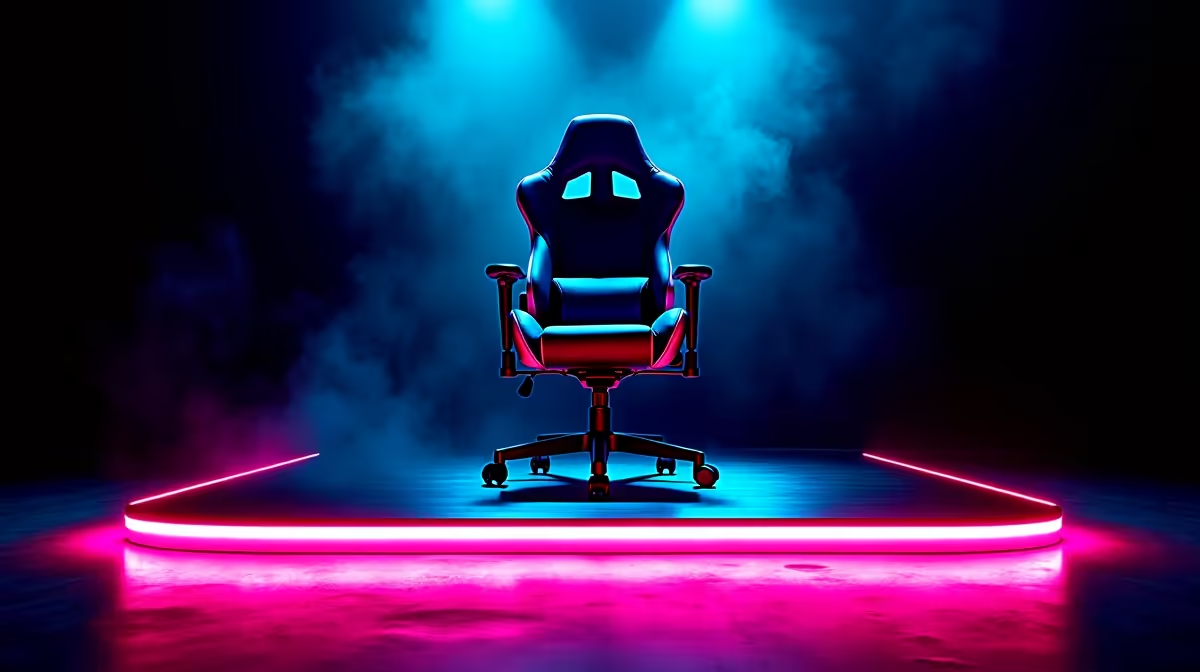
Your RGB setup is epic… but does it stop at your desk? Imagine your chair flashing red when you take damage in Warzone, or pulsing with the neon glow of a Cyberpunk 2077 cityscape. Here in South Africa, that immersive dream is a reality. We're diving deep into how you can sync gaming chair LEDs with games, transforming your throne from a simple seat into a dynamic part of the action. Let's get you plugged in. ⚡
Why Sync Your Gaming Chair's Lighting?
Beyond just looking cool (which it definitely does), syncing your chair's LEDs creates a level of immersion that a screen alone can't deliver. It's about feeling the game, not just seeing it. When your entire periphery reacts to in-game events—explosions, healing, or special abilities—it pulls you deeper into the virtual world. This isn't just about aesthetics; it's about creating a full-sensory battle station that makes every session more memorable. For many gamers, it’s the final piece of the puzzle for a truly unified setup, connecting all their peripherals into one seamless light show.
Getting Started: What You'll Need for the Sync
Before you can sync your gaming chair's LEDs with your games, you need two key things: a compatible chair and the right software. It's not quite plug-and-play, but it's simpler than you might think.
The Right Throne is Key
First, not all RGB chairs are created equal. Many offer static colours or simple remote-controlled patterns, but for true game integration, you need a chair with software-controlled LEDs. These models connect to your PC (usually via USB or a wireless dongle) and are designed to speak the same language as your games and other peripherals. These features are often found in more advanced models, but the experience they offer is unparalleled. If you're serious about creating a reactive setup, exploring the range of premium gaming chairs above R4000 is a great place to start your search.
The Software Brains 🧠
The software is the magic that makes the sync happen. Brands like Razer Chroma RGB, Corsair iCUE, and ASUS Aura Sync have ecosystems that allow various devices to work together. Many gaming chairs are built to integrate directly with these. Alternatively, universal apps like SignalRGB are brilliant at detecting and controlling a massive range of devices from different brands, including a growing list of RGB chairs.
Pro Tip: Check Compatibility First!
Before you add a chair to your cart, do a quick search to confirm its RGB software is compatible with your favourite games or a universal controller like SignalRGB. A few minutes of research can save you hours of frustration and ensure you get the dynamic lighting experience you're paying for.
A Quick Guide to Syncing Your Setup
Ready to get everything talking to each other? While the exact steps vary by brand, the general process for syncing your chair's lighting is straightforward.
- Assemble and Connect: Build your chair and connect its RGB controller to your PC via its designated USB cable or wireless receiver.
- Install the Drivers: Head to the manufacturer's website and download the specific software or drivers for your chair model. Install it and make sure your PC recognises the chair.
- Enable Game Integration: Open the chair's software (or your central RGB software like Razer Synapse or SignalRGB). Look for a "Games," "Apps," or "Integrations" tab. From here, you should be able to see a list of supported games and enable the integration for the ones you play.
- Launch and Test: Fire up your game! If everything is configured correctly, your chair should immediately start reacting to the on-screen action.
Even if you're working with a tighter budget, you can still find great options. Many gaming chairs under R4000 offer fantastic ergonomics and style, setting a solid foundation for your setup.
The Verdict: Is It Worth the Hype?
So, is the ability to sync gaming chair LEDs with games a must-have feature? For the ultimate enthusiast or streamer, the answer is a resounding yes. It adds a polished, professional, and incredibly immersive layer to your setup that static lights just can't match. For the average gamer, it’s a fantastic "nice-to-have" that makes your gaming space feel more alive and personalised. It’s one of those features you don't know you need until you experience it. ✨ If you're looking to upgrade, it's a feature worth considering across the wide variety of gaming chairs in South Africa available today.
Ready to Light Up Your Gameplay? Your setup is more than just a PC; it's your command centre. Elevate your immersion with a chair that reacts to every move you make and find the perfect throne for your battle station. Check out the best gaming chair deals at Evetech to get started.










