

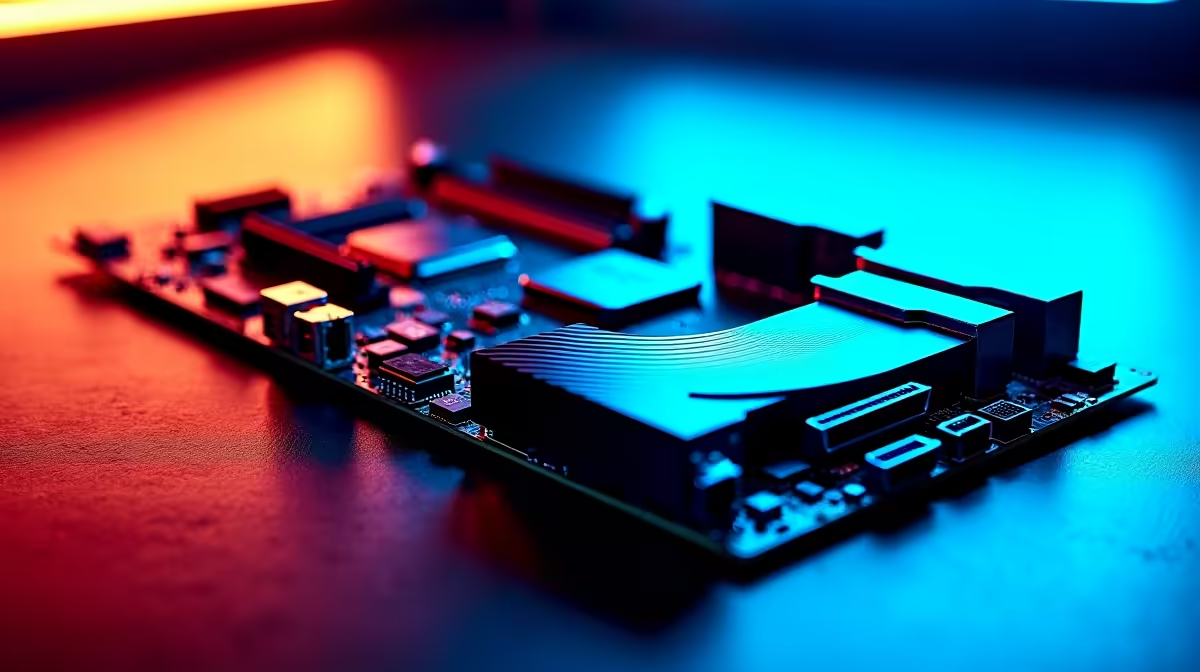
Building a compact PC in South Africa shouldn't mean sacrificing next-gen performance. Whether you are dodging loadshedding with a smaller UPS or just want a sleek setup on your desk, an mATX build hits the sweet spot. But cramming top-tier tech into a smaller chassis requires careful thought. Here is your complete guide to DDR5, PCIe 5.0, and M.2 slot planning on an AMD mATX motherboard.
The mATX Advantage for South African Gamers
Micro-ATX boards offer massive value for your hard-earned ZAR. They strip away the extra expansion slots most builders never use. Yet... they keep the premium features you actually need. When browsing our wide range of motherboards, you will notice mATX options often save you hundreds of Rands. This frees up your budget for better graphics or faster storage. While some creators might lean towards ASUS Intel motherboards for specific workloads, AMD's AM5 platform delivers unmatched upgrade longevity.
Maximising Speed with DDR5 Memory Planning ⚡
The AM5 platform strictly requires DDR5. This means you need to plan your RAM purchase carefully to avoid bottlenecks. Most mATX boards feature four DIMM slots. However... populating just two slots with high-speed modules is optimal for system stability. For AMD Ryzen 7000 series processors, 6000MHz is the absolute sweet spot. Grab a dual-channel setup from our premium DDR5 memory kits to ensure your processor performs at its absolute peak.
Memory Tuning Tip 🔧
Always enable AMD EXPO in your BIOS after installing new DDR5 RAM. This simple tweak ensures your memory runs at its advertised speeds rather than the slower default settings, giving you an instant frame rate boost.
Navigating PCIe 5.0 and Future Upgrades 🚀
PCIe 5.0 offers double the bandwidth of the previous generation. Modern GPUs barely saturate PCIe 4.0 right now. Still... having a Gen 5 slot ensures your rig is ready for tomorrow's hardware releases. If you are exploring premium ASUS AMD motherboards, look out for the B650E or X670E chipsets. The "E" stands for Extreme. This guarantees that crucial PCIe 5.0 support for your primary graphics card slot.
Smart M.2 Slot Configuration ✨
Storage planning is critical on a smaller motherboard. Most AMD mATX boards offer at least two M.2 slots for your NVMe drives. The top slot usually connects directly to the CPU lanes. You should always install your primary Windows and gaming drive right here. This guarantees the lowest possible latency. The second slot routes through the chipset. It is perfect for bulk storage or large media files. If you prefer skipping the delicate build process entirely, check out our best gaming PC deals for pre-configured rigs with perfectly optimised storage layouts.
Thermal Considerations for Compact Builds ❄️
Packing PCIe 5.0 drives and high-speed DDR5 into an mATX case generates serious heat. Excellent airflow is not optional... it is mandatory. Ensure your chosen chassis has direct intake fans feeding cool air over your motherboard components. Many premium mATX boards include thick metal heatsinks specifically for the primary M.2 slot. This prevents thermal throttling during heavy gaming sessions or massive file transfers. Keeping your components cool ensures maximum lifespan and consistent frame rates.
Ready to Build Your Dream Compact PC? Planning an mATX build is incredibly rewarding when you have the right parts. Explore our massive range of AMD components and start piecing together a rig that delivers extreme performance without dominating your desk space.











