Your rig is screaming, fans are maxed out, and you’re dropping frames in the final circle. Sound familiar? Here in South Africa, our gaming PCs battle more than just final bosses… they battle the heat. That tiny, often-forgotten tube of thermal paste is your secret weapon. It’s the crucial link in your PC's cooling chain, ensuring your CPU stays frosty for peak performance. Getting it right is non-negotiable. ✨
Understanding Thermal Paste: The Secret to a Cool CPU
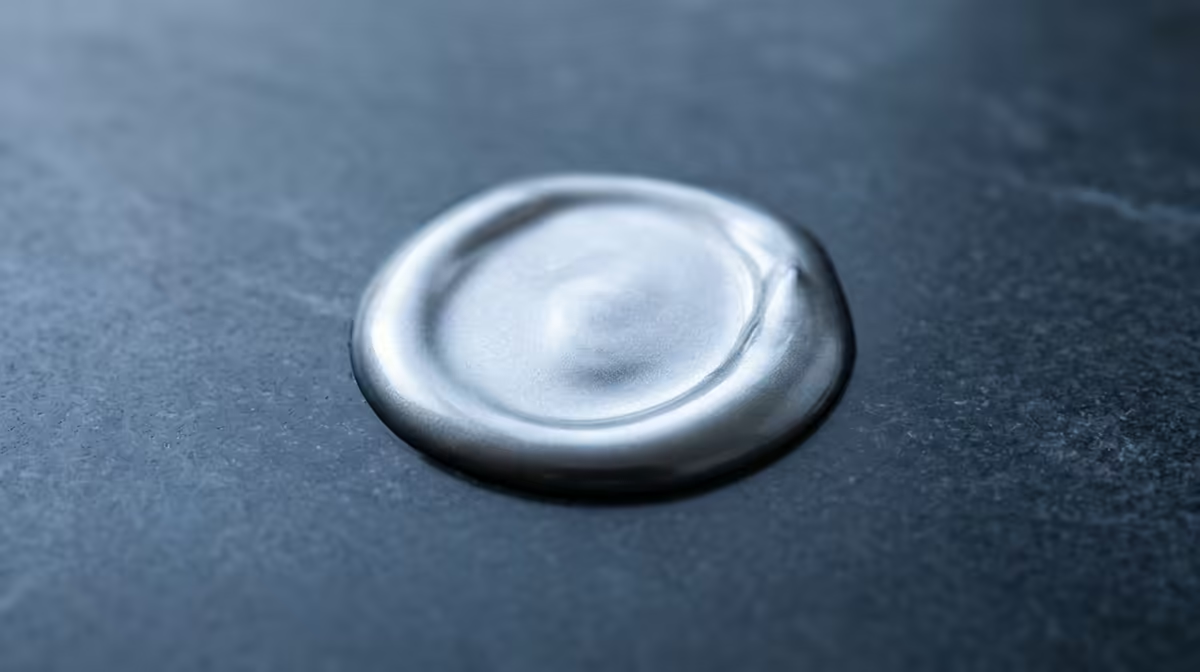
So, what’s the big deal with this grey goo? Think of thermal paste... also called thermal compound or grease... as a heat conductor. Your CPU and its cooler’s baseplate might look perfectly flat, but on a microscopic level, they're full of tiny imperfections. These create air gaps, and air is a terrible conductor of heat.
Thermal paste fills these gaps, creating a seamless bridge for heat to travel from your CPU to the heatsink. Better heat transfer means a cooler processor, which means more stable performance and a longer lifespan for your prized component.
Why Getting Thermal Paste Right is Crucial in South Africa
Let's be real, a Highveld summer is no joke. When the ambient temperature in your room is already pushing 30 °C, your PC components are starting on the back foot. For gamers and creators in South Africa, effective thermal management isn't a luxury; it's a necessity. A premium application of thermal paste can be the difference between buttery-smooth 144 FPS and a stuttering, throttling mess. Upgrading your paste is one of the most cost-effective ways to improve your entire system's cooling. It's a small investment for a significant performance uplift, especially when paired with the right thermal solutions.
How to Apply Thermal Paste Like a Pro 🔧
Applying thermal paste can seem daunting, but it's actually one of the simpler parts of a PC build. The key is using the right amount… not too little, and definitely not too much. A pea-sized dot in the centre of the CPU is the most recommended method for beginners.
Here’s a quick rundown:
- Clean Up: First, ensure both the CPU surface and the cooler’s baseplate are perfectly clean. Use isopropyl alcohol and a lint-free cloth to remove any old paste or dust.
- Apply: Place a small, pea-sized (or rice-grain-sized) blob directly onto the centre of the CPU's integrated heat spreader (IHS).
- Mount: Carefully place the CPU cooler on top. The mounting pressure will spread the paste evenly across the surface. No need to spread it yourself with a tiny spatula!
This simple process is fundamental whether you're installing brand new CPU coolers or just doing routine maintenance.
Pro Tip: Don't Forget to Clean!
Always remove old thermal paste before applying a new layer. Mixing old, crusty paste with new paste creates air bubbles and reduces thermal conductivity, defeating the entire purpose of the exercise!
Choosing the Best Thermal Paste and Cooler for Your Rig
Not all thermal pastes are created equal. They vary in thermal conductivity, viscosity, and longevity. While the paste that comes pre-applied on many coolers is decent, an aftermarket tube from a brand like Noctua, Arctic, or Cooler Master can often shave a few precious degrees off your temps. When looking at options for thermal paste in South Africa, you'll see specs like "W/mK" (Watts per meter-Kelvin)... the higher the number, the better the thermal conductivity.
Of course, the best paste in the world won't help a struggling cooler. Your choice of paste should complement your cooling hardware. A standard tower CPU cooler in South Africa is perfect for most gaming builds, offering fantastic performance for its price.
For those pushing high-end CPUs with overclocking, a CPU liquid cooler available in South Africa might be the better choice. These All-In-One (AIO) units provide superior heat dissipation for the most demanding tasks. Whatever your budget, keeping an eye on the best CPU cooler deals in South Africa can help you maximise performance without breaking the bank.
Ready to Beat the Heat? 🚀 Don’t let high temps throttle your performance. Explore our wide range of premium thermal pastes and cooling solutions. Shop all thermal solutions at Evetech and unlock the true potential of your rig.