Tool-Friendly Gaming Case Layout for First-Time PC Builders 🔧
Building your first gaming PC should feel exciting, not stressful. But one awkward case layout can turn a Saturday upgrade into a cable-fighting mess. If you are shopping in South Africa, the right case makes a huge difference... especially when you are learning where the PSU, fans, and motherboard cables actually go. A tidy, tool-friendly setup saves time, lowers frustration, and helps your build look cleaner from day one.
Tool-Friendly Gaming Case Layout for First-Time PC Builders
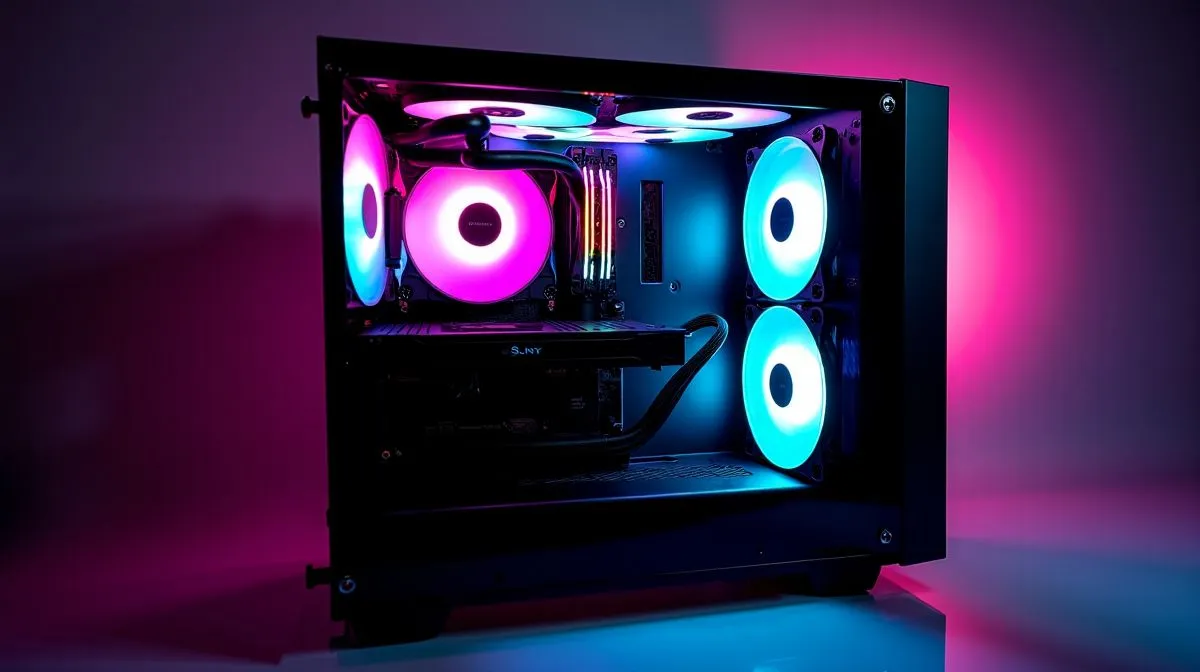
The best beginner cases are not just about looks. They give you space to work, clear airflow paths, and sensible access to the parts you will touch most. That matters when you are fitting your first graphics card, routing front-panel connectors, or checking if your cooler clears the RAM. A well-planned layout can make the whole process feel calm instead of chaotic.
When comparing options, start with access. Side panels that open easily, removable dust filters, and enough room behind the motherboard tray all help. If a case supports a practical internal layout, you will spend less time forcing cables into place and more time enjoying the build. For a broad look at available options, browse Evetech’s computer cases range.
What makes a case easier for first-time builders?
Look for tool-less or low-tool features where possible. Thumb screws, quick-release panels, and pre-routed cable channels are small touches, but they matter. Front-mounted drive cages can also create extra room if you need a simpler path for longer graphics cards. For builders who want a neater finish, Fractal Design PC cases are worth a look because the brand often focuses on clean layouts and practical internal organisation.
Airflow and cable routing matter more than flashy extras
A case can look stunning in photos and still be miserable to build in. Good airflow keeps hardware happier under load, while sensible cable routing keeps the inside uncluttered. That is especially helpful if you plan to add RGB fans later. If you want more style without blowing the budget, Gamdias gaming cases often strike a nice balance between visual flair and builder-friendly design.
Build Lab Tip ⚡
A small zip-tie pack and a magnetic screwdriver can save you serious frustration during your first build. Keep them beside the case before you start. You will use both more than you expect.
Set a budget before you choose the shell
It is easy to overspend on the case and squeeze the GPU budget. Don’t. In most first builds, performance should come first, then storage, then the enclosure. If you are trying to stay near a sensible ceiling, filtering by price can help narrow the field fast. Evetech’s Gamdias gaming cases under R1500 are a practical starting point for budget-conscious builders.
A simple build rule that saves headaches
Before checkout, check three things... motherboard size support, GPU length clearance, and radiator or fan placement. These specs are usually listed on the product page. If you can confirm them early, you avoid the awkward moment when a part simply does not fit. That is the kind of mistake first-time builders can easily avoid with a bit of planning.
Tool-Friendly Gaming Case Layout for First-Time PC Builders: Final thoughts
Your first PC build should teach confidence, not panic. Choose a case with sensible access, decent airflow, and enough room to work. Keep the layout simple, and do not chase looks at the expense of usability. Once the basics are right, the rest of the build feels easier... and that first power-on becomes a proper win. 🚀
Ready to Find Your Perfect Match?
The Mac vs Windows debate is complex, but for maximum power, choice, and value in South Africa, Windows is hard to beat. Explore our massive range of laptop specials and find the perfect machine to conquer your world.
}}