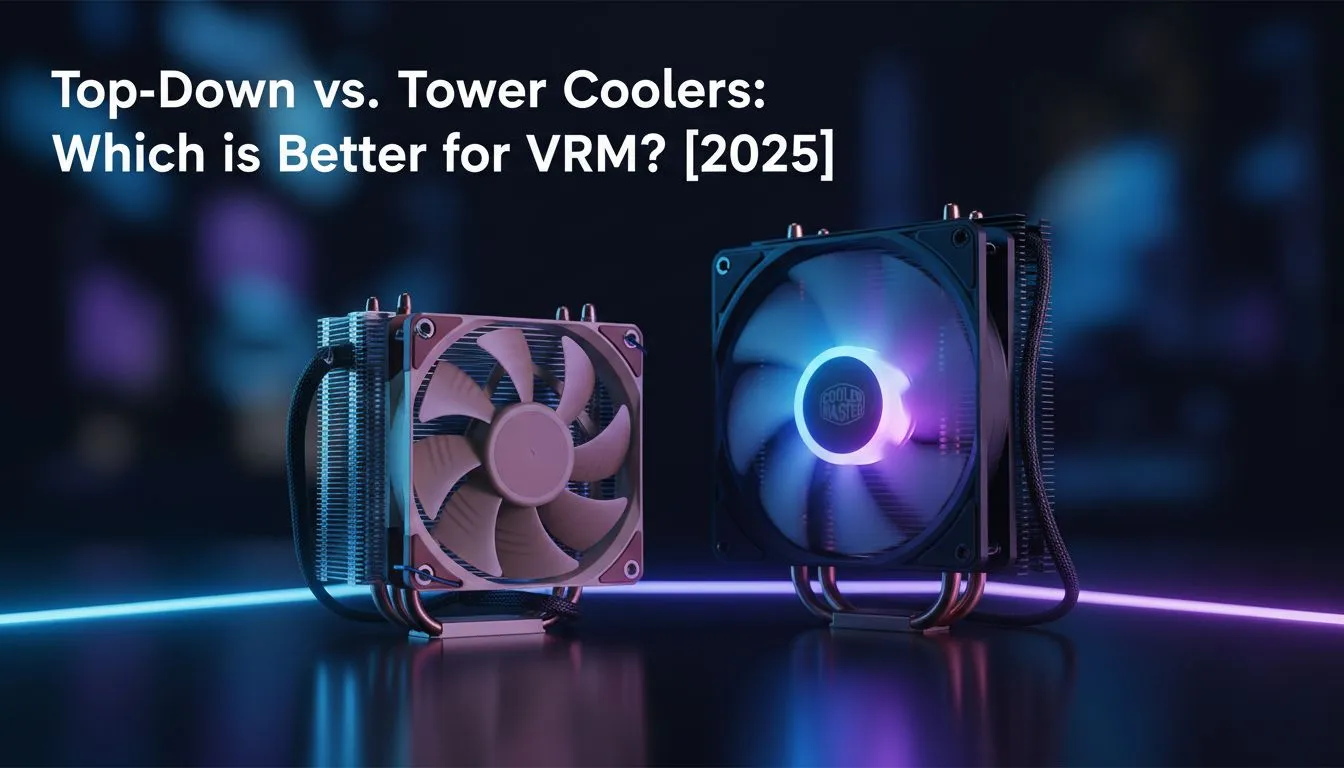
Building a PC in South Africa means battling the heat. While everyone obsesses over CPU temps, a silent performance killer lurks right next to your processor: your VRMs. These tiny components feed your CPU power, and when they overheat, your whole system throttles. So, which cooler style wins the battle for total system stability in the top-down vs tower coolers debate? Let's find out and see which is the best choice for VRM cooling. 🌡️
Understanding the Core Debate: Top-Down vs Tower Coolers
At first glance, all air coolers might seem similar, but their design drastically changes how they handle heat. The fundamental difference in the tower vs top-down cooler comparison comes down to airflow direction.
- Tower Coolers: These are the skyscrapers of the CPU cooling world. They feature a vertical heatsink stack with fans that push air horizontally, parallel to the motherboard. This design is brilliant for moving heat directly from the CPU and exhausting it towards the rear of your case.
- Top-Down Coolers: These have a lower profile, with a heatsink that lies flat over the CPU socket. The fan sits on top, pushing air downwards, perpendicular to the motherboard.
While both are effective, this simple difference in airflow has massive implications for the components surrounding your CPU. You can see a great variety of both types in our main air coolers section.
The Tower Cooler Advantage: Focused CPU Performance
For raw CPU cooling potential, tower coolers often take the crown. Their large surface area and direct airflow path are optimised for one job: wicking heat away from the CPU IHS (Integrated Heat Spreader) as efficiently as possible. This focused approach is why high-performance models from brands like Corsair are so popular among gamers who want to push their processors to the limit.
However, this laser focus is also their main drawback when it comes to VRM cooling. Because the air moves horizontally, it barely grazes the motherboard's Voltage Regulator Modules (VRMs), chokes, and capacitors, leaving them to fend for themselves with only passive case airflow.
The Top-Down Cooler's Secret Weapon: Superior VRM Cooling
Here’s where the underdog shines. A top-down cooler's primary function is still to cool the CPU, but its design provides a massive secondary benefit: it blankets the entire socket area with fresh air. 💨
This constant, direct airflow is a lifesaver for your VRMs, especially during heavy workloads or overclocking. Imagine you've just dropped serious ZAR on a new Ryzen 9... you're pushing it hard in a demanding game, but your performance starts to stutter. It might not be your CPU overheating; it could be your starved VRMs throttling to protect themselves. For this reason, a top-down model is often the best choice for VRM cooling, particularly in compact builds or on motherboards with less-than-stellar VRM heatsinks.
Build Lab Pro Tip 🔧
Before you even choose a cooler, check reviews for your specific motherboard's VRM thermal performance. Sites like Gamers Nexus or Hardware Unboxed often do deep-dive thermal analysis. A board with robust VRM heatsinks gives you more flexibility, while a budget board might desperately need the extra airflow from a top-down cooler to avoid throttling.
What About AIO Liquid Coolers?
It's impossible to discuss modern CPU cooling without mentioning All-In-One (AIO) solutions. These coolers use liquid to transfer heat from the CPU to a radiator, offering excellent thermal performance and a clean aesthetic. Many gamers aiming for the lowest possible CPU temperatures will opt for a large 360mm radiator setup.
However, much like tower coolers, standard AIO liquid coolers create an airflow dead zone around the CPU socket. With no fan directly over the area, VRM cooling becomes entirely dependent on your case fans. If your case airflow isn't perfectly optimised, your VRMs could be running hotter than you think.
The Verdict: Which Cooler is Right for Your Rig?
So, in the top-down vs tower coolers showdown, who wins? The answer depends entirely on your build's priorities.
- Choose a Tower Cooler if: Your primary goal is achieving the absolute lowest CPU temperatures, and you have a case with strong, well-planned airflow that already provides some circulation over the motherboard.
- Choose a Top-Down Cooler if: You are building in a Small Form Factor (SFF) case, you plan on overclocking, or you have a motherboard with modest VRM heatsinks. It provides a fantastic balance of CPU and component cooling, making it the clear winner for VRM health. ✨
Ultimately, understanding your whole system's thermal needs is key to building a stable and powerful rig. The best choice for VRM cooling is the one that addresses this often-overlooked, yet critical, part of your PC.
Ready to Beat the Heat?
Whether you need the focused power of a tower or the motherboard-chilling airflow of a top-down cooler, getting it right is key to a stable, high-performance rig. Explore our massive range of CPU coolers and find the perfect solution to keep your components frosty.