

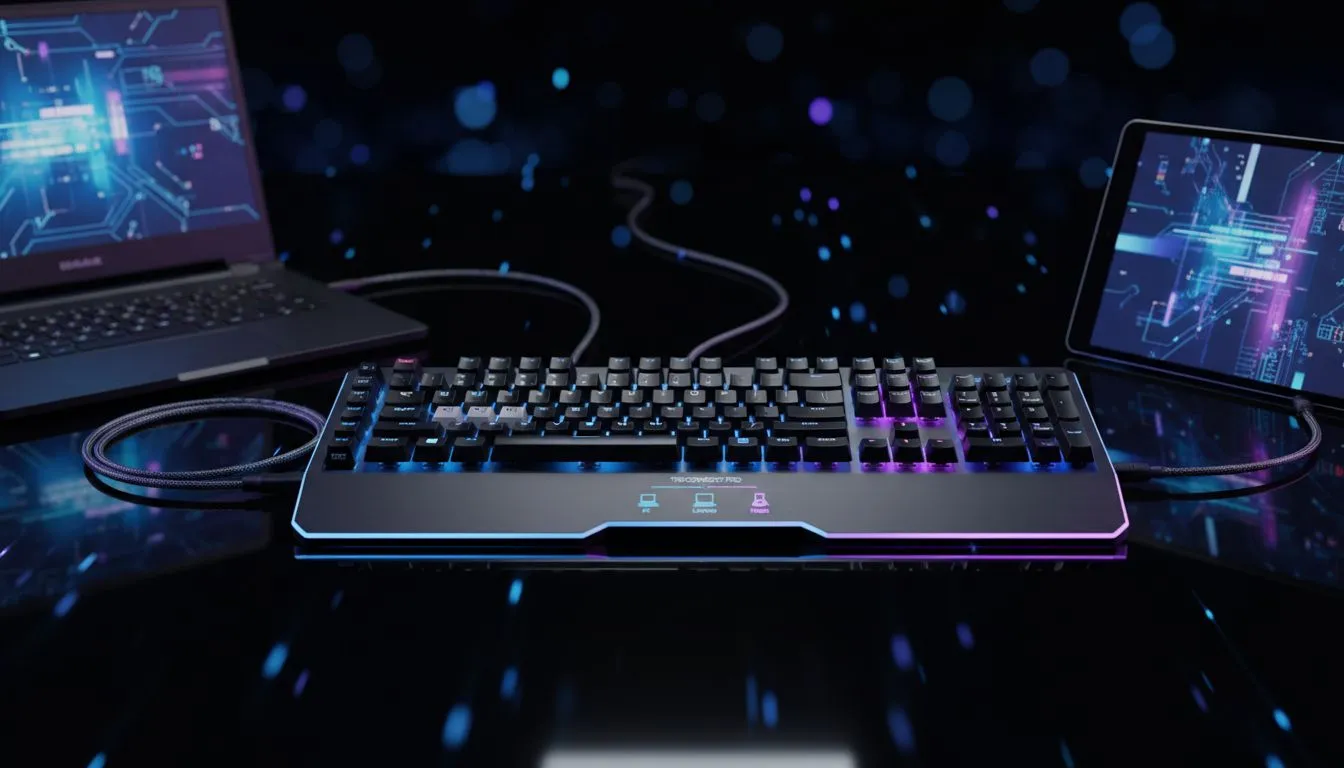
Tired of juggling keyboards? One for your gaming PC, another for your work laptop, and that clumsy on-screen keyboard for your tablet... It’s a mess of cables and clutter. Imagine a cleaner, smarter desk where a single, high-performance keyboard commands all three. A triple connection gaming keyboard setup isn't just a fantasy; it's the ultimate productivity and gaming hack for any South African tech enthusiast looking to streamline their space and workflow. 🚀
Why You Need a Multi-Device Keyboard Setup
Let's be honest, our digital lives are spread across multiple screens. A typical day might involve smashing a deadline on a laptop, then switching to a desktop for a serious gaming session, all while keeping an eye on messages on a tablet. A triple connection gaming keyboard setup consolidates this chaos into one seamless experience.
The benefits are immediate:
- Decluttered Desk: Say goodbye to tangled wires and extra peripherals. One keyboard means more space for your mousepad, snacks, or that new figurine.
- Seamless Workflow: Switch between your PC, laptop, and tablet with the press of a button. Type a long email on your laptop, then instantly reply to a WhatsApp message on your tablet using the same satisfying mechanical keys.
- Cost-Effective: Instead of buying three separate decent keyboards, you invest in one excellent one that does it all. It’s a smart move for your wallet and your setup.
For many, the dream is a clean, unified battle station. If you're looking to complete the aesthetic, consider a matching keyboard and mouse combo to unify your wireless setup.
Choosing Your Triple-Threat Keyboard
Not all keyboards are built for this multitasking magic. To achieve a true triple connection gaming keyboard setup, you need a model with versatile connectivity options. Look for keyboards that offer at least two, and ideally all three, of the following:
Connection Types Explained
- 2.4GHz Wireless (via Dongle): This is your go-to for high-performance, low-latency gaming on your main desktop. It provides a stable, responsive connection that feels just as fast as a wired one.
- Bluetooth: This is perfect for connecting to your laptop and tablet. Most modern devices have Bluetooth built-in, making pairing quick and dongle-free. A good multi-device keyboard will support multiple Bluetooth profiles, allowing you to switch between them effortlessly.
- Wired (USB-C): The failsafe. A wired connection is essential for charging your keyboard, eliminating any chance of input lag during a competitive match, and for initial setup. While the goal is wireless freedom, having reliable wired keyboards as an option is non-negotiable for serious gamers.
The market for a great gaming keyboard in South Africa is packed with brilliant multi-device options that don't compromise on performance.
Quick-Switch Pro Tip ⚡
Most multi-device keyboards use a dedicated button or a function key combo (like FN + 1 2 3) to swap between connected devices. Check your keyboard's manual and memorise the shortcut. You'll be switching from a spreadsheet on your laptop to a Discord chat on your PC in less than a second!
Your Step-by-Step Connection Guide
Setting up your new keyboard is easier than you think. Here’s a typical workflow:
- The Desktop (Primary Gaming Rig): Plug in the 2.4GHz USB dongle. This should be your primary connection for the lowest latency during intense gaming sessions. Your PC will recognise it instantly.
- The Laptop (Work & Travel): Use Bluetooth to pair your keyboard. Put the keyboard into Bluetooth pairing mode (usually a long press of a specific key), find it in your laptop's Bluetooth settings, and connect. Assign this to Bluetooth profile 1.
- The Tablet (Media & Messaging): Repeat the Bluetooth pairing process for your tablet, assigning it to Bluetooth profile 2.
Now, you can use your keyboard's dedicated switch to cycle between the 2.4GHz dongle (PC), Bluetooth 1 (laptop), and Bluetooth 2 (tablet). It's that simple. ✨
Is a Wireless Setup Good Enough for Gaming?
Worried about lag? It’s a valid concern, but modern wireless technology has come a long way. For competitive gaming, the 2.4GHz connection is virtually indistinguishable from a wired one. For everything else—from casual gaming to typing and productivity—Bluetooth is more than responsive enough. The best keyboards offer this choice, giving you speed when you need it and convenience when you don't.
Exploring the latest versatile wireless options shows just how far the technology has advanced, making a cable-free desk a reality for even the most demanding players.
Ready to Unify Your Setup? A triple connection keyboard isn't just a gadget; it's a massive upgrade to your entire tech ecosystem. Stop juggling and start conquering. Explore our best gaming keyboard deals and find the perfect multi-device champion for your desk today.











