


Best RTX 5090 Under R12000 in South Africa 2026
Top RTX 5090 Under R12000 picks evaluated on performance, value & SA availability with current Rand pricing from Evetech.
Read moreUPS for High-End GPUs: - Analyze GPU power draw - Compute UPS kVA & runtime - Recommend UPS types & tips Quick, accurate steps to size battery backup for loadshedding with wattage math, runtime estimates, and buying guidance. ⚡💡
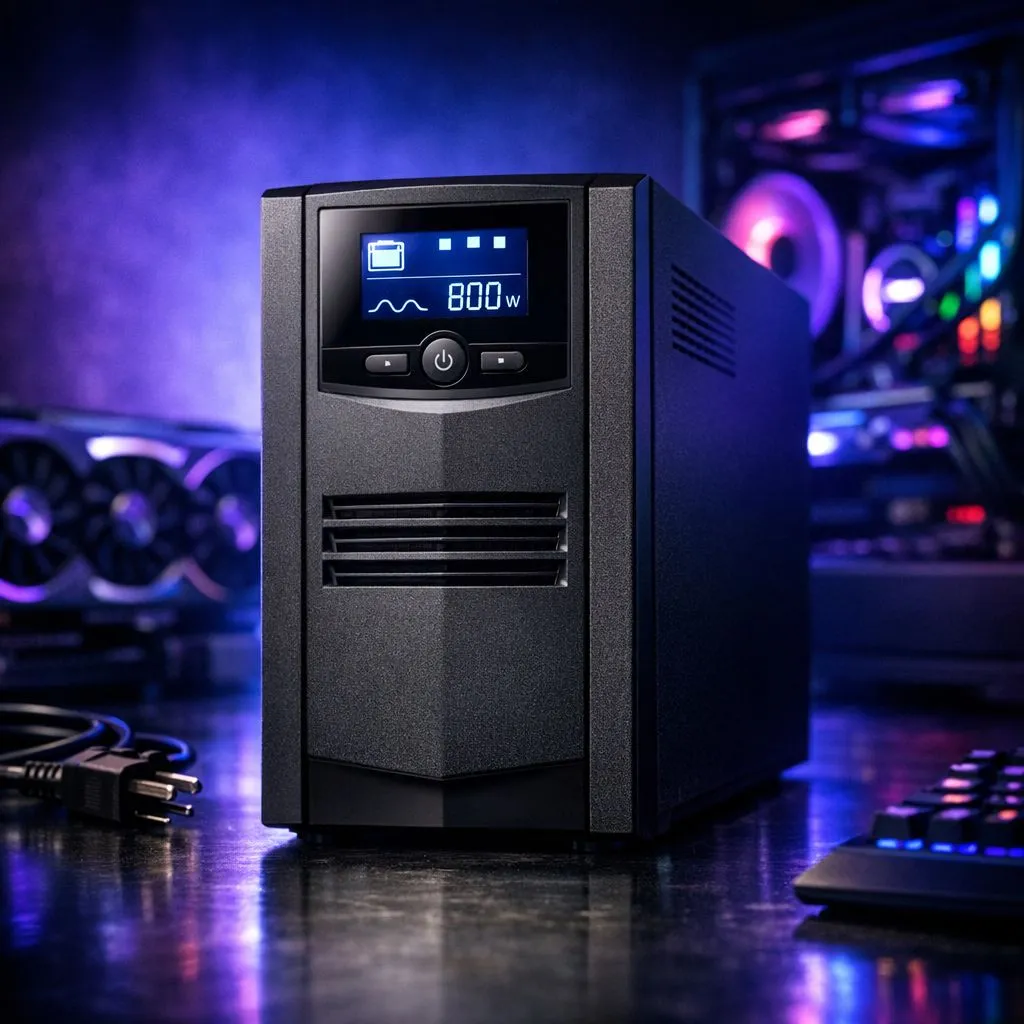
Loadshedding strikes just as you’re about to clinch a win. It’s a South African nightmare. For those rocking high-end GPUs, a sudden power cut isn't just annoying... it's a threat to your hardware. Finding the right UPS for high-end GPUs is about more than just backup time. It’s about calculating capacity to ensure your rig stays safe during those frequent Eskom outages. ⚡
When you invest in high-performance graphics cards, you must account for peak power spikes. Modern cards do not pull a constant amount of electricity. Instead, they fluctuate based on the intensity of the scene being rendered. If you are running the latest GeForce Graphics Cards, a sudden spike could exceed the ceiling of an underrated UPS. This causes the unit to trip immediately... leaving your expensive components vulnerable to improper shutdowns.
The biggest mistake gamers make is confusing VA (Volt-Amps) with Watts. Most UPS units are sold by their VA rating, but your PC components are rated in Watts. To find the true capacity, you usually multiply the VA by the power factor... typically 0.6 or 0.7 for standard units. If you have a 1200VA UPS with a 0.6 power factor, it only supports 720W.
Always calculate your total system wattage and add a 20% buffer. If your PC and monitor draw 500W total, look for a UPS that provides at least 600W of actual power. This overhead accounts for capacitor aging and prevents the UPS from overloading during intense 4K gaming sessions where the GPU hits maximum boost clocks.
Different architectures have different appetites. While many Radeon Graphics Cards offer incredible performance per Rand, their transient power spikes can be aggressive. Similarly, premium aftermarket options like MSI graphics cards often come with factory overclocks. These "OC" editions require even more headroom from your UPS. 🔧
For a high-end rig, the quality of power is just as important as the quantity. Most modern power supplies with Active PFC (Power Factor Correction) prefer a Pure Sine Wave UPS. Using a cheaper "simulated" sine wave unit can sometimes cause the PC to shut down anyway or lead to a buzzing sound from your PSU. When you are protecting a GPU worth R20,000 or more, the extra investment in a Pure Sine Wave unit is a logical choice for long-term health. 🚀
Ready to Protect Your Rig? Don't let the next stage of loadshedding catch your hardware off guard. Whether you are upgrading your power protection or looking for the latest GPU technology in South Africa, we have you covered. Explore our massive range of graphics cards and find the perfect hardware to keep your gaming sessions uninterrupted.
Add GPU wattage to total system draw, add 20–30% headroom, convert watts to kVA using power factor, then pick desired runtime.
An RTX 4090 typically draws ~450–500W under full load; include CPU, drives, and peripherals when sizing UPS wattage.
Runtime varies by UPS VA and battery. Example: a 1500VA/900W UPS might give 5–15 minutes at a 450W GPU load.
Prioritize kVA/kW to handle peak draw and select battery capacity for the runtime you need during loadshedding.
Yes if it provides pure sine wave output and sufficient kVA/kW. Server UPS units often suit high-power GPU rigs.
UPS gives short-term backup for safe shutdown or brief uptime; a generator supplies long-duration power for extended outages.
Convert load watts × runtime to Wh, divide by battery voltage and inverter efficiency to get Ah. Use a UPS capacity calculator for GPU rigs.
Top RTX 5090 Under R12000 picks evaluated on performance, value & SA availability with current Rand pricing from Evetech.
Read more
When Will the RTX 6090 Launch in South Africa Detailed answer with SA data, expert analysis & practical recommendations for local buyers.

Top Valorant Settings for RTX 5070: FPS Optimisation picks evaluated on performance, value & SA availability with current Rand pricing from Evetech.

RDNA 3.5 Graphics in Ryzen AI 400? Can You Game. Plain-English explanation of what it means, why it matters & how it affects your buying decisions in SA.

GPU Price Index : December Report. Current stock data & price tracking for SA buyers. See what is available and where prices are heading.

Core i5-14600K + B760 + RTX 5060 Build Under. Full parts list, Rand pricing & expected performance. Build confidently with SA-available components.

RX 7600 Apex Legends at 4K: FPS Benchmark. Real-world benchmark data, FPS numbers & performance analysis. What SA gamers can actually expect.

RX 7900 XTX GTA 6 at 4K: FPS Benchmark & Optimal. Real-world benchmark data, FPS numbers & performance analysis. What SA gamers can actually expect.

Head-to-head comparison of RTX 5070 vs RX 9070 XT: Gaming Performance for SA gamers. Performance benchmarks, Rand pricing & which delivers better value.

GPU Setup Guide Gamers. Clear setup instructions with SA-specific considerations, troubleshooting tips & recommended components.
Top RTX 5090 Under R12000 picks evaluated on performance, value & SA availability with current Rand pricing from Evetech.

Call of Duty Warzone 2 Settings on RX 7600. Real-world benchmark data, FPS numbers & performance analysis. What SA gamers can actually expect.

GTA 6 Settings on RTX 5070 Ti: Performance. Real-world benchmark data, FPS numbers & performance analysis. What SA gamers can actually expect.