

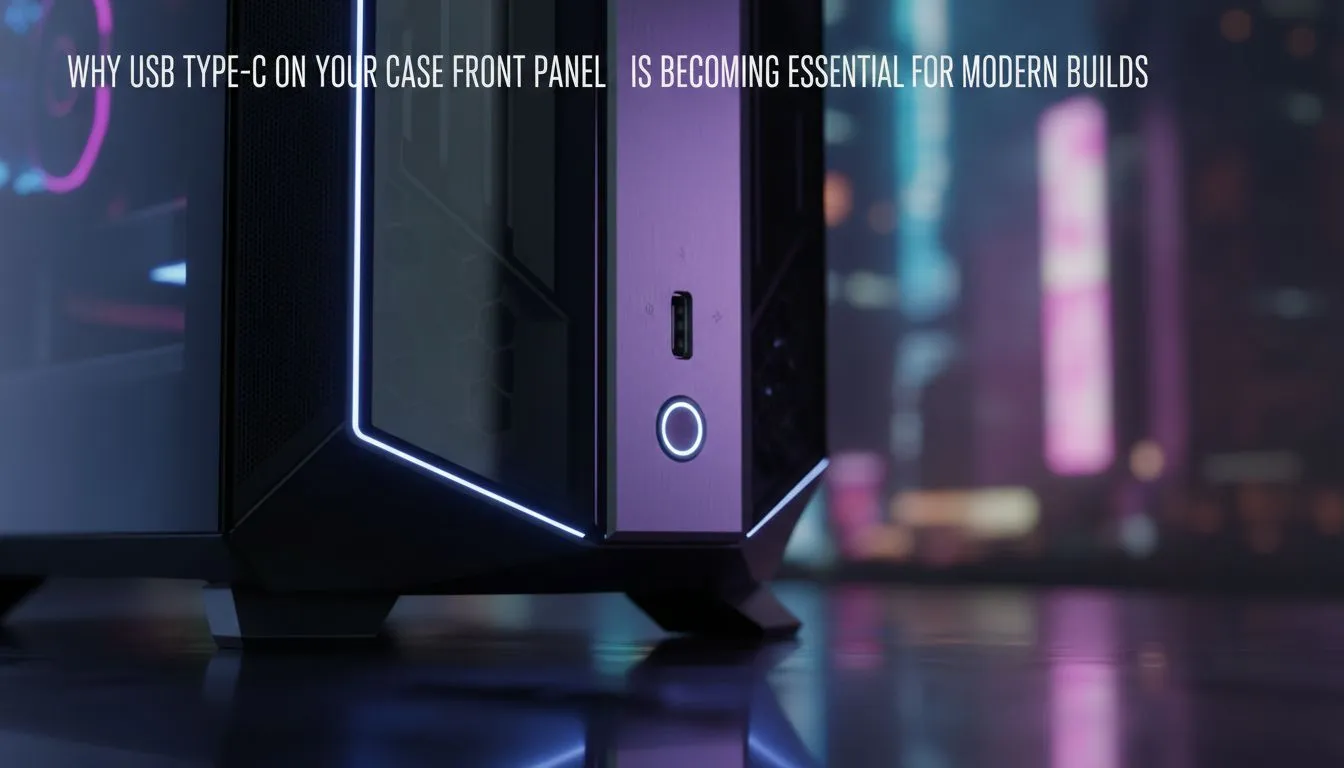
Still reaching around the back of your rig like you're searching for a lost plectrum? That daily fumble for a USB-C port is getting old. Your next PC case upgrade has a simple, non-negotiable feature: a USB-C front panel. It’s more than a convenience; it’s a modern necessity for fast charging, speedy data transfers, and connecting the latest gear without the hassle. Let's dive into why this small port makes a massive difference. 🚀
The Raw Speed of a Front Panel USB-C
Let's talk numbers. The old USB-A ports you're used to often top out at 5Gbps. A modern USB-C front panel, however, typically connects at 10Gbps or even 20Gbps. What does that mean for you? It means transferring a massive 50GB game file from an external SSD takes minutes, not an eternity. It means offloading your 4K game recordings happens in a flash.
This isn't just a minor upgrade; it's a fundamental shift in how you interact with your data. For content creators and gamers who frequently move large files, having that high-speed port right at the front of the chassis is a workflow essential. The convenience of a front I/O USB-C cannot be overstated.
More Than Just Data... It's About Power ⚡
Beyond speed, the USB-C standard brings intelligent power delivery to the front of your PC. Many front panel USB-C ports can deliver significantly more power than their USB-A cousins, allowing you to fast-charge your phone, headset, or controller right from your case. No more searching for a wall adapter.
Imagine finishing a long gaming session and realising your phone is nearly dead. Instead of leaving it to charge slowly overnight, you plug it into your case's USB-C front panel for a rapid top-up while you grab a snack. It’s a small, seamless integration that makes your high-end rig feel even smarter. This feature is becoming standard across many modern computer cases.
Check Your Motherboard First! 🔧
Before you buy a new case, ensure your motherboard has the correct internal header to support a front panel USB-C port. Look for a 'USB 3.2 Gen 2 Type-C' or similar header in your motherboard's manual. Plugging a fancy case into an older board without this header means your new port won't work!
Future-Proofing Your Gaming Setup
Technology doesn't stand still. Peripherals from VR headsets to high-end webcams and external audio interfaces are rapidly adopting USB-C as the default connection. Choosing a PC case without a USB-C front panel today is like buying a car without Bluetooth... you're instantly dating your build and creating future frustrations.
By ensuring your new chassis has this port, you're preparing your rig for the next generation of gaming gear. You'll find this essential feature in everything from premium options from brands like Fractal Design to more budget-focused models.
Finding Your Perfect Case Match
The great news is that you don't need to break the bank to get this feature. While high-end cases offer incredible build quality and aesthetics, the USB-C front panel is now common across the market.
You can find plenty of sleek Gamdias gaming cases that balance style with modern I/O. Even better, many excellent and affordable gaming cases under R1500 now include a front USB-C port, making it an accessible upgrade for any builder in South Africa. ✨
Ready to Upgrade Your Rig's Front Door? A front panel USB-C is no longer a luxury... it's the standard. From budget brawlers to premium powerhouses, the right case is waiting for you. Explore our huge range of PC cases and find the perfect chassis for your next build.











