

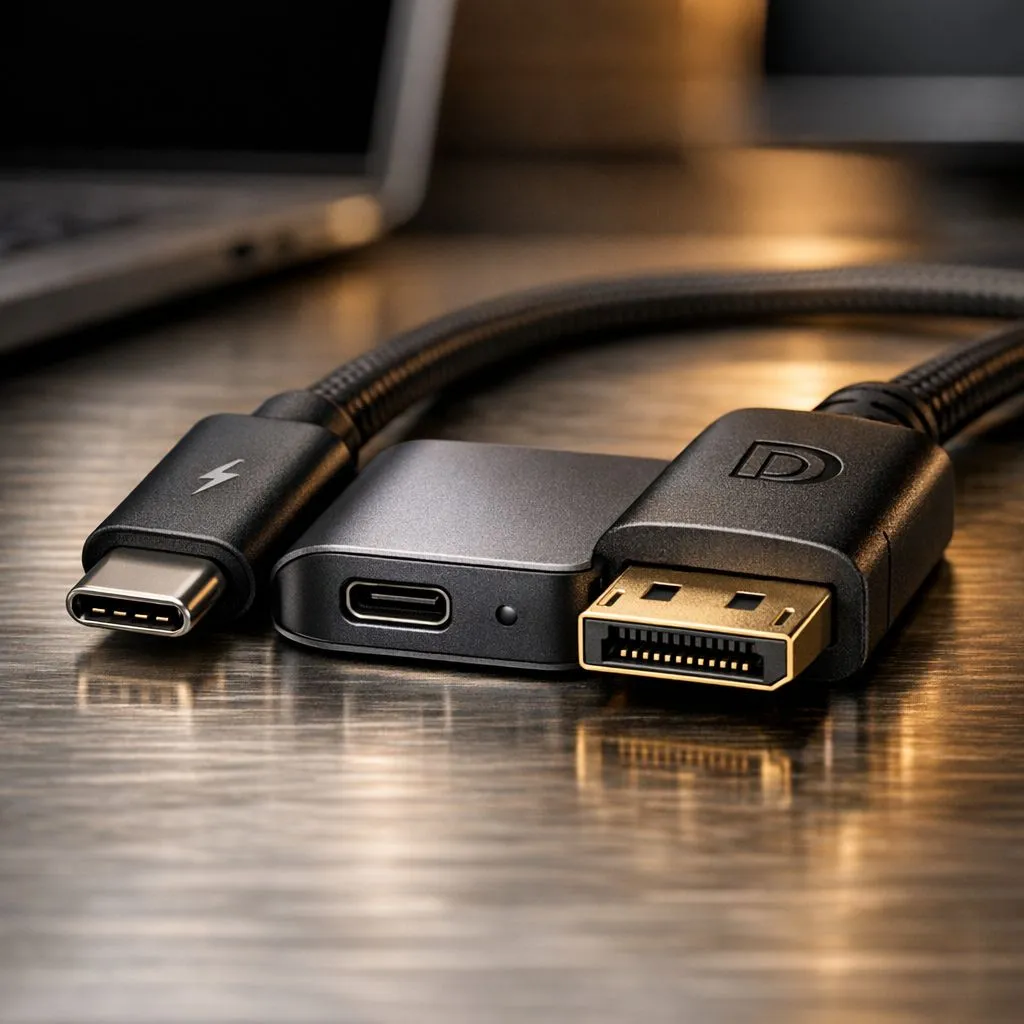
Tired of the snake pit of cables behind your desk? The power brick, the HDMI cable, the USB hub adapter... it's a mess. What if you could connect your laptop to your monitor, charge it, and link your peripherals with just one cable? That's not science fiction; it's the magic of a USB-C Power Delivery and DisplayPort single-cable desk setup, and it's easier to achieve than you think. Welcome to minimalist desk heaven. ✨
The Tech Behind the Single-Cable Dream
At the heart of this minimalist revolution is the versatile USB-C port. But be warned: not all USB-C ports are created equal. For a true single-cable desk setup, your laptop and monitor need to support two key technologies that run through that one small, reversible connector.
Power Delivery (PD): Fuelling Your Workflow ⚡
USB-C Power Delivery is a specification that allows for significantly higher power transfer than standard USB. Instead of the slow trickle charge you get from an old USB-A port, PD can deliver up to 240W of power, enough to charge even high-performance laptops while you work. This means you can finally leave that chunky power brick in your bag. Most modern productivity and creative laptops, from the latest Intel laptops on special to versatile Ryzen laptop deals, include at least one port with this capability.
DisplayPort Alternate Mode (DP Alt Mode): Crystal-Clear Visuals
This is the second piece of the puzzle. DisplayPort Alt Mode allows a USB-C port to transmit a native DisplayPort video signal. In simple terms, it turns your USB-C port into a high-performance video-out port without needing a separate HDMI or DisplayPort cable. It can drive high-resolution, high-refresh-rate monitors, making it perfect for everything from graphic design to after-hours gaming sessions.
Check Your Specs! 🔧
Before you buy, always check the laptop's technical specifications for "DisplayPort over USB-C" or "Thunderbolt 3 4". A plain USB-C port might only support data transfer and not video or high-wattage charging. The same goes for the monitor—it must explicitly state it has a USB-C input with Power Delivery output.
Your Checklist for a Flawless Setup
Ready to build your own single-cable desk setup? It's simple. You just need three compatible components to make it work seamlessly.
- A Compatible Laptop: The brain of the operation. Your laptop must have a USB-C port that supports both Power Delivery and DisplayPort Alt Mode. Luckily, this feature is becoming standard on many of the best gaming laptop deals, making it easy to switch from a docked, clean workspace to a portable gaming rig.
- A USB-C Monitor (The Hub): This is more than just a screen; it's your new docking station. You need a monitor with a USB-C input that provides enough Power Delivery output (measured in watts) to charge your specific laptop. Many of these monitors also include extra USB-A ports for your keyboard and mouse, consolidating everything perfectly.
- The Right Cable: Don't just grab any old charging cable. You need a full-featured USB-C cable that is rated for both high-speed data/video (at least 10Gbps) and the wattage your laptop requires (e.g., 65W or 90W). Using the cable that comes with your USB-C monitor is usually the safest bet.
The Payoff: Why Bother?
Imagine this: you get home, and instead of fumbling with three different cables, you plug in one... just one. Your laptop starts charging, your external monitor lights up, and your peripherals are instantly connected. It's clean, efficient, and incredibly satisfying.
This setup is a lifesaver in South Africa. When load shedding hits, you just unplug that single cable and your fully charged laptop is ready to go. Even hardcore gamers using powerful GeForce RTX gaming laptops on special can appreciate a clean setup for daily tasks, keeping their main power adapter packed for heavy gaming sessions. You don't even need to break the bank, as many fantastic gaming laptops under R20k now come with the necessary USB-C capabilities.
A single-cable desk setup isn't just about looking tidy; it's about optimising your entire workflow. 🚀
Ready to Ditch the Cable Clutter? A clean, single-cable desk setup isn't just a dream... it's an upgrade to your entire workflow. From productivity to gaming, the right laptop is the heart of it all. Explore our massive range of laptop specials and find the perfect machine to build your minimalist workspace.











